
Web Application Development Explained Simply
Every time you check email in a browser, edit a document online, book a ticket, or update a project board without installing anything, you are using a web application. It looks like a website, but it behaves like software: you can sign in, save work, pay, collaborate, and continue on another device.
Web application development is the process of designing, building, testing, and maintaining software that runs on a web server and is used through a web browser. A web application takes user input, applies business rules on the server, reads or updates data, and returns a useful result, without requiring a download or install. This guide covers how web apps work, the main types, the technologies, the build steps, costs, and launch choices, so you can judge whether your idea needs a web app at all.
Key Takeaways
- Web application development creates browser based software with accounts, data, and interactive tasks, without an install.
- A typical web app has a front end, a back end, a database, and APIs.
- Single page, multi page, and progressive web apps solve different problems, and many products mix them.
- Start with one core workflow, test it with real users, then expand.
- Security, performance, accessibility, and monitoring are launch requirements, not extras.
Table of Contents
- What Is Web Application Development?
- How Does a Web Application Work?
- What Are the Main Types of Web Applications?
- How Is a Web Application Different From a Website or a Native App?
- What Technologies Are Used in Web Application Development?
- What Are the Steps in Web Application Development?
- How Much Does Web Application Development Cost?
- What Are the Benefits and Limitations of Web Applications?
- How Do You Keep a Web Application Secure and Fast?
- When Should You Build a Web App Instead of a Website?
- Real World Examples of Web Applications
- Frequently Asked Questions
- Conclusion
What Is Web Application Development?
Web application development is the creation of software that lives on remote servers and is delivered to users over the internet through a browser. Unlike a static page, a web app responds to each user. It can remember preferences, show personal data, process orders, and update content in real time.
The term is closely related to web development, but it describes a narrower job. General web development includes informational websites, blogs, and landing pages, while web application development focuses on interactive products with accounts, workflows, and data. For a broader foundation, see the guide to what web development covers.
A useful test is to ask what happens after the first click. A brochure site answers with a page. A web app answers with an action: a saved record, a booking confirmation, or a dashboard updated.
How Does a Web Application Work?
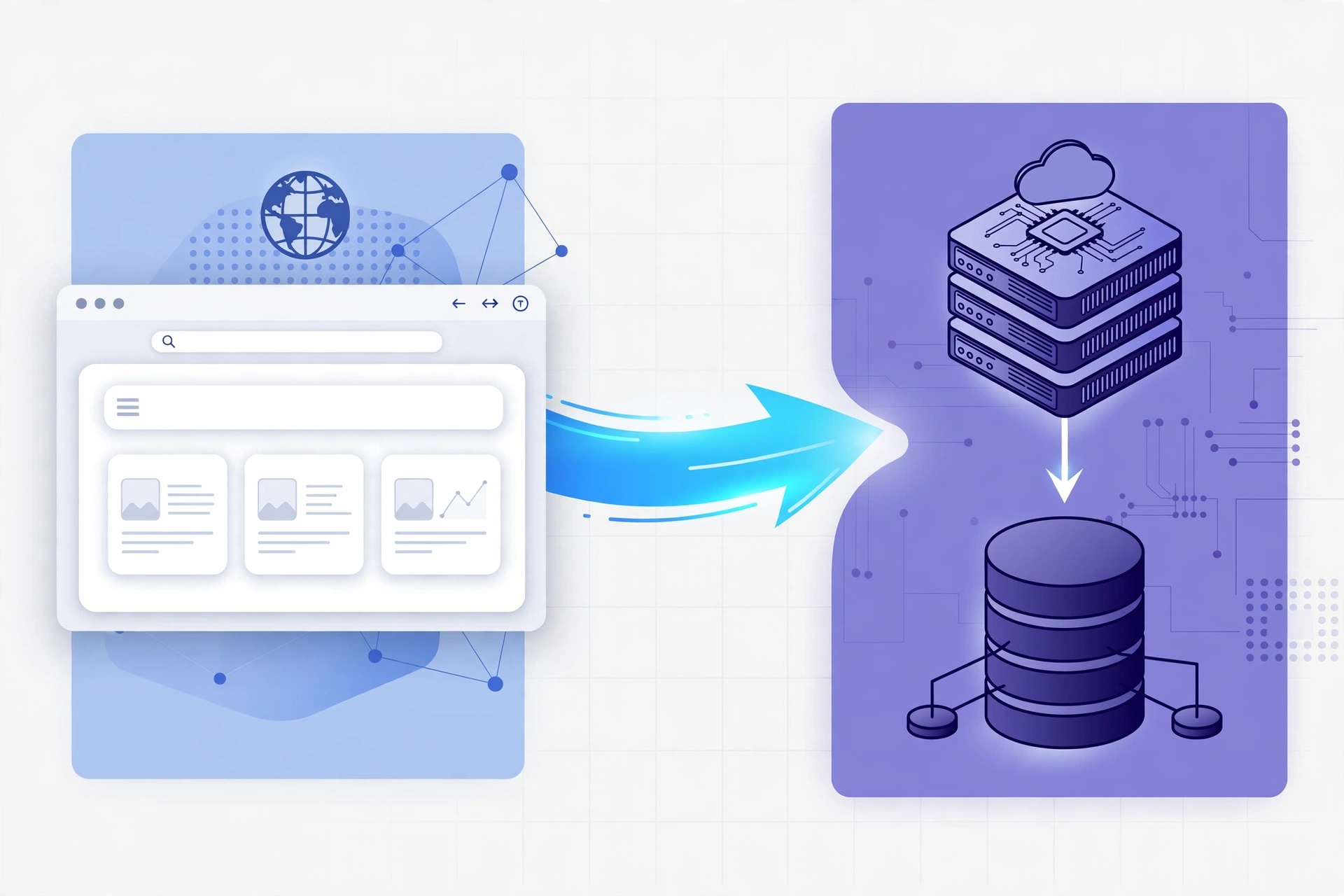
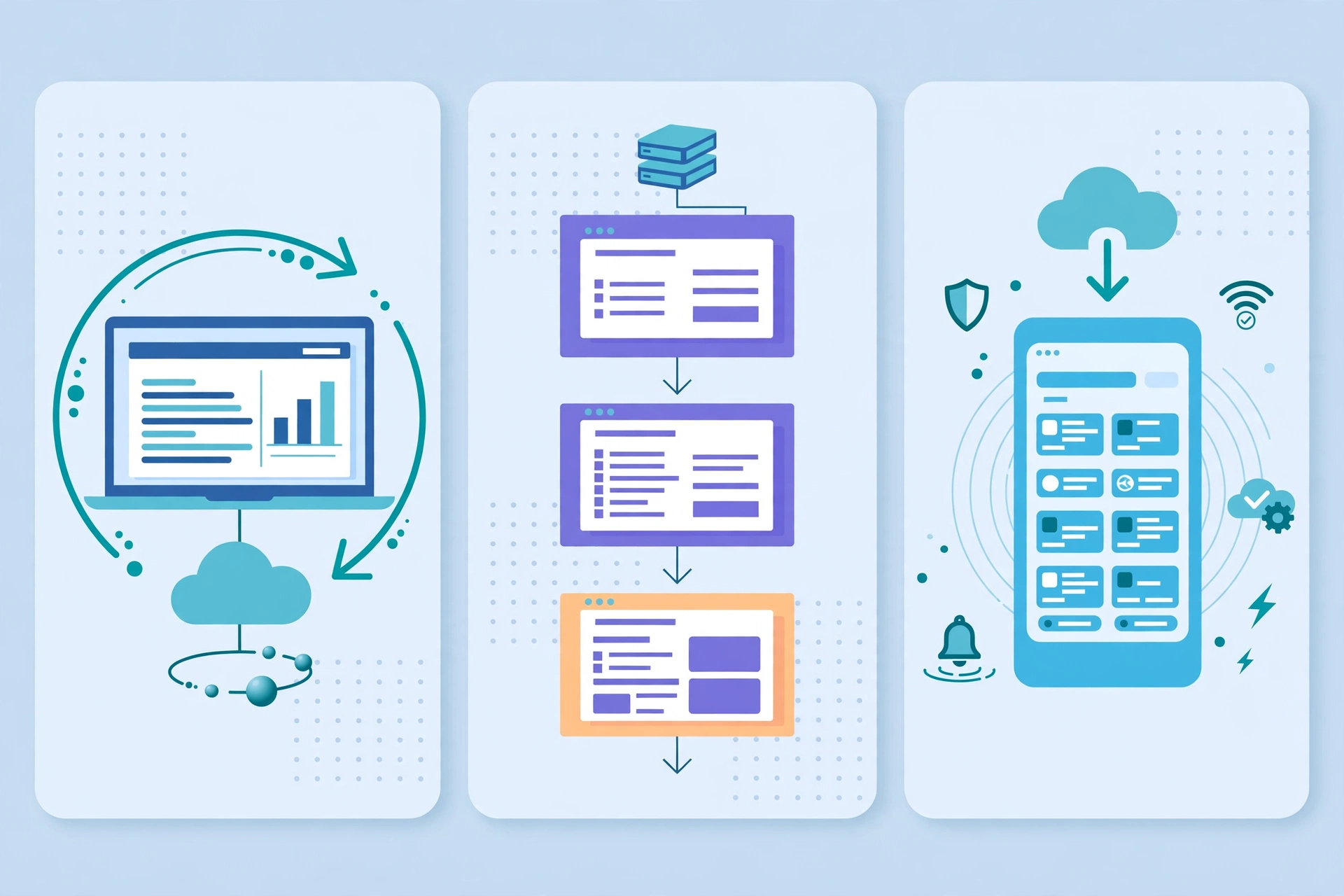
A web application works through a request and response cycle between the browser and the server. The browser requests the interface, the server sends the code and data to display it, and every later action sends a new request. The server checks who you are, applies the rules, updates the database if needed, and returns a result.
Think of a task app. You type a task and press save. The server checks that you are signed in, stores the task in your account, and tells the browser the save worked, so the task appears without a full page reload. Open the app on your phone later and the same tasks return, because the data lives in the cloud.
Four layers make this possible. The front end is what you see: pages, forms, and dashboards. The back end is the logic on the server: permissions, workflows, and rules. The database stores users, orders, messages, and settings. APIs connect the app to payment, email, map, and other services. Splitting front end and back end lets each change and be tested independently.
What Are the Main Types of Web Applications?
Not every web app is built the same way. The type affects speed, search visibility, offline ability, cost, and maintenance. Most teams choose from five types, and many products combine more than one.
A static web app delivers fixed content, loads fast, and suits documentation pages, but not accounts. A multi page application, often called an MPA, loads a new page from the server each time you navigate, which helps search engines index content, so MPAs suit stores and education platforms, at the cost of a full page reload.
A single page application, often called an SPA, loads one shell and updates content dynamically with JavaScript. Gmail and many dashboards work this way, and navigation feels instant after the first load, though search visibility needs extra care. A progressive web app, often called a PWA, adds offline caching, push notifications, and home screen installation without an app store, and suits retail, booking, and internal tools.
A hybrid architecture combines these approaches by route or feature. A store might use server rendered pages for listings and a single page checkout flow, so payment feels smooth.
| Type | How it loads | Best for | Watch out for |
|---|---|---|---|
| Static web app | Fixed pages from a server or content network | Docs, marketing, simple tools | No accounts or saved workflows |
| Multi page app (MPA) | New server page per navigation | Stores, news, education, content sites | Full reloads, more page templates |
| Single page app (SPA) | One shell, data updates in place | Dashboards, email, collaboration tools | Search visibility needs extra work |
| Progressive web app (PWA) | Web app plus offline, install, and push features | Retail, booking, internal tools | Hardware limits, extra testing |
| Hybrid or mixed app | Different rendering per route or feature | Real products with mixed needs | More architecture decisions |
How Is a Web Application Different From a Website or a Native App?
A website mainly presents information, a web app mainly supports action, and a native app is software built for one operating system, such as iOS or Android, and installed from an app store.
A website is cheaper and faster when the goal is to inform or publish. A web app is better when users return to do work: manage orders, track projects, book services, or collaborate. A native app can use device features more deeply, but needs separate builds, store review, and installs. A web app reaches every browser device from one codebase and updates instantly, while a PWA narrows the native gap with offline support and installation.
What Technologies Are Used in Web Application Development?
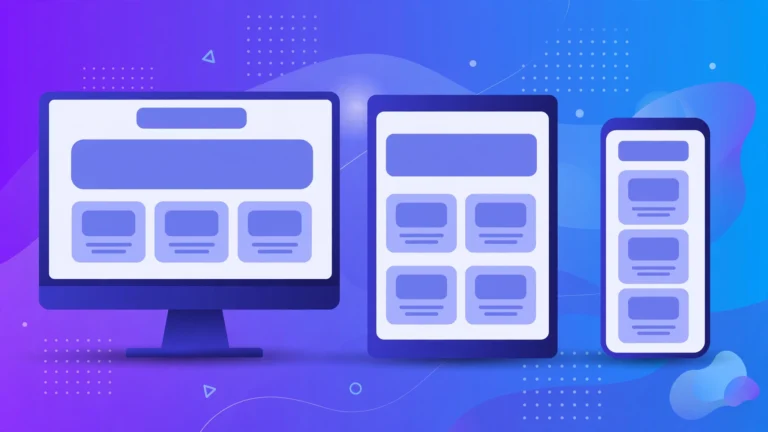
Front end development builds the part users see. HTML structures content, CSS controls layout, and JavaScript adds interaction. Teams often use React, Vue, or Angular for complex screens, while plain HTML, CSS, and JavaScript suit simpler products. Responsive design matters here, because the app must work on phones, tablets, and laptops. See the guide to responsive techniques for usable layouts across screen sizes.
Back end development builds the part users do not see. Common server languages include Python, JavaScript with Node.js, PHP, Ruby, Java, and C#, with frameworks such as Django, Laravel, Express, and Ruby on Rails. The back end enforces sign in, roles, payments, and data validation.
Relational databases such as PostgreSQL and MySQL suit structured data such as users and orders, while document databases such as MongoDB suit flexible records. REST and GraphQL are common data exchange methods, and authentication, payment, and email are usually integrated rather than built from scratch. The CPN Tech homepage is linked from this guide as the site home.
What Are the Steps in Web Application Development?
First, define the problem and the core user: who the app serves, what task it must complete, and what success looks like. A focused goal such as “let a small clinic accept bookings and send reminders” gives the team something to design and test. The guide to how websites are built is a useful companion here.
Second, map workflows: screens, actions, and data, including edge cases.
Third, design from wireframes to visual designs for the core screens, test with a few real users, and include accessibility: readable contrast, keyboard navigation, and screen reader labels.
Fourth, choose the architecture and stack to match team skill and security needs. Fifth, build in small pieces, starting with authentication and the core workflow. Sixth, test on different browsers and devices. Seventh, deploy, monitor, and improve with small updates.
How Much Does Web Application Development Cost?
Cost depends on scope, app type, design, integrations, and team location. Published 2026 agency ranges are planning anchors, not quotes: a multi page application is often quoted around 40,000 to 150,000 dollars or more, a single page application around 30,000 to 120,000 dollars or more, and a progressive web app around 50,000 to 200,000 dollars or more. Smaller focused products can cost far less as a minimum viable product, the smallest version that solves the core problem and can be tested with real users.
A simple dashboard may take weeks, while a marketplace with payments and admin tools takes far longer. Regulated products cost more for security and compliance testing. To control cost, define the first version tightly and ask for a breakdown by phase. A cheaper build that skips testing often costs more later. Timelines: a simple app may take one to two months, a medium product three to six months, and a complex platform six months or longer.
What Are the Benefits and Limitations of Web Applications?
Web applications offer broad reach. One codebase serves desktop and mobile browsers, updates reach all users at once, and apps are easy to share through a link. They support collaboration: teams work on the same records and users switch devices without losing progress.
The limitations are real. Web apps depend on a browser and usually an internet connection. Offline support through a PWA helps, but adds complexity. Performance can suffer when a single page app loads a large JavaScript bundle on a slow device. Security is shared: the team must protect accounts, APIs, and data, and browsers do not expose every native capability.
How Do You Keep a Web Application Secure and Fast?
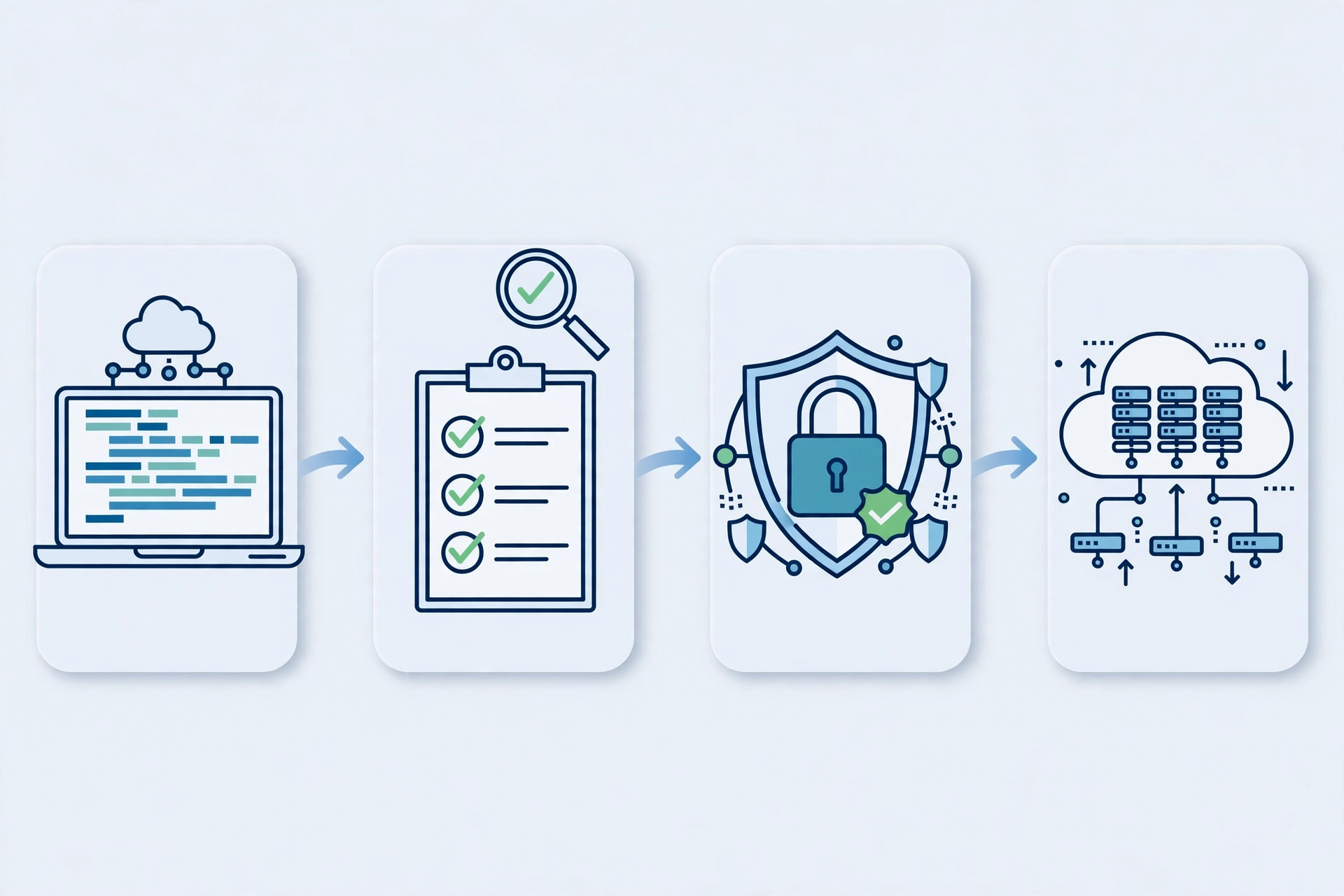
Security starts with authentication and authorisation: strong password handling, multi factor authentication for sensitive accounts, and role checks on the server, not only in the browser. Never trust browser data alone. Validate input on the server, protect against cross site scripting and SQL injection, use encrypted connections, limit production data access, keep secrets out of front end code, and log sign ins, permission changes, and payments.
Performance starts with the first load. Keep JavaScript bundles small, load images efficiently, and cache static files. Use server rendering for content search engines need quickly, and measure real user speed. Add keyboard navigation, screen reader labels, automated tests, error monitoring, and tested backups to the same checklist.
When Should You Build a Web App Instead of a Website?
Build a web app when users need to do something personal and repeatable: accounts, dashboards, bookings, orders, learning progress, messages, or payments. Build a website when the main job is to inform or persuade.
Ask three questions. Does the product need to remember each user and their data? Will users return to complete tasks, not just read pages? Does the workflow involve rules, permissions, or integrations such as payments? Yes to two or more points to a web app. No to all three points to a website, which will be faster and cheaper. Many products start as a website with one web app feature, such as a booking form, and grow from there.
Real World Examples of Web Applications
Gmail is a single page style web app: messages load and update without full page reloads, and the same account works on any device. Google Drive manages files and collaboration in a browser, while Trello and similar tools turn boards, cards, and permissions into daily work software.
Online banking portals show the multi page and hybrid pattern: secure accounts, statements, and bill payments. Commerce platforms combine product pages, checkout, and inventory in one system. Learning platforms combine public lessons with personal progress. Internal tools such as a clinic booking system or an inventory tracker save hours of manual work.
Frequently Asked Questions
What is web application development in simple words?
Web application development is building software that runs on a server and is used in a browser. You open it with a link, sign in if needed, and complete tasks such as booking or paying. No download is required, and updates appear automatically.
What is the difference between a web application and a website?
A website mainly shares information, while a web application mainly supports action. A website answers questions with pages. A web application lets users create accounts, save data, pay, and return to personal dashboards. The core purpose is what separates them.
What are the main types of web applications?
The main types are static apps, multi page applications, single page applications, progressive web apps, and hybrid apps. Static apps suit simple content, multi page apps suit content heavy sites, single page apps suit interactive tools, progressive web apps add offline and install features, and hybrid apps mix approaches.
Which programming languages are used for web application development?
Front end work commonly uses HTML, CSS, and JavaScript, often with React, Vue, or Angular. Back end work commonly uses Python, JavaScript with Node.js, PHP, Ruby, Java, or C#, with frameworks such as Django, Laravel, Express, or Ruby on Rails. Databases such as PostgreSQL, MySQL, and MongoDB store the data.
How long does it take to build a web application?
A simple web app may take one to two months, a medium product with accounts and payments three to six months, and a complex platform six months or longer. Time depends on features, integrations, testing, and how stable requirements stay during the project.
Is a web app better than a native app?
A web app is better when broad reach, fast updates, and one codebase matter most. A native app is better when deep device features or long offline use matter most. A progressive web app can narrow the gap, but the choice depends on user behaviour and budget.
Conclusion
Web application development turns a browser into a useful tool. It combines an understandable interface, server logic that enforces rules, a database that remembers what matters, and APIs for payments, email, and maps. The workflow matters more than the type: a clear core task, tested with real users, beats a large feature list.
If you have an idea, describe the user, the task, and the result in one paragraph, then ask whether a website can do it and which web app type fits. Choose a small first version, protect accounts and data from the start, and measure speed and usage after launch.