How to Learn Web Development From Scratch: A Roadmap
If you are wondering how to learn web development from scratch, start here: every website was built by someone who once knew nothing about code. Web development is the skill of building websites, and you can learn it entirely online for free. How do you learn web development from scratch? Start with HTML for page structure, then CSS for styling, then JavaScript for interactivity. Build small projects as you go, learn Git and GitHub to manage your code, and then specialize in front-end, back-end, or full-stack development.
Most roadmaps fail beginners: they are either giant technology lists with no timeline or courses demanding months of commitment upfront. This guide is different. You get an honest month-by-month timeline, the learning order, the best free resources, the mistakes that slow beginners, and straight answers to the big questions, all in one article with no course signup.
- Key Takeaways
- Learn in this order: HTML, CSS, JavaScript, then Git and GitHub, then one specialization.
- Six to twelve months of steady part-time study leads to job-ready skills.
- Build from week one: your portfolio matters more than certificates.
- No degree required; demonstrated skill wins interviews.
- The whole roadmap can be learned free.
Contents
- What Is Web Development?
- How Does a Website Actually Work?
- Frontend vs Backend
- The Right Order for HTML, CSS, and JavaScript
- How Long Does It Take to Learn Web Development?
- What Should You Learn After JavaScript?
- Tools Web Developers Use
- Learn Faster With AI Tutors
- How Do You Make Your First Site Visible?
- Mistakes Beginners Should Avoid
- From Learning to Your First Job
- Frequently Asked Questions
What Is Web Development?
Web development is the work of building and maintaining websites and web applications: everything from a simple blog to complex platforms like online stores and social networks. It splits into three areas. Front-end development covers everything visitors see and interact with: layouts, buttons, menus, and animations. Back-end development is the hidden machinery: servers, databases, and the logic that processes data behind the scenes. Full-stack development means handling both sides.
A related term you will meet constantly is responsive web design: building pages that adapt cleanly to phones, tablets, and desktops. Most beginners start on the front end because progress is visible immediately, and that is where this roadmap begins. It is worth learning: nearly every business needs a web presence, and the work can be done remotely.
How Does a Website Actually Work?
Type a web address and your browser requests the site from a server, a computer storing the website’s files. The server returns HTML for structure, CSS for styling, and JavaScript for interactivity, which your browser assembles into the page, usually in under a second.
Think of it like a restaurant: the front end is the dining room, the back end is the kitchen, and a REST API is the waiter carrying requests between the two. Every technology on this roadmap exists to improve one part of this flow.
Frontend vs Backend: Which Should You Learn First?
Both paths lead to real jobs but suit different temperaments:
| Front-End Development | Back-End Development | |
|---|---|---|
| What you build | Pages, layouts, and interactive interfaces users see | Servers, databases, and application logic users never see |
| Core technologies | HTML, CSS, JavaScript, React | Node.js, databases, REST APIs |
| Day-to-day feel | Visual and immediate: you see every change | Logical and systems-oriented: you make things work reliably |
| Best first step for | Almost all beginners | Learners who already enjoy programming logic |
For this web development roadmap, start with front-end regardless of your end goal. The instant feedback keeps motivation high, and every back-end developer still needs to understand how the front end consumes their work. Specialize later, once the fundamentals feel comfortable.
How to Learn Web Development From Scratch: The Right Order for HTML, CSS, and JavaScript
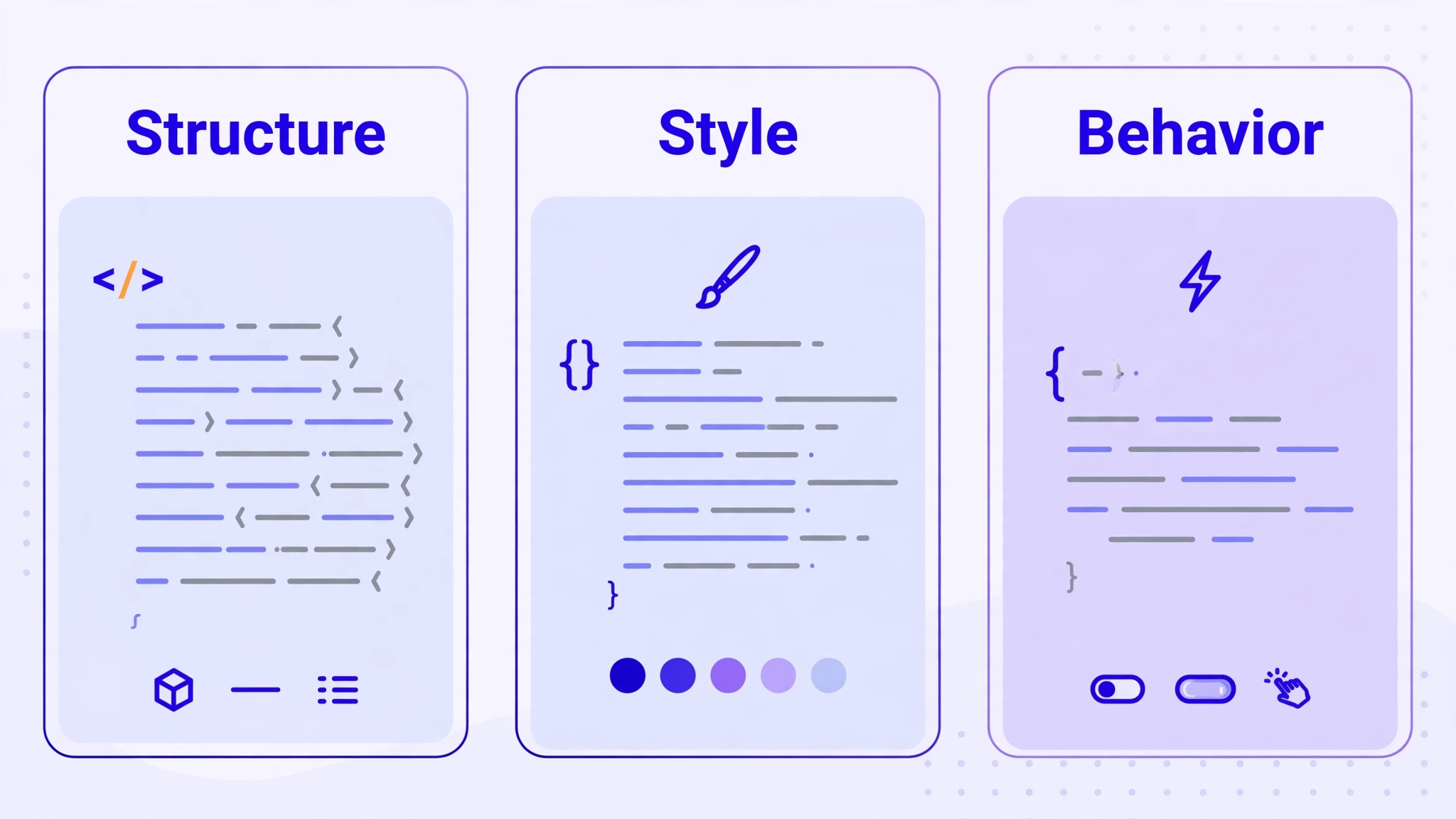
Yes, the order matters: each technology builds on the previous one, and learning them out of sequence is the most common reason beginners feel lost.
Step 1: HTML, the Structure (Weeks 1 to 3)
HTML (HyperText Markup Language) describes a page’s structure: headings, paragraphs, links, images, and forms. It is not a programming language, so there is no complex logic to wrestle with, which makes it the gentlest possible start. In two to three weeks you can build a complete multi-section page. Focus on semantic tags like header, main, and footer. Practice with the free tutorials on freeCodeCamp, look up details in MDN Web Docs, and use W3Schools for quick examples.
Step 2: CSS, the Styling (Months 1 to 3)
CSS (Cascading Style Sheets) controls how your HTML looks: colors, fonts, spacing, and layout. You will learn the box model, Flexbox and Grid for layouts, and media queries for responsive web design so pages work on phones. Expect one to two months here. Build a styled portfolio-style page and recreate a layout you admire. Skip Tailwind CSS, a popular styling shortcut, until plain CSS feels comfortable.
Step 3: JavaScript, the Interactivity (Months 3 to 6)
JavaScript is the programming language of the web: it makes pages respond to clicks, validate forms, and load fresh data without reloading. Start with variables, functions, and conditionals, then learn DOM manipulation, events, and fetching data from APIs. This is the steepest part of the climb, so keep sessions short and build constantly. A to-do list, a quiz app, and a weather app pulling live data will teach you more than any tutorial series.
Step 4: Git and GitHub, Your Safety Net (Start in Month 2)
Git tracks every change to your code, so you can undo mistakes and experiment safely. GitHub stores those projects online, doubling as backup and a public portfolio employers can browse. Learn the basics by month two and keep every project in a GitHub repository. Your GitHub profile becomes part of your resume, so treat it seriously from the start.
How Long Does It Take to Learn Web Development?
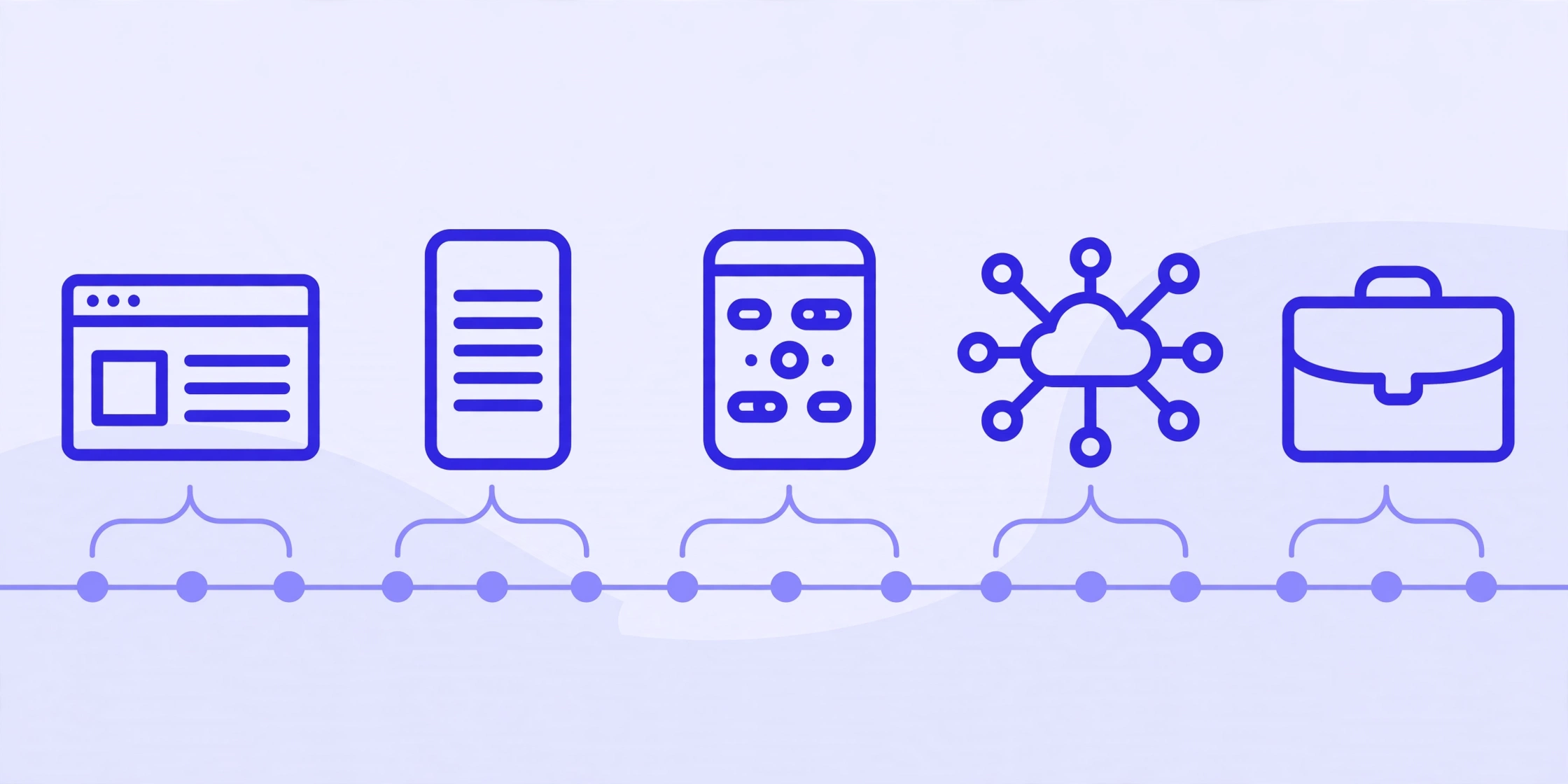
Here is an honest web development roadmap for beginners, step by step, assuming one to two hours of study per day.
Your Web Development Roadmap at a Glance
| Timeframe | Focus | Milestone |
|---|---|---|
| Months 1 to 2 | HTML and CSS fundamentals | Your first styled multi-page site |
| Month 3 | Responsive design and Git basics | Mobile-friendly pages backed up on GitHub |
| Months 4 to 6 | JavaScript fundamentals | Two or three interactive projects |
| Months 7 to 9 | React or back-end basics with Node.js | An app that talks to a REST API |
| Months 10 to 12 | Portfolio polish and interview prep | A portfolio site and job applications |
Studying full time can compress this timeline, but rushing the fundamentals usually backfires: JavaScript built on shaky HTML and CSS is the classic recipe for burnout. Consistency beats intensity: thirty focused minutes daily outperforms a monthly eight-hour cram session. Working developers still look things up every day.
What Should You Learn After JavaScript?
Once you build interactive pages comfortably, pick one direction.
The Front-End Path: React
React is one of the most widely used JavaScript libraries for building user interfaces. It is the skill most front-end job listings ask for, so learn it after plain JavaScript feels solid, never before.
The Back-End Path: Node.js
Node.js runs JavaScript on a server, so you can build the hidden half of applications: handling forms, storing data, and creating REST APIs. Your JavaScript knowledge carries over.
The Full-Stack Web Developer Learning Path
The full-stack web developer learning path covers both sides in sequence: front end first, then back end. It takes longest but keeps you flexible, ideal for freelance work and small teams.
Whichever path you choose, learn to deploy: putting a project live on the internet. Free hosting exists for small projects, and a live link impresses employers far more than a zip file.
What Tools Do Web Developers Actually Use?

You need few tools, and all the essentials are free.
- Visual Studio Code: the free code editor most developers use. Install it on day one.
- Browser developer tools: built into every major browser for inspecting HTML and CSS and debugging JavaScript. Right-click any page and choose Inspect to try them.
- Git and GitHub: version control and online backup, covered above.
- A terminal: you will use simple text commands to navigate folders and run tools. You only need about a dozen commands to start.
Developer hygiene note: your GitHub account holds your code and becomes part of your professional identity, so secure it. Turn on multi-factor authentication and store the login in a password manager instead of reusing a password. Our step-by-step password manager setup guide walks you through it in about fifteen minutes.
How Can You Learn Faster With AI Tutors?
AI chatbots make excellent on-demand tutors if you use them deliberately: paste an error message and ask for a plain-English explanation, request practice exercises on weak topics, or have the AI review your code. Three rules: attempt the problem yourself first, never paste passwords or private keys into a chat, and always run AI-suggested code to verify it works. To get far better answers from any chatbot, read our guide to writing better AI prompts.
How Do You Make Your First Site Visible?
Around month nine or ten you will build a portfolio site, the perfect moment to learn a little marketing. Getting found on Google starts with basics: clear page titles, descriptive headings, fast loading, and mobile-friendly pages, all things your web development skills already cover. Write a short case study per project explaining what you built and why. For the full walkthrough, see our SEO basics for your portfolio site.
What Mistakes Should Beginners Avoid?
Nearly every beginner hits the same traps:
- Tutorial hell. Watching courses without building feels productive but teaches little. Rule of thumb: for every hour of learning, spend two hours building.
- Framework-hopping. Learning React, Vue, and Angular simultaneously means learning none of them. Master plain JavaScript first; frameworks then take weeks, not months.
- Skipping fundamentals. Fancy tools cannot compensate for weak HTML, CSS, and JavaScript. Employers test fundamentals in interviews.
- Ignoring Git. Developers who skip version control eventually lose work to a bad edit. Start repositories early.
- Comparing your beginning to someone else’s middle. The developers you admire have years of invisible practice. Compare yourself only to your past self.
- Waiting to feel ready. You will never feel fully ready. Publish imperfect projects; finished beats perfect every time.
How Do You Go From Learning to Your First Job?
Skills get you interviews; proof gets you offers. Build three to five polished web developer portfolio projects: a personal portfolio site, an interactive app using a public API, and one larger project in your specialization. Host the code on GitHub with clear descriptions and live links on everything.
You do not need a computer science degree to become a web developer. Employers hire for demonstrated ability: a strong portfolio and clean GitHub history outweigh formal credentials for most junior roles. See the FAQ below for the longer answer on degrees.
Apply for junior and internship roles while freelancing on small projects for local businesses. Tailor each application to the listing, and practice explaining your projects out loud: interviews test communication as much as code.
On pay: web developer salary figures vary enormously by country, city, and experience, so check current job listings in your area rather than trusting any single number online.
Frequently Asked Questions
How long does it take to learn web development?
With one to two hours of daily practice, most beginners reach job-ready skills in six to twelve months. Full-time study can shorten that, but rushing fundamentals backfires. Your timeline depends on schedule, consistency, and specialization: treat any fixed promise with skepticism.
Do I need a degree to become a web developer?
No. Most employers hiring junior developers care about what you can build, not where you studied. A portfolio of real projects and a solid GitHub profile outweigh a diploma for most roles. Degrees can help in some corporate hiring, but they are not required to start.
What is the best order to learn HTML, CSS, and JavaScript?
Learn HTML first for page structure, then CSS for styling and layouts, then JavaScript for interactivity. Each layer depends on the previous one, so this order prevents the confusion of tackling everything at once. Add Git and GitHub during your CSS stage, then choose a specialization like React or Node.js.
Should I learn front-end or back-end first?
Start with front-end development. The feedback is instant: you change code and immediately see the result, which keeps motivation high early on. Every back-end developer also needs to understand how front ends consume their work, so nothing is wasted if you specialize in back-end later.
Is web development hard?
It is challenging but not unusually so. The hardest parts are JavaScript’s logic and the discipline of daily practice, not any single concept. Beginners who build small projects and ask for help early progress far faster than passive tutorial-watchers. Difficulty mostly reflects method, not talent.
What are the best free resources to learn web development?
Start with freeCodeCamp’s interactive curriculum for guided practice, MDN Web Docs as your reference for how HTML, CSS, and JavaScript work, and W3Schools for quick examples. Add video project tutorials once you know the basics, and use AI chatbots as tutors for stuck moments. You can learn web development free without paying anything.
Conclusion
Now you know how to learn web development from scratch: it is a marathon of small, satisfying wins, from your first styled page to your first interactive app to your first live site. Follow this roadmap in order, build constantly, and give yourself six to twelve months of steady effort. You need no degree, expensive courses, or permission: just HTML, CSS, JavaScript, a free code editor, and the habit of finishing small projects. When you are ready to become a web developer, your portfolio will speak louder than any certificate. Start today by building one simple page, and for more beginner-friendly tech guides, visit the CPN Tech homepage.