How to Write Better AI Prompts for Beginners
To write better AI prompts, be clear, specific, and complete. Give the chatbot a role, state exactly what you want, add background context, set constraints like length and tone, and describe the output format you need. This formula works with ChatGPT, Claude, Google Gemini, and Microsoft Copilot, and it turns vague replies into genuinely useful answers.
Ever asked an AI chatbot a question and got a generic, off-target answer? The problem is rarely the AI: usually the answer was weak because the prompt was weak. A prompt is your instruction to the chatbot, and learning how to write better AI prompts for beginners is the fastest way to get better results from ChatGPT, Claude, Gemini, and Copilot.
This guide teaches a five-part AI prompt formula, shows weak prompts transformed into strong ones, and compares the major chatbots, all in plain English here at CPN Tech, with examples.
- Key Takeaways
- An AI prompt is your instruction to a chatbot; better prompts produce better answers.
- Use the five-part formula: role, task, context, constraints, and format.
- Specificity beats clever tricks every time.
- The same principles work across ChatGPT, Claude, Google Gemini, and Microsoft Copilot.
- Never share sensitive personal data with a chatbot, and verify important facts before acting on them.
- Treat AI output as a first draft, not a finished product.
Contents
- What Is an AI Prompt, and Why Does the Way You Write It Matter?
- How Do AI Chatbots Turn Your Words Into Answers?
- The 5-Part Formula: How to Write Better AI Prompts for Beginners
- Weak Prompts vs Strong Prompts: AI Prompt Tips With Before-and-After Examples
- One Formula, Four Chatbots: Prompting Tips for ChatGPT, Claude, Gemini, and Copilot
- ChatGPT Prompts for Beginners: Copy-Paste Templates to Try Today
- Beyond Chatting: Smart Ways Beginners Can Use AI Every Day
- Using AI Responsibly: Privacy, Accuracy, and Scams
- Frequently Asked Questions
- Conclusion
What Is an AI Prompt, and Why Does the Way You Write It Matter?
An AI prompt is any text instruction you give to an artificial intelligence chatbot. Type “write a birthday message for my sister” into ChatGPT and that sentence is your prompt; the same goes for “a cozy coffee shop logo, minimalist, warm colors” in Midjourney. The prompt is your side of the conversation, and it shapes everything the AI produces.
Prompting matters because chatbots are not mind readers. A vague prompt gives the model little to work with, so its guess is often generic. A detailed prompt narrows the possibilities, so the model aims at exactly what you need.
Prompt writing is a skill, not a trick. Viral “magic prompt” lists go stale, but the principles stay useful across every model update: the quality of your input decides the quality of your output. That single principle is the foundation of prompt engineering for beginners.
How Do AI Chatbots Turn Your Words Into Answers?
ChatGPT (OpenAI), Claude (Anthropic), Google Gemini, and Microsoft Copilot are generative AI programs powered by large language models (LLMs): software trained on enormous amounts of text to understand language patterns and generate human-like replies. That is generative AI explained in one sentence.
A quick look at large language models and natural language processing
Two ideas explain what happens when you press enter:
- Natural language processing (NLP): the field of AI that helps computers understand human language. Your prompt is broken into pieces the model can work with to figure out your intent.
- Prediction, not knowledge: an LLM does not look up answers like a search engine. It generates its reply one word at a time, choosing what should come next based on your prompt and its training. Your exact wording steers the answer strongly.
You are not typing keywords into a search box. You are briefing a capable assistant that knows nothing about your situation unless you tell it. Your goal, audience, and constraints must live inside the prompt.
The 5-Part Formula: How to Write Better AI Prompts for Beginners
Every strong prompt contains some or all of five parts:
Role + Task + Context + Constraints + Format
1. Role: tell the AI who to be
Assign a role: “You are a friendly fitness coach” or “Act as an experienced travel planner.” A role sets the tone and point of view, ending generic replies fast.
2. Task: state exactly what you want
Be precise. “Rewrite the work experience section of my resume” beats “help me with my resume.” A clear task removes guesswork.
3. Context: share the background
Add what the AI cannot know: your audience, experience level, situation. “I am a college student with no coding experience” changes the answer completely.
4. Constraints: set the limits
Constraints keep answers useful: length (“under 150 words”), tone (“friendly but professional”), reading level (“explain like I am ten”), or things to avoid (“no jargon”).
5. Format: describe the shape of the answer
Say how you want it structured: a bullet list, a table, numbered steps, an email draft. Format instructions turn a wall of text into something usable.
Putting the formula together
A full example using all five parts:
You are a knowledgeable nutrition coach (role). Create a one-week beginner meal plan (task) for a busy office worker who cannot cook elaborate meals (context). Keep it vegetarian, keep every meal under 5 ingredients, and keep each day under 200 words (constraints). Present it as a table with columns for breakfast, lunch, and dinner (format).
You rarely need all five parts; when an answer disappoints you, check which part was missing, add it, and ask again.
Weak Prompts vs Strong Prompts: AI Prompt Tips With Before-and-After Examples
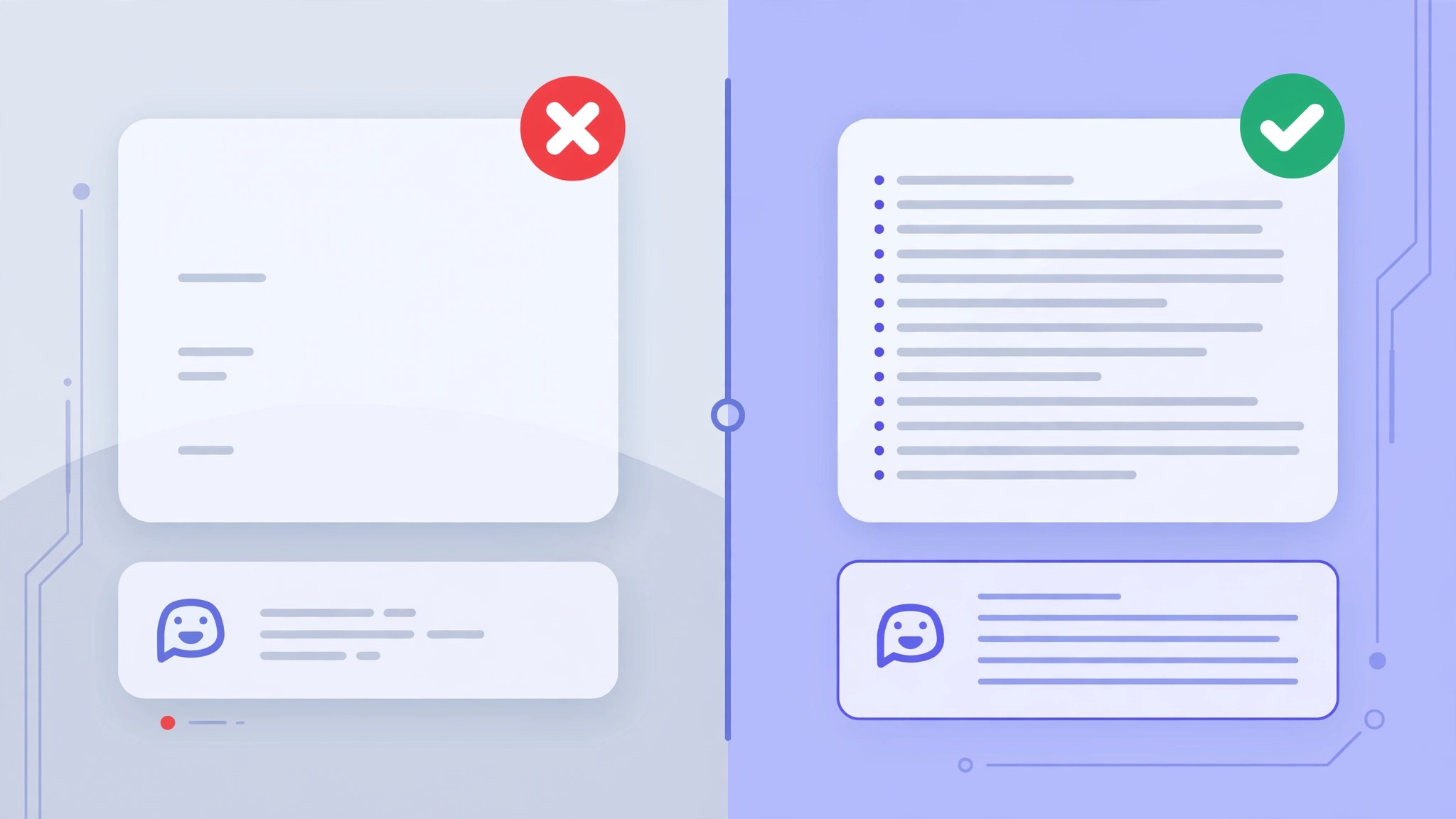
Wondering how to get better answers from ChatGPT? Compare three common beginner prompts, rewritten with the formula:
Example 1: writing help
- Weak: “Write something about time management.”
- Strong: “You are a productivity coach. Write a 300-word blog introduction about time management for college students with part-time jobs. Use a friendly tone and end with a question to the reader.”
The weak prompt gets a bland paragraph; the strong one gets usable content with a defined audience, length, tone, and structure.
Example 2: learning something new
- Weak: “Explain photosynthesis.”
- Strong: “Explain photosynthesis to a 12-year-old who loves video games. Use a gaming analogy, keep it under 200 words, and end with 3 fun facts as bullets.”
The weak prompt gets a textbook definition. The strong one fits the reader’s age and interests.
Example 3: practical advice
- Weak: “How do I save money?”
- Strong: “Act as a personal finance advisor. I earn $2,500 a month, spend $1,900 on essentials, and want an emergency fund. Suggest a monthly savings plan as a numbered list, with one tip for cutting food delivery, subscriptions, and shopping.”
The weak prompt gets generic advice like “spend less.” The strong one gets a plan built around real numbers.
Iterate: if the first answer misses the mark, reply with “make it shorter” or “explain the second point with an example.” Conversations, not one-shot prompts, produce the best results.
One Formula, Four Chatbots: Prompting Tips for ChatGPT, Claude, Gemini, and Copilot
The formula works everywhere, but each chatbot has its quirks. Here is how the four compare:
A few practical notes:
| Feature | ChatGPT (OpenAI) | Claude (Anthropic) | Google Gemini | Microsoft Copilot |
|---|---|---|---|---|
| Best known for | Versatile all-rounder | Careful long-form writing | Google search integration | Built into Windows and Microsoft 365 |
| Handles long prompts | Very well | Exceptionally well (long documents) | Well | Well |
| Live web info | Yes, with browsing features | Yes, on recent versions | Yes, strongest Google integration | Yes, powered by web search |
| Beginner friendliness | High | High | High | High for Microsoft users |
- ChatGPT has the largest library of shared prompt examples online. If you are still learning how to use ChatGPT, its official prompt engineering guide on the OpenAI platform is a solid next read.
- Claude shines when you paste in a long document and ask detailed questions about it. Anthropic’s documentation includes prompting guidance worth bookmarking.
- Google Gemini fits Google users best, pulling in current information and handling images, files, and voice naturally.
- Microsoft Copilot sits inside Word, Excel, Outlook, and Edge, so prompting happens where you already work.
- Perplexity AI is a search-focused assistant that cites its sources, handy when you want answers you can verify.
Your prompting skill transfers between chatbots.
ChatGPT Prompts for Beginners: Copy-Paste Templates to Try Today
Learning how to write better ChatGPT prompts for beginners? These templates work in ChatGPT and adapt easily to Claude, Gemini, and Copilot. Copy one, fill in the brackets, and run it.
- The explainer: “Explain [topic] to me like I am a complete beginner. Use a real-world analogy, keep it under 250 words, and end with 3 key terms, each with a one-line definition.”
- The editor: “Proofread this text for grammar and clarity. List each change as original phrase, correction, and one-line reason: [paste your text]”
- The comparer: “Compare [option A] and [option B] for a beginner with [your situation]. Use a table with rows for cost, difficulty, and best use case, then recommend one in two sentences.”
- The brainstormer: “Give me 10 creative ideas for [project], each with a one-sentence description. Avoid ideas that require [constraint].”
- The role-play coach: “Act as an interviewer for a [job title] position. Ask one question at a time, wait for my answer, then give brief feedback. Start now.”
Beyond Chatting: Smart Ways Beginners Can Use AI Every Day
Once the formula feels natural, these are the highest-value everyday uses.
Use AI as a patient coding tutor
Stuck on code? Paste it in and prompt: “You are a patient programming teacher. Explain what this code does line by line in simple language, and point out likely bugs: [paste code].” It adapts to your level and answers follow-ups. If coding intrigues you, our web development roadmap teaches it step by step.
Draft content faster, but review like an editor
AI assistants are excellent brainstorming partners for outlines, headlines, first drafts, and rewrites. The responsible workflow is AI for the rough draft, human for facts, voice, and final judgment. Never publish AI text unchecked; our SEO for beginners guide explains how good content gets found on Google.
Other everyday wins: summarizing articles, writing emails, planning trips, and preparing for meetings. The formula never changes: role, task, context, constraints, format.
Using AI Responsibly: Privacy, Accuracy, and Scams

Better prompts come with responsibility:
Protect your privacy
Never paste passwords, bank details, ID numbers, medical records, or other sensitive personal data into any AI chatbot. Assume anything typed is stored. For work tasks, check whether your employer allows AI tools at all.
Always verify important facts
Chatbots sometimes produce confident-sounding but wrong information, a problem called hallucination. The model predicts likely text; it does not check facts. For health, legal, financial, or academic decisions, cross-check claims against authoritative sources first. A good follow-up: “List the sources for the three most important claims in your previous answer.”
Remember that scammers use AI too
The same technology that writes your emails helps criminals write flawless phishing messages, fake job offers, and romance scams with perfect grammar. Learning how these tools write makes their misuse easier to spot. If a message pressures you to act urgently, check the sender and never click suspicious links. Our guide on how to spot a phishing email walks through the warning signs step by step.
Frequently Asked Questions
What is prompt engineering? Prompt engineering is the practice of designing effective instructions for AI systems to get better, more reliable results. For everyday users it means writing clear, specific, well-structured prompts. No technical background needed; start with the five-part formula in this guide.
Why does ChatGPT give bad answers sometimes? Bad answers usually come from vague prompts, not a broken AI. With no context, constraints, or format, the model guesses what you want and often guesses wrong. Add a role, some background details, and clear instructions for dramatically better answers.
What is a good AI prompt example? Try this: “You are a travel planner. Plan a 3-day budget trip to Istanbul for two history and street food lovers. Keep daily costs under $120, avoid tourist traps, and present each day as morning, afternoon, and evening plans with one food recommendation per day.”
How long should an AI prompt be? As long as it needs to be. Simple questions need one clear sentence; complex tasks deserve a paragraph with context and constraints. If a smart human would ask clarifying questions, your prompt is too short. Add detail until the AI cannot misunderstand you.
Do prompts work the same in Claude, Gemini, and Copilot? The core principles are identical overall, since all four are large language models that respond to clear instructions. Small differences exist: Claude follows long instructions faithfully, Gemini integrates best with Google search and images, and Copilot works inside Microsoft apps.
Is it safe to share personal information with AI chatbots? Treat chatbots like a public forum, not a private diary. Avoid passwords, financial details, ID numbers, health records, and confidential work documents. Use anonymized details, and check your employer’s AI policy first. When in doubt, leave sensitive details out entirely.
Can I publish AI-written content on my blog? Use AI for drafts and ideas, but publish only after human editing, fact-checking, and adding your own experience and voice. Readers and search engines value original, trustworthy content. AI output is a starting point; you are responsible for accuracy.
Conclusion
Learning how to write better AI prompts for beginners is one of the highest-leverage skills you can pick up today. No technical knowledge needed, just a simple habit: give the AI a role, state your task clearly, add context, set constraints, and describe the format you want. That five-part formula works across ChatGPT, Claude, Gemini, and Copilot, turning generic answers into genuinely useful ones.
Start small: rewrite one prompt you use regularly with the formula and compare the results. Then keep the guardrails in mind: protect your privacy, verify important facts, and remember that the same technology powers both helpful assistants and convincing scams. Prompt well, stay sharp, and AI becomes less of a novelty and more of a genuinely useful daily tool.