
What Is an AI Prompt? How to Write Prompts That Work
If you have ever typed a question into ChatGPT and gotten a vague, useless answer, the problem was probably not the AI. It was the prompt. An AI prompt is the instruction, question, or request you give an AI tool to tell it what to do. It can be a few words or several paragraphs, and it may include examples, context, or files. The AI reads your prompt, predicts the most helpful response, and generates an answer.
Think of a prompt as directions to a smart assistant who has never met you: precise directions get you exactly where you want to go. At CPN Tech, we explain tech simply. This guide covers what an AI prompt is, how prompts work, the main types, real before-and-after examples, and a simple framework you can use today.
By the end, you will write prompts that turn generic AI answers into useful results.
Key Takeaways
- An AI prompt is any instruction, question, or set of examples you give an AI tool to get it to produce an output.
- AI tools predict the most likely helpful response based on your words, so specific prompts beat vague ones.
- A strong prompt has four parts: instruction, context, input, and format.
- Main prompt types: zero-shot, few-shot, chain-of-thought, and role prompts.
- The RIDER framework (Role, Instruction, Details, Examples, Refine) turns weak prompts into strong ones fast.
- Prompts differ across chatbots, image generators, and coding tools, and they are not Google searches.
- Always verify AI answers, and never paste passwords or private data into a prompt.
- What Is an AI Prompt, Exactly?
- How Do AI Prompts Work?
- What Are the Parts of a Good AI Prompt?
- What Are the Main Types of AI Prompts?
- How Do You Write AI Prompts That Work?
- What Does a Good AI Prompt Look Like in Practice?
- How Do AI Prompts Differ Across AI Tools?
- What Is the Difference Between an AI Prompt and a Google Search?
- What Common Prompting Mistakes Should Beginners Avoid?
- Copy-Paste AI Prompt Templates for Beginners
- Frequently Asked Questions
What Is an AI Prompt, Exactly?
An AI prompt is anything you type, say, or upload to an artificial intelligence tool to tell it what to do. When you ask ChatGPT to “write a birthday message for my sister,” that sentence is the prompt. When you upload a photo to an image editor and type “make the sky sunset orange,” that is also a prompt. The AI’s answer, picture, or code is called the output or response.
Prompts are the user interface of modern AI: your words are the controls. Think of a prompt as a recipe and the AI as a talented cook. “Make dinner” leaves everything to chance; a recipe with the dish, ingredients, and steps gets you the meal you wanted. The more structure you give, the less the AI guesses, and guessing is where bad answers come from.
How Do AI Prompts Work?
To write better prompts, it helps to know what the AI does with your words. Most chatbots, including ChatGPT (OpenAI), Claude (Anthropic), and Gemini (Google), are built on large language models. These models do not look up answers in a database. They predict, word by word, the most likely helpful continuation of your prompt, based on patterns learned from enormous amounts of text during training. Your prompt sets the entire direction of that prediction: “tell me about marketing” gets a generic answer, while “explain content marketing to a bakery owner in 5 bullet points, beginner level” narrows the possibilities so the prediction lands where you want.
Three things follow. First, the AI can only work with what you give it, which is why context is powerful. Second, the same prompt can give slightly different answers, because prediction involves randomness; regenerating or rephrasing often helps. Third, prompting is a conversation: follow-ups like “make it shorter” let you steer the output step by step.
What Are the Parts of a Good AI Prompt?

Most strong prompts contain the same four building blocks:
| Part | What it does | Example |
|---|---|---|
| Instruction | Tells the AI exactly what to do | “Write a 3-day travel plan” |
| Context | Gives background so the answer fits your situation | “Visiting Kyoto with two kids who love food markets” |
| Input | Supplies the material to work with | Paste the article or data you want summarized |
| Format | Describes how the answer should look | “Bullet points, under 200 words” |
Combined into one complete prompt:
“Write a 3-day travel plan for Kyoto. I am traveling with two kids aged 8 and 11 who love food markets and temples; we arrive Friday morning and leave Sunday evening. Format it as a day-by-day plan with bullet points, under 100 words per day.”
Weak prompts usually fail because one or more of these parts is missing, leaving the AI to guess.
What Are the Main Types of AI Prompts?

These are the prompt types you will see referenced in guides, courses, and prompt engineering basics tutorials. Researchers even use training AI models with prompts to shape model behavior.
| Type | How it works | Example |
|---|---|---|
| Zero-shot prompt | You ask for something with no examples, relying on the model’s training | “Translate ‘good morning’ into French” |
| Few-shot prompt | You show 2-3 examples of the input and the output style you want, then give your real input | “‘Hey, what’s up?’ becomes ‘Hello, how are you?’ Now convert: ‘Thanks a bunch!'” |
| Chain-of-thought prompt | You ask the AI to reason step by step before answering | “Think step by step: a train travels 60 km in 1.5 hours. What is the average speed?” |
| Role prompt | You assign the AI a persona or expert role | “You are a patient math tutor. Explain fractions to a 10-year-old.” |
Zero-shot prompting is the default: just ask, no examples. It works for simple, common tasks, but examples help enormously for a specific style or format. Few-shot prompting shows the AI 2-3 examples of the pattern you want, and it imitates the pattern: the fastest way to control style, voice, or formatting. Chain-of-thought prompting asks the AI to reason step by step before answering, which reduces errors on math, logic, and multi-step problems. Role prompting assigns the AI a persona that sets tone and depth, like a science YouTuber explaining photosynthesis to teenagers instead of a textbook entry.
How Do You Write AI Prompts That Work?
The RIDER framework turns weak prompts into strong ones:
R: Role. Tell the AI who to be. “You are an experienced career coach” instantly changes the vocabulary, tone, and depth of the answer.
I: Instruction. State the task in one clear sentence. Start with a verb: write, summarize, compare, plan, explain, list.
D: Details. Add the specifics that shape the output: audience, key facts, and constraints like length or reading level.
E: Examples. Show one example of the input-output pattern you want. Optional, but the single most powerful step for style and format control.
R: Refine. Treat the first answer as a draft. Follow up with “make it shorter” or “add a second example” until it is right.
Example: “You are an experienced career coach. Write a cover letter opening paragraph for a junior graphic designer applying to a startup, enthusiastic but professional tone. Here is an example of the style I like: [paste example].” Then refine: “Make it 2 sentences instead of 4.”
Beginners often accept the first answer and conclude the AI is not very good; two or three follow-up prompts usually get to something excellent. These AI prompt tips work in ChatGPT, Claude, Gemini, and every other chatbot.
What Does a Good AI Prompt Look Like in Practice?
Here are two real transformations:
Task 1: Writing help
Weak prompt: “Write an email.” The AI knows nothing: who is it for, about what, what tone? The result is a generic template you cannot use.
Strong prompt: “Write a polite follow-up email to a client named Sara who has not replied to my invoice from two weeks ago. Keep it friendly, not pushy, under 120 words, and end with a clear question asking when I can expect payment.”
The difference is entirely in the details.
Task 2: Learning something new
Weak prompt: “Explain blockchain.” The AI gives a long, technical article that may be far above or below your level.
Strong prompt: “You are a patient teacher. Explain blockchain to me as if I am a smart 15-year-old. Use one everyday analogy, keep it under 200 words, and end with 3 quiz questions so I can check my understanding.”
The role, analogy request, length limit, and quiz questions each did real work.
For more ready-made starting points, browse our ChatGPT prompt ideas collection, which gathers AI prompt examples for writing, learning, and everyday tasks.
How Do AI Prompts Differ Across AI Tools?
Not all prompts look the same, because different AI tools speak different “languages.”
| Tool type | What prompts look like | Example |
|---|---|---|
| Chatbots (ChatGPT, Claude, Gemini) | Conversational instructions with roles, context, and format requests | “You are a travel planner. Plan a 3-day trip to Kyoto for a family with kids, in bullet points.” |
| Image generators (Midjourney, DALL-E) | Dense visual descriptions: subject, style, lighting, mood | “Cozy mountain cabin at dusk, warm glowing windows, snow falling, watercolor style” |
| Coding assistants (GitHub Copilot, Cursor) | Comments describing what the function should do | “# Function that averages a list of prices, ignoring zeros” |
Chatbots understand full sentences, but image generators respond best to comma-separated visual details: subject first, then style, lighting, colors, and mood. Across all tools, the rule is the same: the tool can only build from the details you provide. Vague in, vague out.
What Is the Difference Between an AI Prompt and a Google Search?
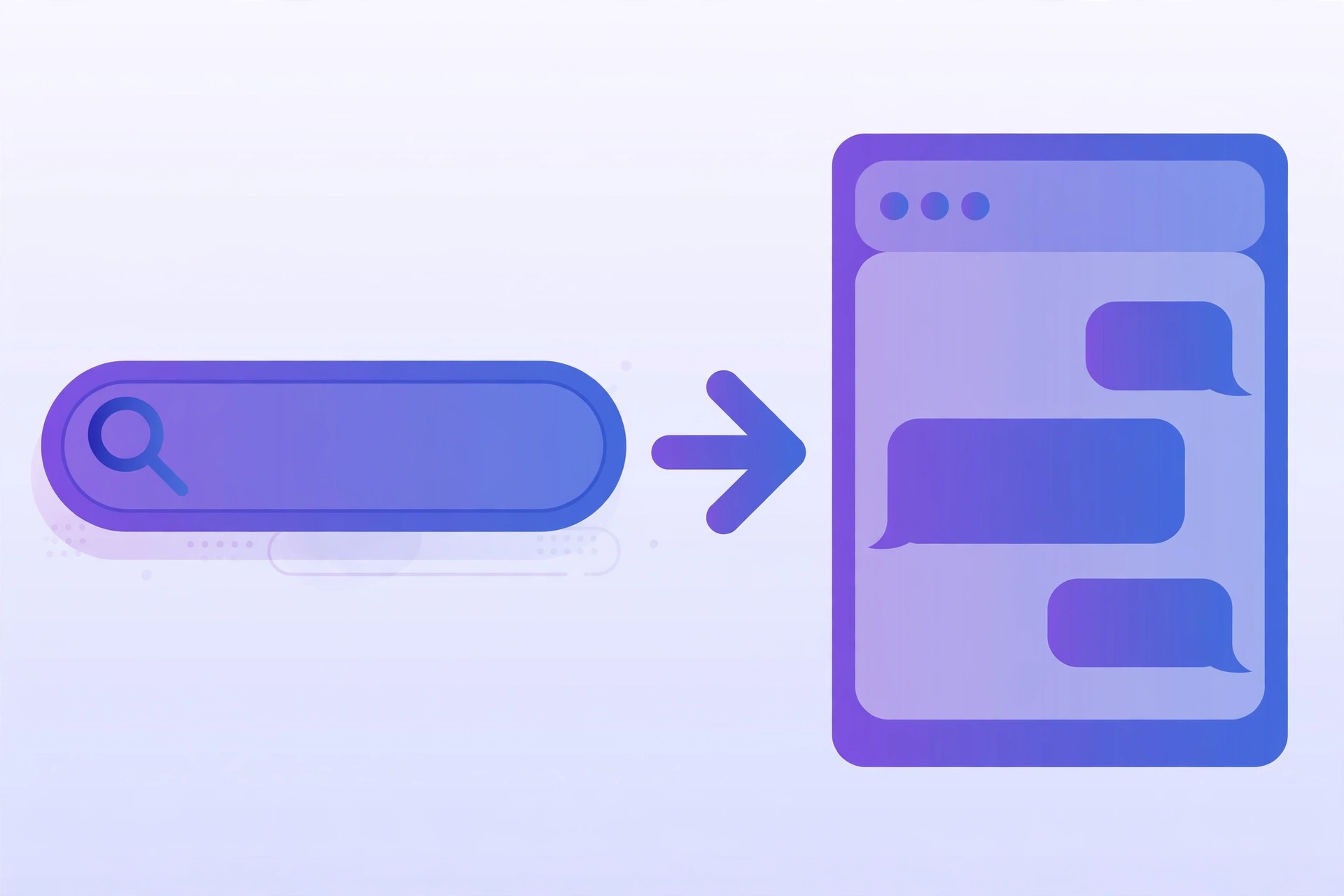
Beginners often type Google-style keywords into AI chatbots and wonder why the answers feel off. Searches and prompts are fundamentally different:
| Google search | AI prompt | |
|---|---|---|
| What it does | Finds existing pages matching your keywords | Generates a new, customized answer from your instructions |
| Best input style | Short keywords: “laptop buying guide 2025” | Full sentences with context: “I need a laptop under $800 for video editing. What should I prioritize?” |
| Output | A list of links to read yourself | A direct answer, often in the exact format you asked for |
| Follow-up | You start a new search | You continue the conversation: “now compare the top two” |
| When it wins | Current facts, prices, news | Explanations, writing, brainstorming, personalized plans |
The key insight: a search engine retrieves, while AI generates. Google wins for current facts, prices, and news, because AI models have knowledge cutoffs. But for explanations at your level, drafts, or ideas tailored to your situation, a well-written prompt beats ten searches.
What Common Prompting Mistakes Should Beginners Avoid?
1. Being too vague. “Write something about fitness” forces the AI to guess your goal, audience, and format. Fix: say what, for whom, and in what format (the RIDER framework above).
2. Dumping information with no instruction. Pasting a long article and typing “thoughts?” leaves the AI guessing. Fix: add a clear job, such as “Summarize this in 5 bullet points for a beginner.”
3. Forgetting to specify the format. The default AI answer is a medium-length essay, which is rarely what you want. Fix: always say how you want it: bullets, a table, under 100 words, step by step.
4. Accepting the first answer. Beginners treat the first output as final and blame the AI when it is mediocre. Fix: refine with follow-ups; the second or third version is usually much better.
5. Trusting everything blindly. AI models sometimes invent facts that sound confident but are wrong (hallucination). Fix: verify important facts, names, dates, and numbers with a real source before acting on them.
6. Sharing sensitive information. Never paste passwords, bank details, or other people’s personal information into a public AI tool. Fix: anonymize sensitive details first, and check the tool’s data policy for work use.
Copy-Paste AI Prompt Templates for Beginners
Replace the bracketed parts and paste these into any chatbot. When you are starting out, the best way to write prompts for ChatGPT is to reuse a proven structure like these instead of staring at a blank box.
The Explainer
“Explain [topic] to me like a beginner. Use one everyday analogy, keep it under [number] words, and end with 3 questions to test my understanding.”
The Planner
“Create a [time period] plan for [goal]. My constraints: [list them]. Format as a numbered list with one action per step, and mark the single most important step.”
Save the ones you use often. A good prompt is reusable: the same structure works every time you need an explanation, a plan, or a decision.
Frequently Asked Questions
What is an AI prompt in simple words?
An AI prompt is the message you send to an AI tool to tell it what to do: a question, an instruction, an example, or a combination. The AI reads your prompt and generates a response from it, so clearer prompts lead to better answers.
What are prompt engineering basics?
The core skills of writing effective AI instructions: being specific, giving context, showing examples, setting the output format, and refining with follow-ups. No technical training needed; clear communication is the whole skill.
How long should an AI prompt be?
As long as it needs to be. Simple questions can be one sentence; complex tasks may need a paragraph with context and examples. Rule of thumb: if the AI keeps guessing wrong, your prompt is missing information.
Why does the AI give a different answer to the same prompt?
AI models generate answers by predicting likely text, and that process includes randomness, so wordings vary each time. If an answer misses, try regenerating, rephrasing, or adding a follow-up instruction.
Is it safe to put personal information in prompts?
Be cautious. Avoid pasting passwords, financial details, or other people’s private information into AI tools, since prompts may be stored. For work use, check the tool’s data policy and anonymize anything sensitive first.
Conclusion
An AI prompt is simply how you talk to artificial intelligence: your instructions, questions, and examples are the controls that shape every answer. Now you know what an AI prompt is, how models turn your words into predictions, the four parts of a strong prompt, the main prompt types, the RIDER framework, and you have before-and-after examples plus copy-paste templates to use today.
The fastest way to improve is practice. Pick one template from this guide, use it on a real task this week, and refine the result with two follow-up prompts. If you are still finding your footing, our guide on how to use AI is a good next step.