WiFi 7 Access Point: What It Is & Do You Need One?
A WiFi 7 access point is your gateway to faster, smoother, more reliable wireless. As homes and offices fill with dozens of connected devices, older WiFi often struggles with congestion and lag. WiFi 7 access points use new tricks to cut latency, boost capacity, and keep every device happy at once.
This guide explains what a WiFi 7 access point is, how it works, what specs matter, and how to decide whether upgrading in 2026 makes sense for you.
Key Takeaways
- A WiFi 7 access point is wireless hardware that broadcasts WiFi 7 (802.11be) signals using new features like Multi-Link Operation (MLO) and 320 MHz channels to cut latency and boost speed.
- WiFi 7 offers up to 46 Gbps in theory, roughly five times the top speed of WiFi 6, with the biggest gains in crowded homes and offices full of smart devices.
- Most people do not need a WiFi 7 access point yet, but heavy streamers, gamers, remote workers, and device-packed households will feel the difference right away.
- What is a WiFi 7 access point?
- How does a WiFi 7 access point work?
- WiFi 7 access point vs router: what is the difference?
- What features and specs should you look for in a WiFi 7 access point?
- Where does a WiFi 7 access point make the biggest difference?
- Do you need a WiFi 7 access point in 2026?
- How do you set up a WiFi 7 access point?
- Frequently asked questions
- Conclusion: should you buy a WiFi 7 access point?
What is a WiFi 7 access point?
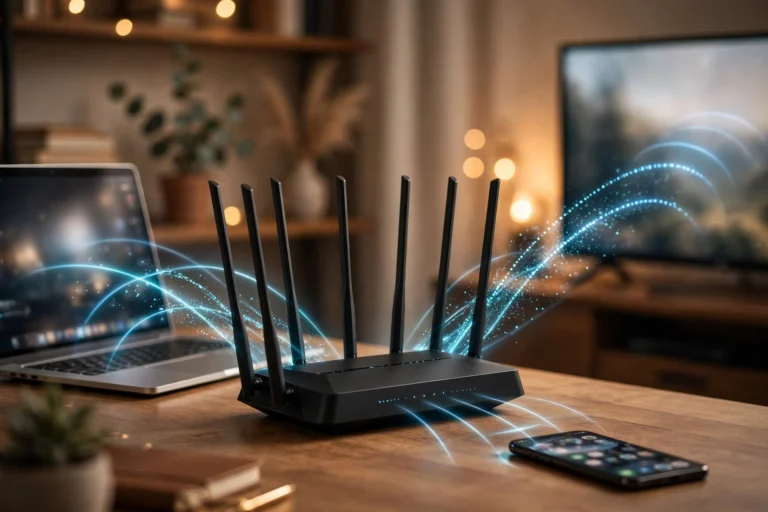
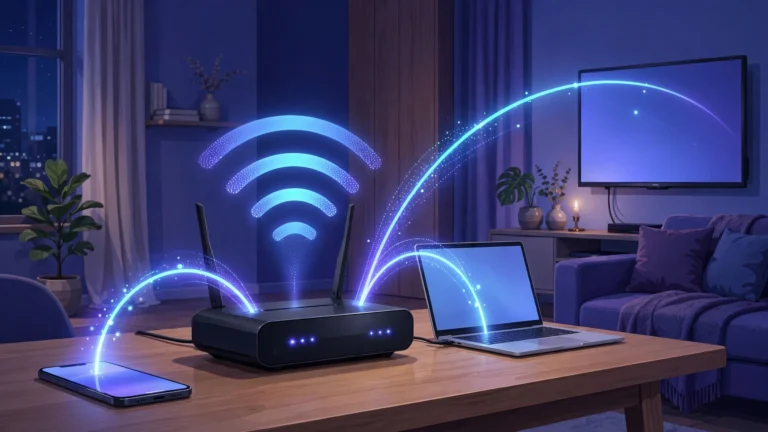
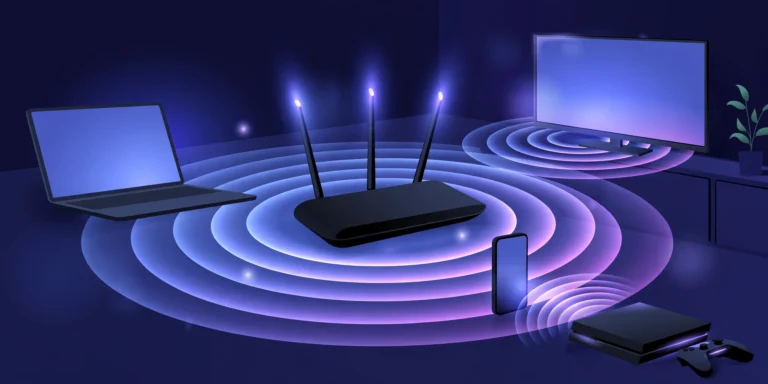
A WiFi 7 access point is a wireless networking device that broadcasts WiFi 7 (also called 802.11be) signals to your phones, laptops, smart TVs, and other devices. Think of an access point as a radio tower for your home or office: it converts your wired internet connection into a wireless signal that devices can join.
The “WiFi 7” part refers to the latest generation of the WiFi standard, IEEE 802.11be. Each new generation of WiFi improves speed, capacity, and reliability. WiFi 7 builds on WiFi 6 and 6E with several major upgrades designed for a world where every person has a dozen connected devices.
How does a WiFi 7 access point work?
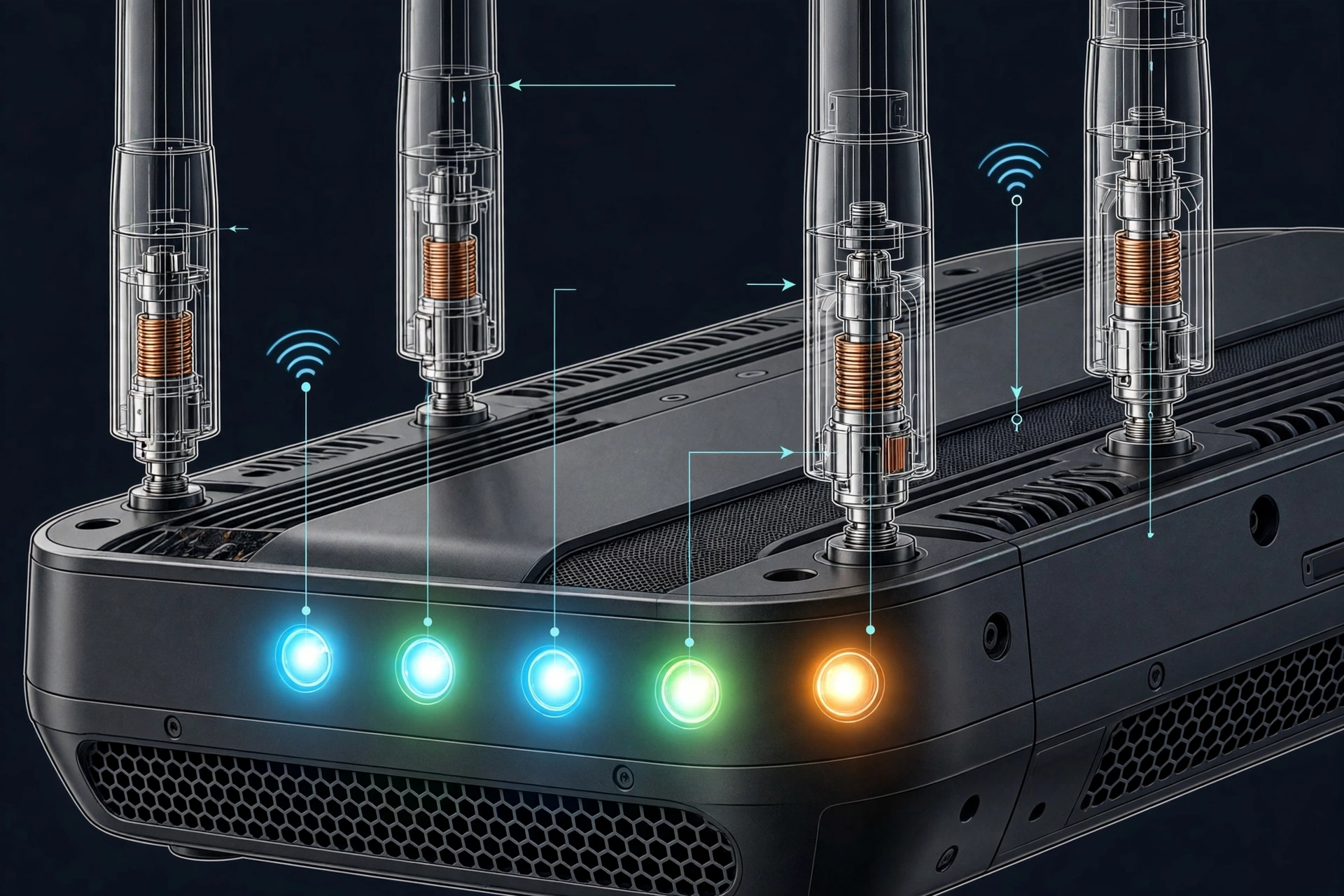
A WiFi 7 access point works by turning your wired internet into a wireless signal using the 802.11be standard. It constantly talks to your devices, deciding which band and channel each one should use, then packs data into radio frames and sends them through the air.
What makes a WiFi 7 access point special is three headline features. First, Multi-Link Operation (MLO) lets a device connect on two or three bands at the same time, so if one band gets congested, traffic keeps flowing on the others. Imagine a delivery driver who can use three roads at once instead of one: packages arrive faster and traffic jams matter less.
Second, 320 MHz channels double the widest channels from WiFi 6, giving data twice the room to travel in a single burst. Third, 4K QAM packs more data into every radio signal, boosting raw speed when conditions are good. Together, these can push theoretical speeds up to 46 Gbps, roughly five times WiFi 6’s ceiling.
WiFi 7 access points are backward compatible, so your older WiFi 5 and 6 devices still connect and work normally, they just do not get the new WiFi 7 perks.
WiFi 7 access point vs router: what is the difference?
People often mix up access points and routers. A router is the boss of your network: it connects your home to your internet provider, assigns addresses to devices, and usually includes a built-in access point. An access point (AP) is simpler: it just broadcasts WiFi and needs a router (or another device) to handle the rest.
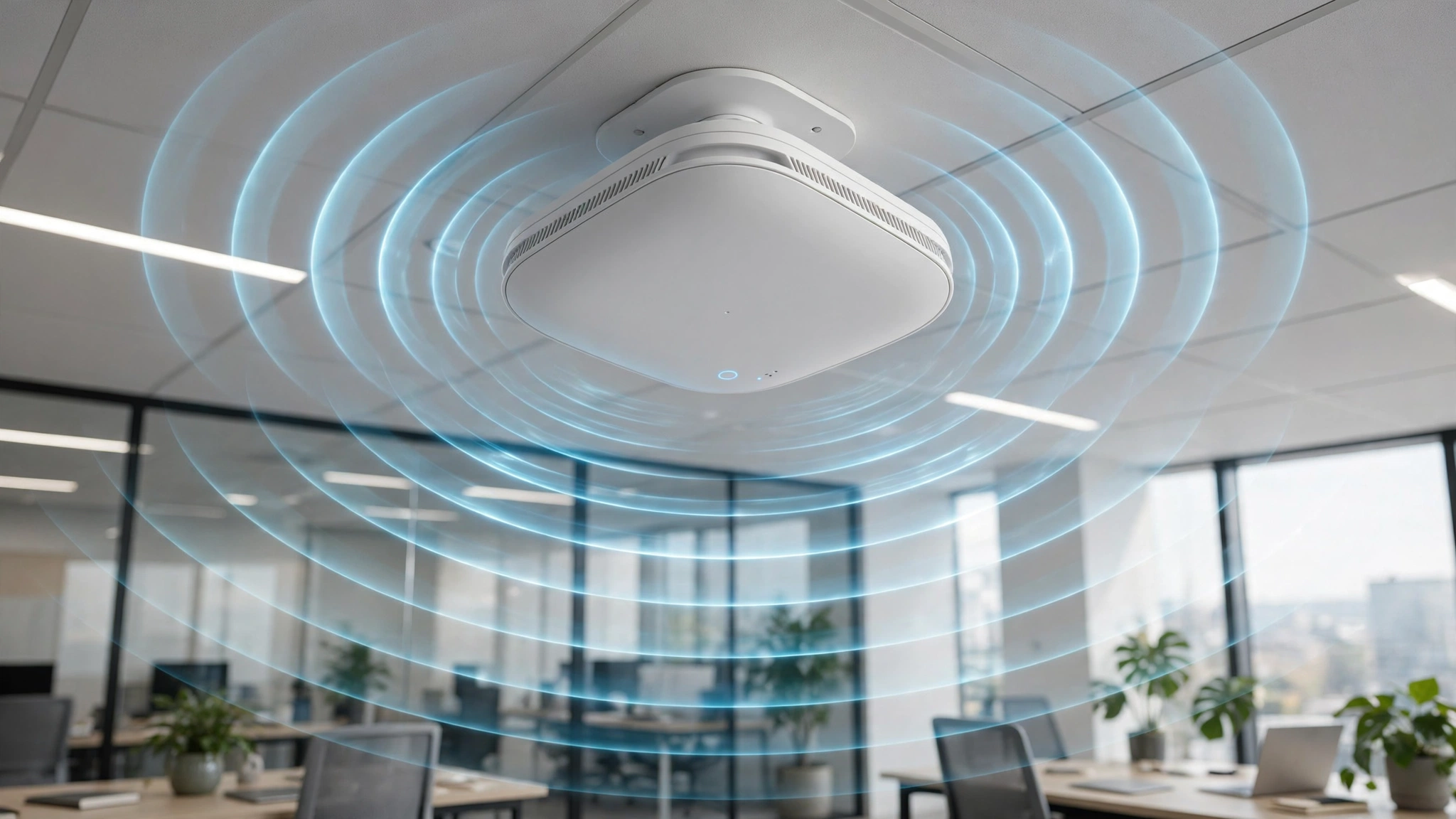
Most homes buy a WiFi router and never think about standalone access points. But in larger homes, offices, schools, and hotels, dedicated access points cover dead zones and handle many more devices at once. A WiFi 7 access point is typically a standalone unit you wire to your network and mount on a ceiling or wall, extending fast WiFi 7 coverage exactly where you need it.
What features and specs should you look for in a WiFi 7 access point?

Shopping for a WiFi 7 access point can feel overwhelming with the jargon. Focus on these specs that actually affect your experience:
- MLO support: Confirms the AP supports Multi-Link Operation, the headline WiFi 7 latency and reliability feature. Most true WiFi 7 APs include it.
- 320 MHz channels on 6 GHz: Needed for the highest speeds. Note the 6 GHz band is available on most WiFi 7 gear but check your country’s rules.
- 4K QAM: Boosts peak speed in good signal conditions. Nice to have, but MLO matters more day to day.
- Multi-gig wired port: Look for a 2.5 Gbps, 5 Gbps, or 10 Gbps Ethernet port. A WiFi 7 AP fed by a slow 1 Gbps cable is like a sports car stuck behind a tractor.
- PoE support: Power over Ethernet lets you run one cable for both power and data, perfect for ceiling mounts.
- OFDMA and MU-MIMO: Carry over from WiFi 6; they let the AP serve many devices at once instead of one at a time.
- Security: WPA3 is the standard; WPA2 compatibility keeps older gadgets working.
- Band support: Tri-band models (2.4, 5, and 6 GHz) give the most flexibility; dual-band models cost less.
Where does a WiFi 7 access point make the biggest difference?

A WiFi 7 access point shines brightest in busy, device-packed environments. Crowded homes with 30 or more smart devices, where the AP’s ability to juggle connections cuts lag. Offices and schools with hundreds of laptops benefit from MLO’s reliability when everyone is on video calls.
Gamers and streamers notice lower latency and smoother 4K or 8K streaming. Smart homes with cameras, doorbells, and sensors get more consistent connections. And AR/VR setups that need rock-steady wireless finally get the bandwidth they demand.
In a quiet two-person apartment with basic browsing, the difference over a good WiFi 6 setup is small. The upgrade pays off where congestion is the problem.
Do you need a WiFi 7 access point in 2026?
Honest answer: probably not yet, unless you match the profiles above. Consider upgrading if you have a device-packed home with lag problems, you game or work remotely and latency matters, you are wiring a new office or renovating, or your current AP is aging and you want to future-proof for the next five years.
You can wait if your WiFi 6 setup feels fast, you own few WiFi 7 devices (most phones and laptops only started shipping WiFi 7 in 2024 and 2025), or your internet plan is under 1 Gbps, since the AP cannot speed up a slow connection.
Prices are also falling. Early WiFi 7 access points were expensive; by 2026, mid-range models are much more reasonable, so waiting a little longer costs you nothing.
How do you set up a WiFi 7 access point?
Setting up a WiFi 7 access point is simpler than it sounds. Most models mount on a ceiling or sit on a shelf, connect to your router or switch with an Ethernet cable, and get configured through a phone app or web page. The app walks you through naming your network, choosing a password, and enabling WPA3 security.
Key tips: use a multi-gig wired connection so the AP gets full speed, place the AP centrally and high up for best coverage, keep the firmware updated, and give your 2.4 GHz and 5/6 GHz networks the same name so devices roam smoothly.
Frequently asked questions
What is the difference between a WiFi 7 access point and a WiFi 7 router?
A router connects your network to the internet and manages traffic; an access point only broadcasts WiFi. A WiFi 7 router usually has a WiFi 7 access point built in, while a standalone WiFi 7 access point extends coverage and needs a separate router.
Is WiFi 7 worth it over WiFi 6?
For crowded networks, yes. MLO cuts latency and improves reliability when many devices compete, and 320 MHz channels raise peak speeds. For light use with few devices, WiFi 6 is still fine and cheaper.
Will my old devices work with a WiFi 7 access point?
Yes. WiFi 7 access points are backward compatible with WiFi 5, 6, and 6E devices. Older devices simply do not get the new WiFi 7 speed and latency features.
Does a WiFi 7 access point need a WiFi 7 router?
No. A standalone WiFi 7 access point only needs a wired connection to your existing network. Any modern router works, though a multi-gig wired link helps the AP reach its full potential.
What is MLO in WiFi 7?
Multi-Link Operation lets a device use multiple frequency bands at the same time. If one band is congested, data keeps flowing on the others, which cuts latency and makes connections far more reliable in crowded areas.
How fast is a WiFi 7 access point in real life?
Theoretical top speed is 46 Gbps, but real-world speeds are much lower, typically 2 to 9 Gbps close to the AP with a WiFi 7 device, depending on distance, walls, and interference. Your internet plan is usually the real limit.
Conclusion: should you buy a WiFi 7 access point?
A WiFi 7 access point is the strongest upgrade you can make to a congested wireless network. MLO, 320 MHz channels, and 4K QAM genuinely fix the lag and crowding problems that plague busy homes and offices. But it is not magic: it cannot speed up a slow internet plan, and it only unlocks its best tricks with WiFi 7 devices.
If your home is packed with devices and your current WiFi struggles, a WiFi 7 access point is a smart 2026 upgrade. If your WiFi 6 setup feels fine, save your money and revisit when prices drop further and you own more WiFi 7 gear.