What Is Wi-Fi 7? Explained Simply for Beginners
Wi-Fi 7 is the latest generation of Wi-Fi, the official name for the IEEE 802.11be standard certified in January 2024. It succeeds Wi-Fi 6 and 6E with faster theoretical speeds, wider 320 MHz channels, and Multi-Link Operation, which lets devices use several frequency bands at once for lower latency.
At CPN Tech, we explain new standards in plain English, so this guide skips the marketing hype. Below you will learn how Wi-Fi 7 works, how its real-world speed compares to Wi-Fi 6 and Wi-Fi 6E, which devices actually support it, the trap hidden in cheap Wi-Fi 7 routers, and whether upgrading is worth it for you right now. Expect straight answers, simple analogies, and minimal jargon, with clear buying advice at the end.
Key Takeaways
- Wi-Fi 7 (IEEE 802.11be) is the newest Wi-Fi generation, certified in January 2024, with theoretical speeds of up to around 46 Gbps.
- Its headline feature, Multi-Link Operation (MLO), lets devices connect across the 2.4 GHz, 5 GHz, and 6 GHz bands at the same time for lower latency and steadier connections.
- Real-world speeds are far lower than the headline number, and your internet plan is usually the bottleneck, not your router.
- Wi-Fi 7 is backward compatible: older devices still connect to a Wi-Fi 7 router, they just do not get the new features.
- Skip cheap “dual-band Wi-Fi 7” routers if you want the full experience; without the 6 GHz band, you miss the biggest upgrades.
- Most people should upgrade only when buying new gear; gamers, creators, and multi-gigabit households benefit first.
Table of Contents
- What Is Wi-Fi 7?
- How Does Wi-Fi 7 Work?
- How Fast Is Wi-Fi 7 in the Real World?
- Wi-Fi 7 vs Wi-Fi 6 vs Wi-Fi 6E: Side-by-Side Comparison
- What Devices Support Wi-Fi 7?
- Is Wi-Fi 7 Worth Upgrading To?
- The Cheap Wi-Fi 7 Router Trap
- How Secure Is Wi-Fi 7?
- Wi-Fi 7 Limitations and Challenges
- Frequently Asked Questions
- Conclusion
What Is Wi-Fi 7?
Wi-Fi 7 is the seventh generation of Wi-Fi, the marketing name for the IEEE 802.11be wireless standard from the IEEE (Institute of Electrical and Electronics Engineers). It succeeds Wi-Fi 6 and Wi-Fi 6E, promising extremely high throughput, lower latency, and more reliable connections in device-crowded homes.
The numbering is simpler than it looks: 802.11ac and 802.11ax were rebranded as Wi-Fi 5 and Wi-Fi 6, and Wi-Fi 7 continues the pattern with 802.11be.
The Wi-Fi Alliance, the industry group that certifies Wi-Fi products, launched its Wi-Fi CERTIFIED 7 program in January 2024. Some routers sold in 2022 and 2023 used draft versions of the standard; certified products are guaranteed to meet the finished specification and work smoothly together.
Wi-Fi 7 is built for modern homes: dozens of devices, 4K and 8K video, cloud gaming, video calls, and smart gadgets competing for airtime. It will stay current for years, since Wi-Fi 8 is not expected until around 2028.
How Does Wi-Fi 7 Work?
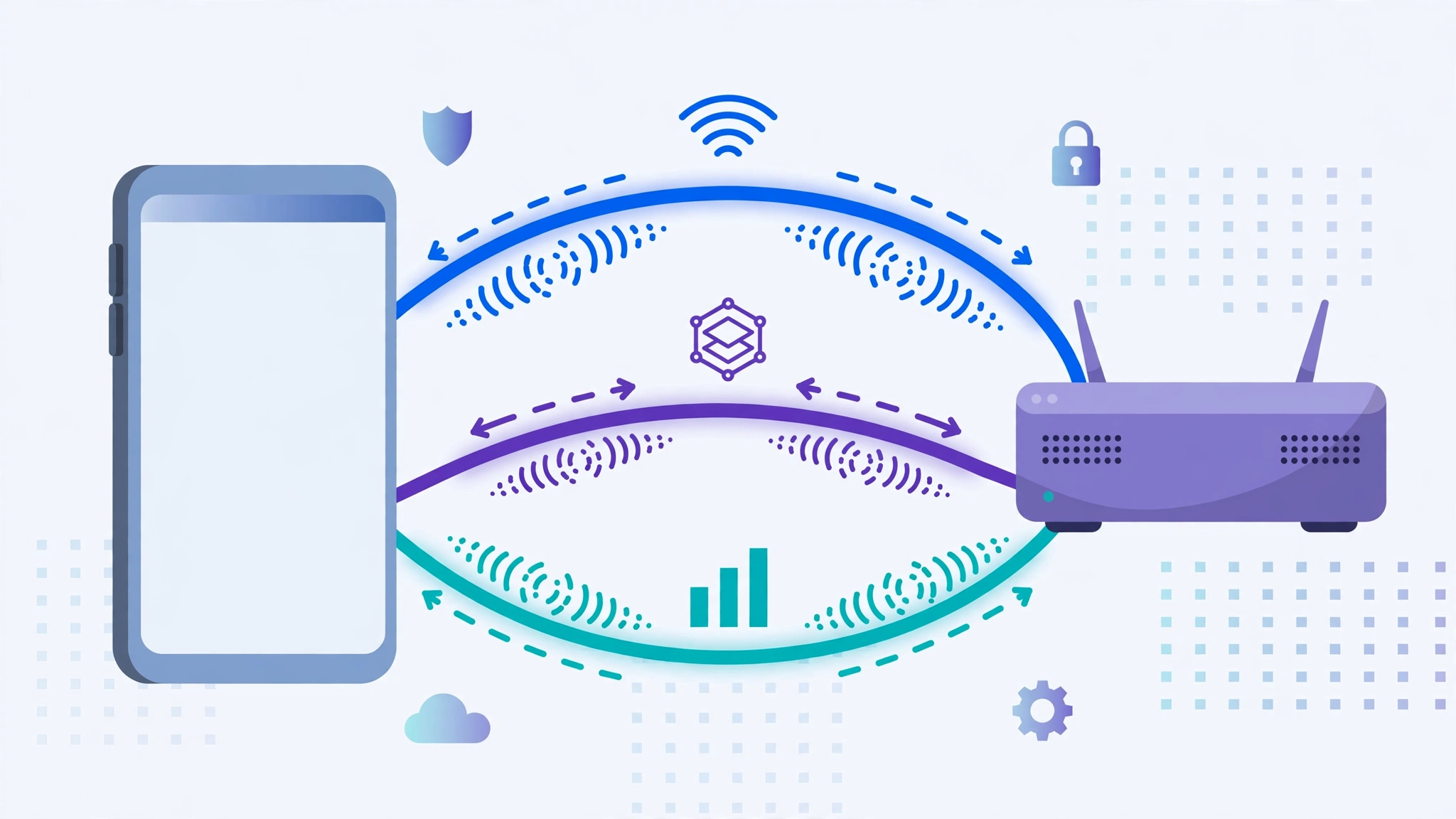
Wi-Fi 7 moves more data through the air with wider channels, denser signal encoding, and smarter band management. Picture a highway upgrade: more lanes, faster cars, and a controller that reroutes around jams. Three upgrades do most of the work.
Multi-Link Operation (MLO): The Headline Feature
Before Wi-Fi 7, your device used one frequency band at a time. If that band got congested on a busy evening, your connection slowed or stuttered until conditions improved.
Multi-Link Operation changes that. A Wi-Fi 7 device maintains simultaneous links across the 2.4 GHz, 5 GHz, and 6 GHz bands, sending data over whichever is clearest and switching in milliseconds when one gets crowded. The payoff is lower latency and fewer dropouts, which matters most for gaming, video calls, and VR, where delay annoys more than slightly slower downloads.
MLO also helps mesh Wi-Fi systems: the wireless backhaul between mesh nodes can spread across bands, making the whole network faster and more stable.
Wider Channels: 320 MHz and the 6 GHz Band
Radio spectrum is divided into channels, and wider channels carry more data, like a wider pipe carries more water. Wi-Fi 6 and 6E topped out at 160 MHz; Wi-Fi 7 doubles that to 320 MHz, but only in the 6 GHz band that Wi-Fi 6E introduced.
That is why the 6 GHz band matters so much: the widest channels, and the biggest speed gains, only exist there. Two caveats: 6 GHz availability varies by country, and higher frequencies travel shorter distances and pass through walls poorly, so 6 GHz is for nearby devices while 2.4 GHz remains the range champion.
4096-QAM: Packing More Data Into Every Signal
QAM describes how many bits of data each burst of radio signal carries. Wi-Fi 6 used 1024-QAM (10 bits per signal); Wi-Fi 7 steps up to 4096-QAM (12 bits), roughly 20 percent more data under ideal conditions.
The catch: denser encoding needs a clean, strong signal, so 4096-QAM mostly helps devices close to the router. Farther away, the router falls back to simpler encoding to stay stable, like speaking slower to someone across the room.
Other Under-the-Hood Upgrades
Wi-Fi 7 also supports up to 16 spatial streams (double Wi-Fi 6’s 8) for more simultaneous data paths on high-end routers, and multi-resource-unit puncturing lets routers use leftover slices of spectrum that interference would otherwise block. The Wi-Fi 6 efficiency features OFDMA and MU-MIMO, which let one router serve many devices at once, get further refinements too.
How Fast Is Wi-Fi 7 in the Real World?
Wi-Fi 7’s headline figure is a theoretical maximum of around 46 Gbps, several times Wi-Fi 6’s 9.6 Gbps ceiling. In practice you will see far less: your real speed is the slowest link in the chain, your internet plan, router, device, or signal quality, whichever is weakest.
For most households, the internet plan is the bottleneck long before Wi-Fi is. If your plan delivers 200 Mbps, a Wi-Fi 7 router will not beat a good Wi-Fi 6 router. Wi-Fi 7 starts to matter with multi-gigabit fiber (1 Gbps or more) plus a Wi-Fi 7 router and device; that combination delivers multi-gigabit wireless speeds older Wi-Fi cannot sustain.
Wi-Fi 7 also helps traffic inside your home regardless of your plan: backups to a local drive, streaming from a home media server, or syncing a big photo library to cloud storage all run over Wi-Fi without touching the internet, and finish noticeably sooner.
To see multi-gigabit speeds you need all three at once: a fast plan, a Wi-Fi 7 router with multi-gigabit Ethernet ports (2.5 Gbps or faster WAN), and a Wi-Fi 7 device near the router. Miss one and the chain caps your speed.
Wi-Fi 7 vs Wi-Fi 6 vs Wi-Fi 6E: Side-by-Side Comparison
| Feature | Wi-Fi 6 | Wi-Fi 6E | Wi-Fi 7 |
|---|---|---|---|
| Technical standard | 802.11ax | 802.11ax | 802.11be |
| Certified | 2019 | 2021 | January 2024 |
| Frequency bands | 2.4 and 5 GHz | Adds 6 GHz | 2.4, 5, and 6 GHz |
| Widest channel | 160 MHz | 160 MHz | 320 MHz |
| Signal encoding | 1024-QAM | 1024-QAM | 4096-QAM |
| Theoretical max speed | 9.6 Gbps | 9.6 Gbps | Around 46 Gbps |
| Headline feature | OFDMA efficiency | 6 GHz band | Multi-Link Operation |
Wi-Fi 6E was essentially Wi-Fi 6 plus the 6 GHz band, so the jump from 6E to 7 is the bigger one. On Wi-Fi 5 or older, either is a large step up and the choice mostly comes down to price.
So which is better? On paper, Wi-Fi 7 wins everywhere: wider channels, denser encoding, MLO, and lower latency. In practice the difference only shows with Wi-Fi 7 devices and a fast plan. A discounted Wi-Fi 6E router remains sensible for modest needs; Wi-Fi 7 is the better long-term buy if the price gap is small.
What Devices Support Wi-Fi 7?
The rule beginners most often miss: you need Wi-Fi 7 on both ends, router and device, to get the benefits. A Wi-Fi 7 phone on a Wi-Fi 6 router gets Wi-Fi 6 performance, and vice versa. Old and new gear interoperate; only the new features stay dormant.
Phones. Flagships released since 2023 increasingly support Wi-Fi 7, including Samsung’s Galaxy S24 Ultra, Apple’s iPhone 16 lineup, and Google’s Pixel 9 lineup. Mid-range models are following, so check the spec sheet for “Wi-Fi 7” or “802.11be” before assuming.
Laptops and PCs. Newer laptops with Intel’s Wi-Fi 7 cards (BE200 and BE202) or Qualcomm’s FastConnect 7800 platform support the standard; MediaTek ships Wi-Fi 7 chipsets too. Buying a new laptop partly for Wi-Fi 7? Make sure the rest of the specs keep up; our guide on how much RAM you need explains what actually matters inside a new machine.
Routers and mesh systems. TP-Link, Netgear, and ASUS all sell Wi-Fi 7 routers and multi-node mesh systems. Mesh gets a particular boost from MLO, since the wireless backhaul between nodes becomes faster and more resilient.
Internet provider gateways. Some ISPs now ship Wi-Fi 7 gateways to new fiber customers; a free or cheap gateway upgrade can be the easiest path to Wi-Fi 7 without buying a router.
Is Wi-Fi 7 Worth Upgrading To?
The honest answer depends on your situation, so here is a direct breakdown.
Upgrade now if: you game competitively or over the cloud; you regularly move huge files around your home network; you have multi-gigabit fiber; your home has dozens of smart devices fighting for airtime; or you are buying a router anyway and the Wi-Fi 7 model costs only slightly more.
Wait if: your current router works fine and your plan is under 1 Gbps; none of your devices support Wi-Fi 7 yet; or money is tight, since Wi-Fi 7 routers still carry a premium that shrinks every year.
The sweet spot is upgrading naturally: when your old router dies or you move, buy Wi-Fi 7 then. You future-proof for years (Wi-Fi 8 is not expected until around 2028) without paying early-adopter prices, and your current gear keeps working as it does now.
The Cheap Wi-Fi 7 Router Trap
Not every box labeled “Wi-Fi 7” delivers the full Wi-Fi 7 experience. Budget models are often dual-band, meaning they broadcast on 2.4 GHz and 5 GHz only, and skip the 6 GHz band entirely to cut costs.
That missing band matters: without 6 GHz there are no 320 MHz channels and no three-band Multi-Link Operation, the two biggest upgrades in the standard. A dual-band Wi-Fi 7 router still offers 4096-QAM and two-band MLO, so it is not a scam, but it delivers a fraction of what the name promises.
Before buying, check three things: the word “tri-band” plus an explicit 6 GHz mention; multi-gigabit Ethernet ports (2.5 Gbps or faster WAN) if your plan exceeds 1 Gbps, otherwise the wired port bottlenecks wireless speed; and WPA3 support, which any certified product should have. If a deal looks too good, the 6 GHz band is usually what was cut.
How Secure Is Wi-Fi 7?
Wi-Fi 7 mandates WPA3, so every certified device uses stronger encryption than the WPA2 era. The 6 GHz band goes further: WPA2 is banned there, so 6 GHz connections always use modern encryption with better protection against password-guessing attacks.
WPA3 secures the link between your device and router, but nothing above that layer. A secure network cannot stop a scam message from tricking you into handing over your password, which is why learning how to spot a phishing email matters as much as modern encryption. Think of WPA3 as a strong front-door lock: essential, but useless against someone you invite inside.
Wi-Fi 7 Limitations and Challenges
Price is the first hurdle: Wi-Fi 7 routers and devices still cost more than Wi-Fi 6 equivalents, though the gap narrows yearly. Second, the benefits only appear when both your router and devices support the standard, and most homes own a mix of old and new gear.
Third, the 6 GHz band behind the biggest gains has the shortest range and struggles with walls, so its benefits concentrate near the router. Fourth, in apartments your experience still partly depends on neighbors: Wi-Fi 7 handles congestion better but cannot silence interference. Finally, your internet plan remains the ceiling; no router delivers speeds your provider does not sell.
Frequently Asked Questions
When was Wi-Fi 7 released? The Wi-Fi Alliance launched Wi-Fi CERTIFIED 7 in January 2024, the official release date that matters for buyers. Routers based on draft versions were sold in 2022 and 2023, but only certified products guarantee compliance with the finished specification. Look for the Wi-Fi CERTIFIED 7 logo when shopping.
Is Wi-Fi 7 worth upgrading to? It depends. Upgrade with a multi-gigabit plan, competitive gaming, or a router purchase already planned. Wait if your plan is under 1 Gbps, your router works well, and no device supports Wi-Fi 7 yet. Most people should upgrade naturally when old gear needs replacing.
Wi-Fi 7 vs Wi-Fi 6E: which is better? Wi-Fi 7 wins on paper: 320 MHz channels, 4096-QAM, and Multi-Link Operation for lower latency. But you only feel it with Wi-Fi 7 devices and a fast plan. A heavily discounted Wi-Fi 6E router remains a sensible buy for modest needs.
Will my old devices work with a Wi-Fi 7 router? Yes. Wi-Fi 7 is fully backward compatible, so devices on Wi-Fi 6, Wi-Fi 5, or older connect normally using their own generation’s features. Upgrade the router first and replace devices over time; nothing breaks. Your smart home gadgets, older laptops, and legacy phones will all keep working.
Is Wi-Fi 7 faster than a wired Ethernet connection? Usually not. Ethernet remains the most stable, lowest-latency option, and multi-gigabit wired speeds can match or beat Wi-Fi 7. Wire up desktops, consoles, and TVs near the router, and enjoy Wi-Fi 7 for everything that moves. For stationary gear, a cable still wins.
Conclusion
If you arrived asking what Wi-Fi 7 is and wanting it explained simply, here is the short version: it is the newest wireless standard, delivering wider channels, denser signals, and Multi-Link Operation to keep connections fast and steady across three frequency bands. Certified in January 2024 and expected to reign until Wi-Fi 8 arrives around 2028, it is a meaningful upgrade, but only if your internet plan, router, and devices can all take advantage of it.
For most readers, the smart move is patience: buy Wi-Fi 7 when you naturally replace your router, choose a tri-band model with the 6 GHz band, and let your devices catch up over time. If you found this guide useful, the CPN Tech homepage has more beginner-friendly explainers on the tech shaping your connected life, written in the same plain English.