
Best Laptops for Programming 2025: Practical Guide
The best laptops for programming 2025 are machines that match your workload, not the fastest laptop in a shop window. They give students a light, long lasting machine, professionals a fast, quiet workhorse, and game developers a strong graphics card, without paying for power that never gets used. This guide sorts those choices by workload, budget, and operating system, and it ends with a test plan you can run in the first week. It covers processor, memory, and storage needs, the shortlist by role, the gaming crossover, student picks, operating system trade offs, common mistakes, and a seven day test plan you can use before the return window closes, so you choose with evidence, not a headline claim, for beginners.
Key Takeaways
- Start with 16GB of RAM and 512GB of fast storage, then move to 32GB if you run containers, virtual machines, emulators, or large data sets.
- A modern multi core processor matters more than a famous model name, and sustained cooling matters more than a short burst speed claim.
- A sharp, bright screen and a comfortable keyboard affect a programmer every day, while a top benchmark score may not.
- Affordable gaming laptops can be strong programming laptops, but check weight, fan noise, battery life, and build quality first.
- Check RAM and storage upgrade options before you buy, because soldered parts lock in your choice for the life of the laptop.
Table of Contents
What makes a laptop good. CPU, RAM and storage. Best laptops. Gaming laptops. Students. Mac, Windows and Linux. Mistakes. Testing. FAQs. Conclusion.
What makes a laptop good for programming?
A laptop is a portable personal computer with a screen, keyboard, and pointing device in one clamshell unit, and a programming laptop is tuned for long typing sessions, fast builds, and many open tools at once. The best laptops for programming 2025 balance five things: processor speed under a long build, enough memory for an editor plus a browser plus test services, fast storage, a readable screen, and a comfortable keyboard.
Programming work is rarely one task. A typical session runs a code editor, a browser with a dozen tabs, a local server or database, and a terminal. That mix punishes weak memory and slow storage more than a slightly slower processor. CPN Tech covers hardware in plain language. Ports matter too: a laptop with only two USB-C ports may need a dock.
How much CPU, RAM and storage do programmers need?
A central processing unit is the primary processor in a computer, and it executes program instructions, including arithmetic, logic, control, and input and output operations. For programming, check generation, core count, and sustained performance, not just the brand name. A current Intel Core Ultra 7, AMD Ryzen 7, or Apple M series chip handles most professional work, while a Core Ultra 5, Ryzen 5, or base Apple M chip handles student and web work well. A high end Core Ultra 9, Ryzen 9, or Apple M Pro or M Max chip pays off mainly for large builds, game engines, video work, or local machine learning.
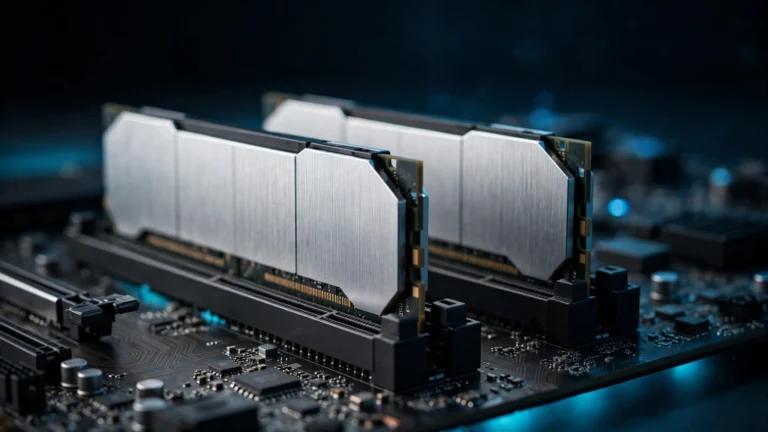
Memory is the working space for open programs. With 8GB, an editor, browser, and test service compete for space, and the laptop swaps data to storage, which slows everything down. With 16GB, most web, Python, JavaScript, and Java work runs smoothly. With 32GB, containers, virtual machines, emulators, and data work have room to breathe. A guide to what RAM is explains the basics, and the rule is simple: buy the memory you will need in year three.
Storage speed matters as much as size. A 512GB NVMe solid state drive is a sensible minimum, and 1TB is safer if you also store media, games, or large data sets. For a deeper comparison, read the guide on whether an SSD is better than a hard drive. A discrete graphics card is not required for most programming, but it helps for game development, 3D work, and local machine learning.
| Workload | Processor target | RAM target | Storage target |
|---|---|---|---|
| Web development and Python | Modern Core 5, Ryzen 5, or Apple M chip | 16GB | 512GB NVMe SSD |
| Full stack, mobile, and backend work | Modern Core Ultra 7, Ryzen 7, or Apple M Pro chip | 32GB | 1TB NVMe SSD |
| Containers, virtual machines, and data work | Multi core Core Ultra 7 or Ryzen 9, or Apple M Pro chip | 32GB to 64GB | 1TB NVMe SSD |
| Game development and local machine learning | High core CPU plus a discrete graphics card | 32GB to 64GB | 1TB to 2TB NVMe SSD |
Which are the best laptops for programming 2025?
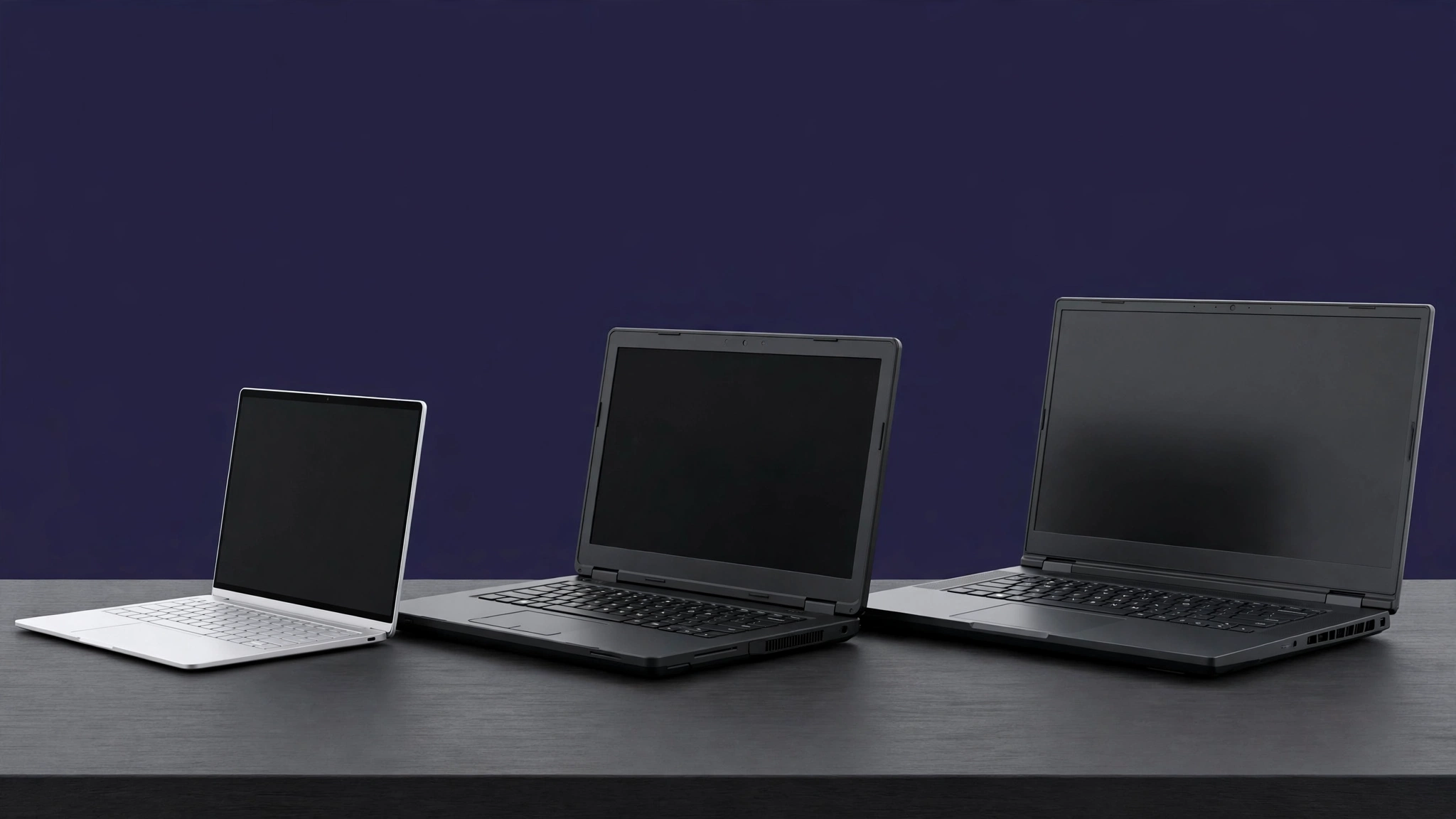
The best laptops for programming 2025 fall into clear roles, and the right pick depends on whether you need macOS, Windows, Linux, long battery life, or a strong graphics card. There is no single winner, because a laptop perfect for an iOS developer can be wrong for a Windows game developer. Use the role first, then check the exact configuration, because the same model name can hide very different RAM, storage, and screen options.
For most macOS developers, the MacBook Pro 14 with an M series Pro chip is the strong professional pick, with a bright mini LED screen, strong sustained performance, and long battery life. The MacBook Air with an M series chip is lighter and cheaper, and it handles web, Python, and student work with ease, although it has no fan, so long heavy builds run warmer and slower. Apple silicon memory cannot be upgraded later, so choose 24GB or 32GB at purchase.
For most Windows developers, a Lenovo ThinkPad T series or X1 Carbon laptop is a safe professional pick, with a strong keyboard, good Linux support, and business build quality. The Dell XPS 14 is a strong premium alternative, although its keyboard and ports need a hands on check. The Framework Laptop 13 stands out for repair and upgrade options. For intensive work, an MSI Prestige 16 AI Studio class laptop pairs a strong Intel processor with 32GB of RAM, 1TB of storage, and an RTX card, while an ASUS ROG class laptop suits game development, at the cost of weight and battery life.
Check the screen before you fall in love with a spec sheet. A 14 inch or 16 inch screen with at least Full HD resolution and good brightness reduces eye strain, and a 16:10 screen shows more lines of code than a 16:9 screen.
Are affordable gaming laptops good for programming?
Affordable gaming laptops can be good programming laptops, because they usually pair a strong multi core processor with plenty of RAM, fast storage, and a discrete graphics card, and those parts also help with builds, emulators, and machine learning. The crossover works best at a desk, with a power outlet nearby, when the buyer values graphics power over light weight and silent operation.
What is the best gaming laptop under 1000?
The best gaming laptop under 1000 is usually a machine with a current mid range processor, 16GB of RAM, 512GB of storage, and an entry level RTX graphics card, rather than a machine with a famous brand name and weak memory. Check the exact graphics card, because an older or low power GPU can disappoint in a game engine. Check the screen too, because a dim screen hurts long coding sessions.
What is the best budget gaming laptop?
The best budget gaming laptop for programming is the one that stays usable after the first month, not the one with the highest benchmark on day one. Look for clear key travel, cooling that does not throttle during a 20 minute build, and a battery that lasts through a lecture or a meeting. Some budget gaming laptops weigh more than 2.5 kilograms and have loud fans under light loads. Also check upgrade access: two RAM slots let a laptop grow from 16GB to 32GB later.

What should students and beginners buy?
Students and beginners should buy the laptop that removes friction from learning, not the laptop with the most impressive spec sheet. A current Core 5 or Ryzen 5 processor, 16GB of RAM, and 512GB of fast storage handles HTML, CSS, JavaScript, Python, and Java coursework, plus a browser, an editor, and a local database at the same time. A 14 inch screen balances readability and portability, and a laptop under 1.6 kilograms is easier to carry between classes.
For a complete buying method, start with the laptop buying guide on CPN Tech, then apply the programming rules in this article. Check course requirements first, because some courses need Windows only software, some need macOS for iOS work, and some need Linux tools that run best on a ThinkPad or Framework laptop. Avoid 8GB of RAM for a full degree, and avoid a slow eMMC drive or a small 256GB drive for a main study machine. Budget for extras too: a second monitor, an external keyboard and mouse, and a backup for code.
How do Mac, Windows and Linux compare for programming?
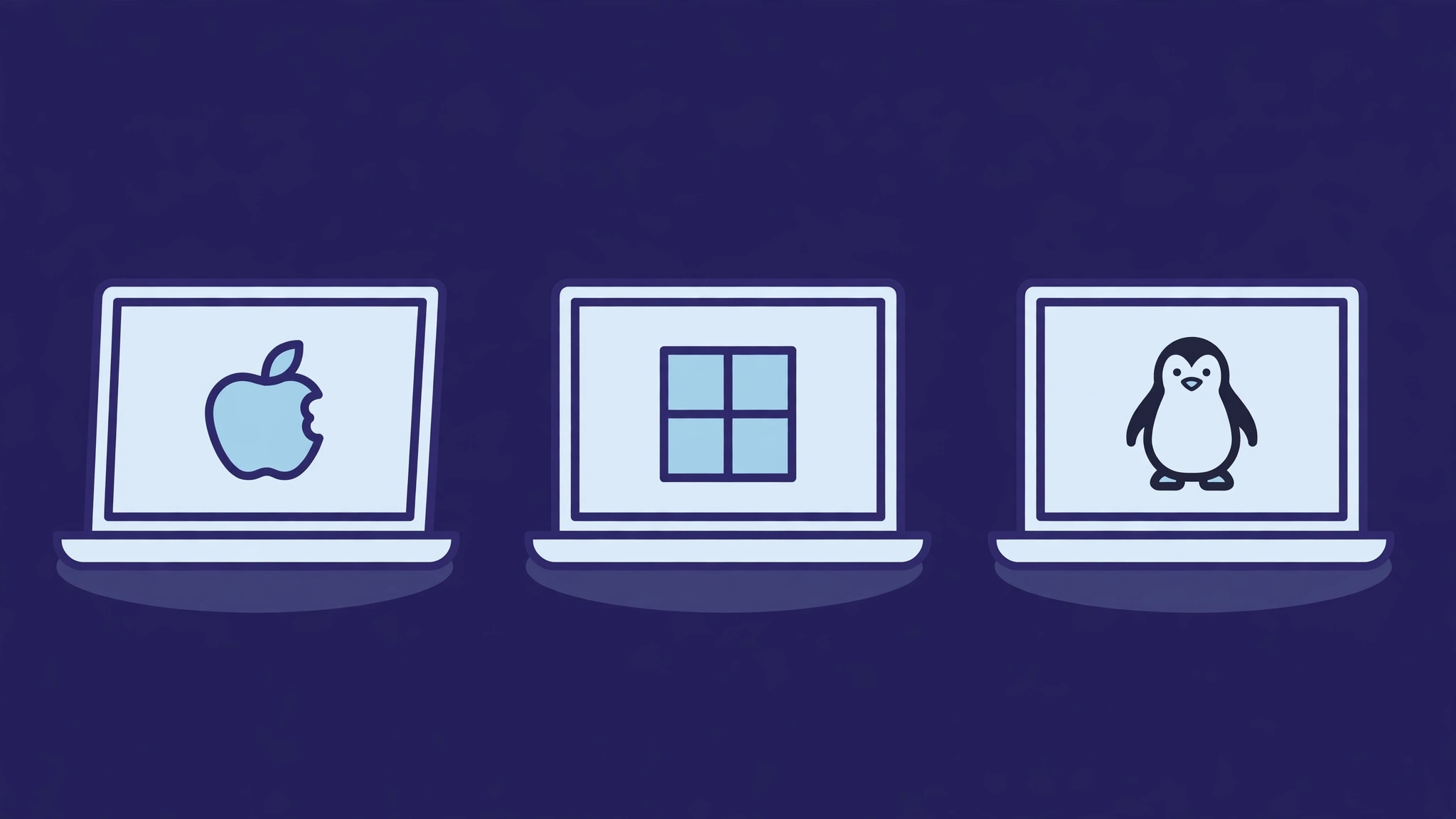
Mac, Windows, and Linux each suit different programming jobs, and the operating system choice often matters more than the brand of laptop. macOS suits iOS and macOS development, because Xcode requires macOS, and it also gives a Unix based terminal familiar to many web and backend developers. Windows suits .NET, Windows desktop work, game development, and courses that require full Visual Studio. Linux suits backend, cloud, and systems work, and it runs natively on many ThinkPad and Framework laptops, or through Windows Subsystem for Linux.
| Operating system | Best for | Watch out for |
|---|---|---|
| macOS | iOS and macOS apps, web, Python, Unix terminal work | No Windows only tools, soldered RAM and storage, higher price |
| Windows | .NET, Windows apps, game development, most courses | More setup for Unix tools, check Linux subsystem support |
| Linux | Backend, cloud, systems, open source work | Check driver support, check course software, check battery tools |
Linux support varies by model, so check the exact laptop before you buy. Some laptops carry Ubuntu certification, which means the maker and Canonical tested drivers for that model. A ThinkPad or Framework laptop is a safer Linux bet. Battery life also differs: Apple silicon MacBooks often lead for coding, while a gaming laptop may last only a few hours under a heavy load.
What are the common buying mistakes to avoid?
The most expensive buying mistake is buying RAM and storage for today and needing more in year two. Many thin laptops solder RAM to the board, so the memory you buy is the memory you keep. Before you pay, write down the RAM and storage for your heaviest realistic workload, add a safety margin, and only then compare prices.
The second mistake is buying a laptop for a benchmark instead of a workday. A processor that boosts for 30 seconds and then throttles will feel slower during a long build than a cooler, steadier processor. Check reviews for sustained performance and fan noise. The third mistake is ignoring the keyboard, screen, and ports. The fourth mistake is forgetting total cost: a dock, a second monitor, and a warranty extension are rarely in the headline price.
How to test a programming laptop before you keep it?
Test a programming laptop with real work in the first seven days, while a return is still easy. Install your editor, browser, and usual tools, then open a real project, not a demo file. Run the project and its tests, and time a clean build. Open a container stack or a virtual machine if you use one, and check how the laptop behaves when the editor, browser, database, and test service run together.
Next, test keyboard, screen, and comfort. Type for at least an hour, and note wrist strain, missed keys, and fan noise. Read code in your normal room light, and check text sharpness at your usual zoom level. Carry the laptop for a day, noting weight with the charger included. Test battery life with your real workload, not video playback. Finally, test heat, ports, and sleep: run a long build, plug in your monitor and drive, close the lid, wait an hour, and check battery drain. If any test fails badly, return the laptop early.
Frequently Asked Questions
What is the best laptop for programming in 2025?
The best laptop for programming in 2025 depends on your work, but a strong general answer is a 14 inch or 16 inch laptop with a current multi core processor, 16GB to 32GB of RAM, and 512GB to 1TB of fast storage. MacBook Pro models suit macOS work, and ThinkPad models suit Windows and Linux work.
Is 16GB of RAM enough for programming?
Yes, 16GB of RAM is enough for most web, Python, JavaScript, and Java programming, including an editor, a browser, and a local server running together. Choose 32GB if you run containers, virtual machines, emulators, or large data sets, because those workloads use memory fast.
Do programmers need a gaming laptop?
No, most programmers do not need a gaming laptop, because integrated graphics handle editors, browsers, and 2D work well. A gaming laptop helps for game development, 3D work, and local machine learning, and affordable gaming laptops can be good value, if you accept extra weight, fan noise, and shorter battery life.
Is a MacBook or a Windows laptop better for programming?
A MacBook is better for iOS and macOS development, because Xcode requires macOS, and it also suits web and Unix based work with long battery life. A Windows laptop is better for .NET, Windows desktop, and game development, so match the laptop to the software you must run.
How much should a programming laptop cost?
A good student programming laptop often costs in the budget to mid range band, while a good professional laptop often costs in the mid range to premium band, and a specialist game or machine learning laptop costs more. Compare RAM, storage, screen, and warranty, because a cheap 8GB laptop can cost more over time.
Can a budget laptop handle programming?
Yes, a budget laptop can handle programming, if it has a current processor, 16GB of RAM, and a fast solid state drive, and if the workload is web, Python, or student coursework. Avoid 8GB of RAM and slow storage for daily work.
Conclusion
The best laptops for programming 2025 are not the laptops with the longest spec list, they are the laptops that match your workload, your operating system, and your daily comfort needs. Choose RAM for year three, a processor that sustains speed under a long build, and a screen and keyboard you can live with for thousands of hours. Affordable gaming laptops earn a place when graphics power matters, but they lose points for weight, noise, and battery life.
Start with your real projects, not a benchmark chart. List the tools you run together, check the RAM and storage that combination needs, and test the shortlist with a real build in the first week. That method keeps money for a second screen, a good keyboard, and a reliable backup.