Web Design and Development: A Simple Guide
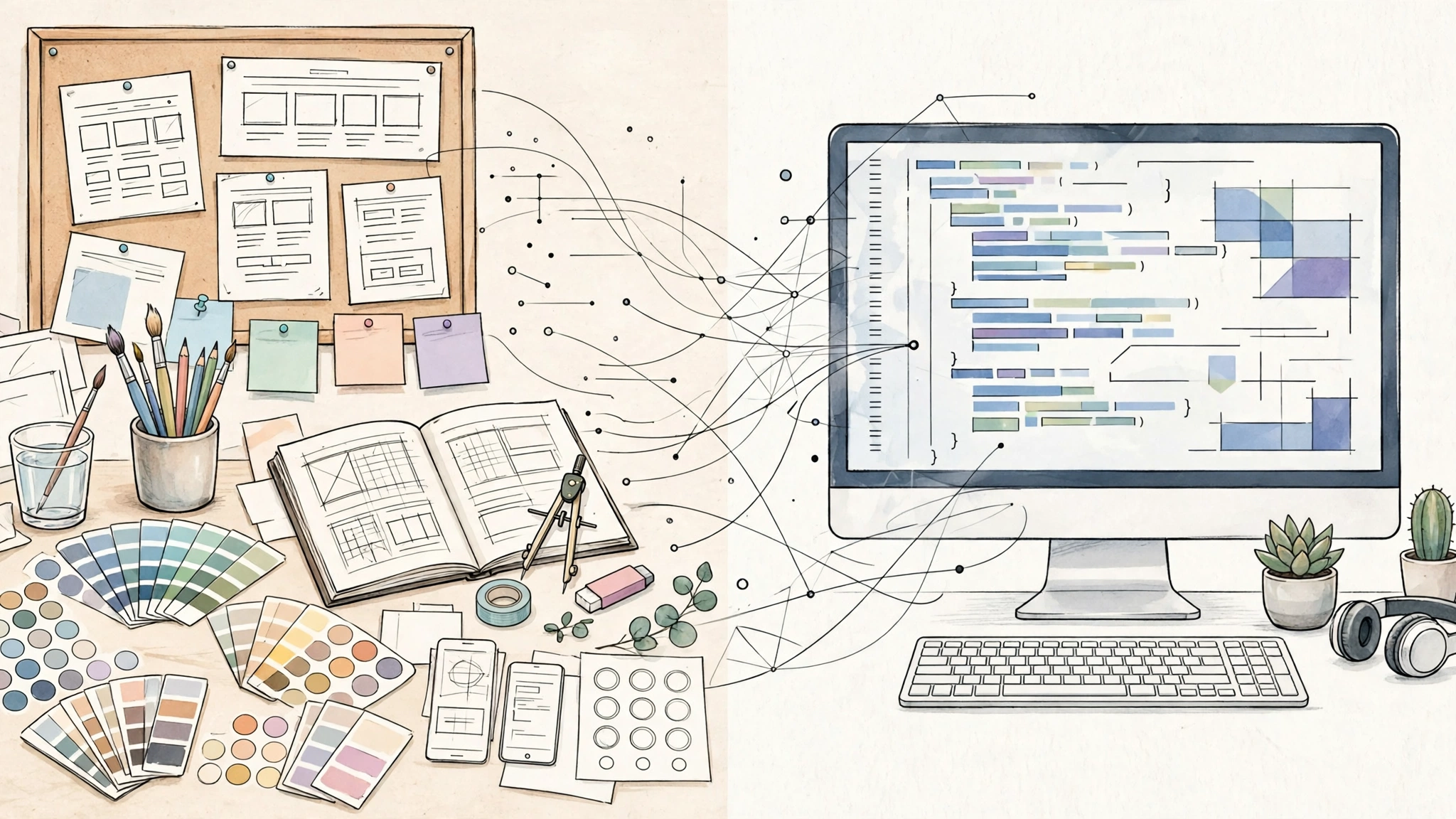
Web design and development are two halves of the same job: making a website that looks good, works well, and helps visitors do something useful. Design decides what people see and how they move through a site. Development turns those decisions into real pages, code, databases, and systems that run in a browser. When the two halves work together, a site feels simple on the surface and solid underneath.
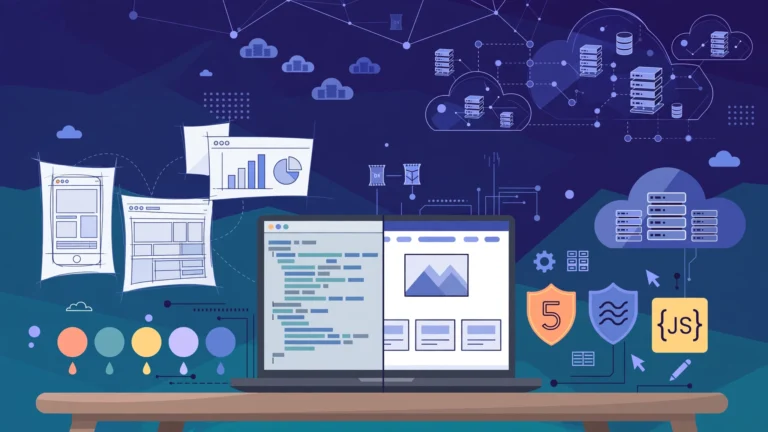
Web design and development is the complete process of planning, designing, building, testing, and maintaining a website. Web design covers layout, visual style, navigation, and user experience. Web development covers the code and systems behind the pages, including front end code that runs in the browser and back end code that runs on the server. Together, they take an idea from a sketch to a live site that visitors can use on any device.
Key Takeaways
- Web design shapes how a site looks and feels; web development makes it function.
- Good projects start with a goal, an audience, and one clear action for visitors.
- Front end development builds what visitors see; back end development powers data, logins, and payments.
- A strong handoff between designer and developer prevents most delays and rework.
- Testing, launch checks, and regular maintenance matter as much as the first build.
Table of Contents
- What Is Web Design and Development?
- How Are Web Design and Web Development Different?
- What Does a Web Designer Do?
- What Does a Web Developer Do?
- What Is the Web Design and Development Process?
- Which Tools Do Designers and Developers Use?
- How Much Does Web Design and Development Cost?
- What Makes a Website Good?
- What Are Common Mistakes to Avoid?
- How Do You Start Learning Web Design and Development?
- Frequently Asked Questions
- Conclusion
What Is Web Design and Development?
Web design and development is one end to end craft with two expertises. A designer asks how a visitor will understand a page in seconds and what action should feel natural. A developer asks how that page will load, respond, store information, and stay secure. A site must be both understandable and dependable.
Design covers more than decoration: information architecture (how pages are organised), user experience design (how easy a task feels), and user interface design (buttons, menus, forms, images, and type). Development is equally broad: front end code renders in browsers, back end code handles server logic, databases, and integrations, and WordPress lets editors publish without editing code.
How Are Web Design and Web Development Different?
Web design and web development differ in focus, output, skills, and success measures, even though they share the same project. Design focuses on communication, clarity, and emotion. Its outputs are wireframes, mockups, prototypes, style guides, and content plans. Success means a visitor understands the page quickly, trusts the site, and completes a task without confusion. Development focuses on implementation, reliability, and scale. Its outputs are working pages, code, databases, server settings, and tests. Success means pages load fast, work across browsers and devices, and keep running without errors.
| Aspect | Web design | Web development |
|---|---|---|
| Main question | What should visitors see and do? | How will the site work and stay reliable? |
| Core work | Layout, typography, colour, navigation, user flow | HTML, CSS, JavaScript, servers, databases, integrations |
| Typical outputs | Wireframes, mockups, prototypes, style guides | Working pages, code, APIs, content systems |
| Main tools | Figma, Sketch, prototyping tools | Code editors, Git, browsers, testing tools |
| Success measure | Visitors understand and finish tasks | Pages load fast and run without errors |
Overlap is normal on small projects. A front end developer needs design sense to respect spacing and hierarchy, and a designer with basic front end knowledge can avoid costly layouts. Full stack developers cover both sides, but the label covers a wide range of depth, so ask what a person actually builds day to day.
What Does a Web Designer Do?
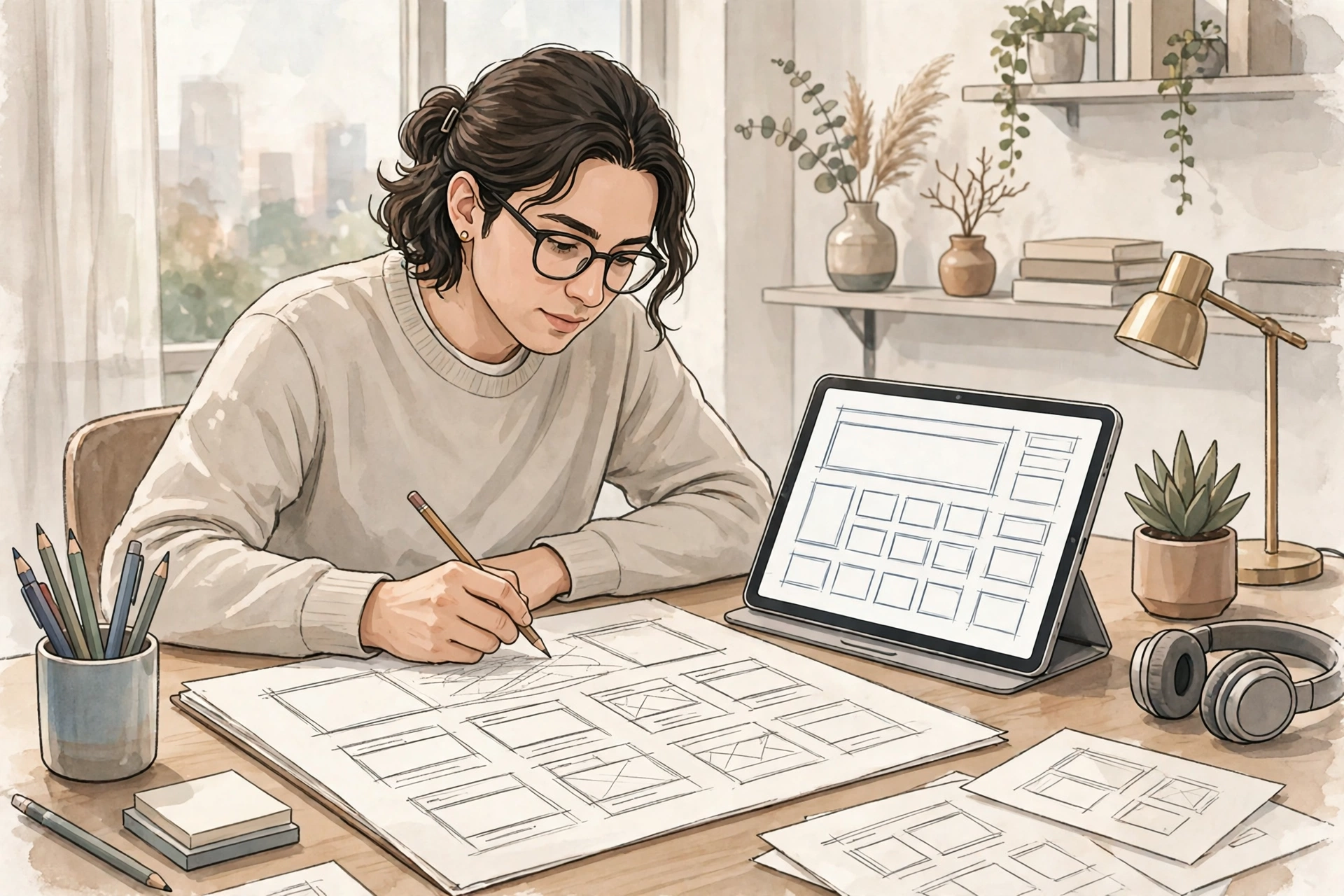
A web designer shapes how a site looks, feels, and guides people. The work starts before any visual polish, with research into the audience, the goal of each page, and the action a visitor should take. For a bakery, the goal might be an online order or a phone call. For a blog, it might be reading an article and subscribing. For a shop, it might be finding a product and checking out without friction. Good design makes that action obvious, not hidden behind clever animation.
From research, a designer builds wireframes, simple grey layouts showing where headings, images, buttons, and forms will sit. Next comes a mockup or prototype, where colour, typography, and spacing give the layout its character. A clickable prototype reveals navigation problems before any code is written. A style guide then fixes colours, type sizes, and spacing, so every page feels part of the same site. Accessibility is part of this work: readable contrast and descriptive link text help everyone.
What Does a Web Developer Do?
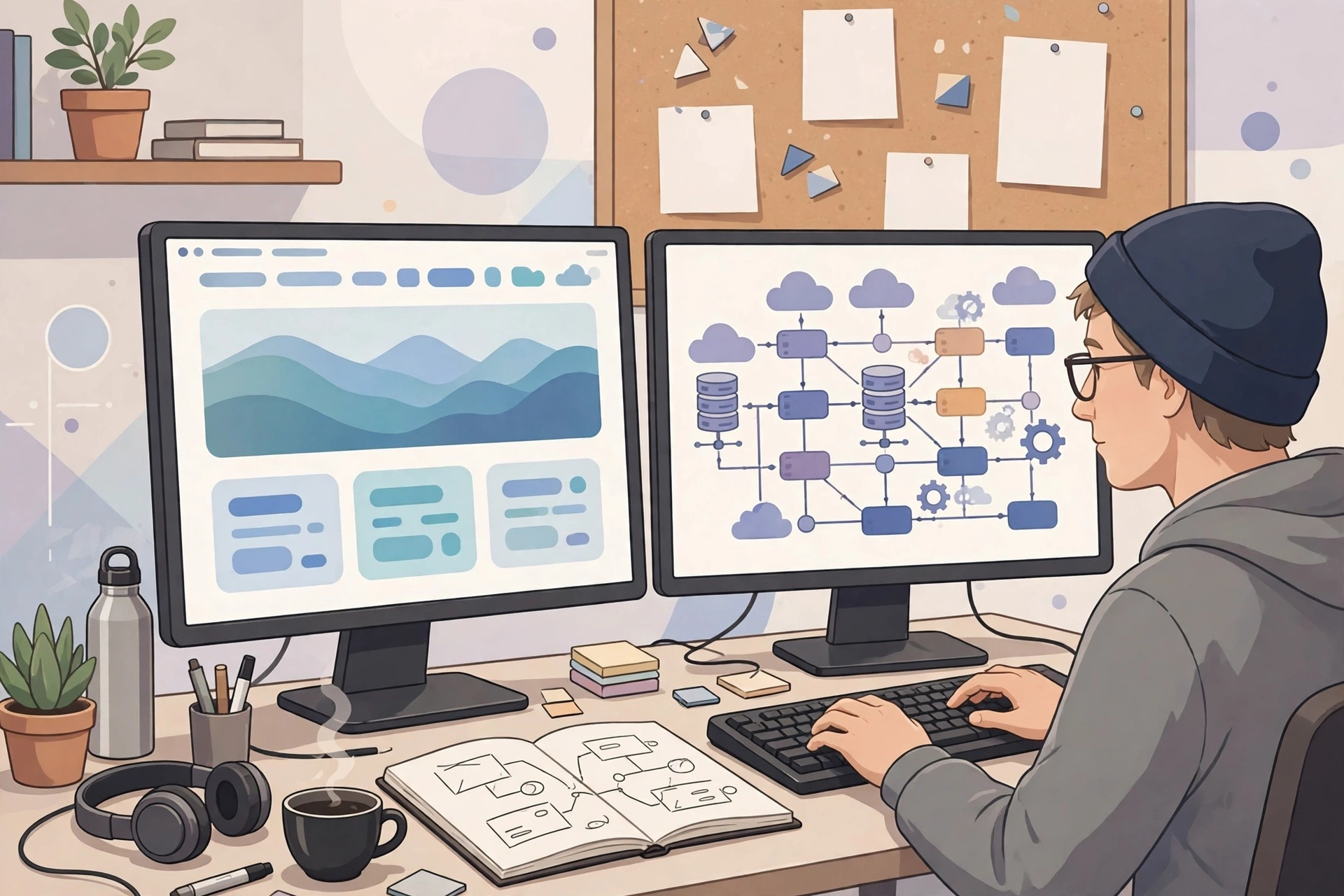
A web developer turns designs and requirements into a working product. Where a designer decides what should happen when a visitor clicks a button, a developer makes the click actually do something. That work splits into front end, back end, and full stack roles.
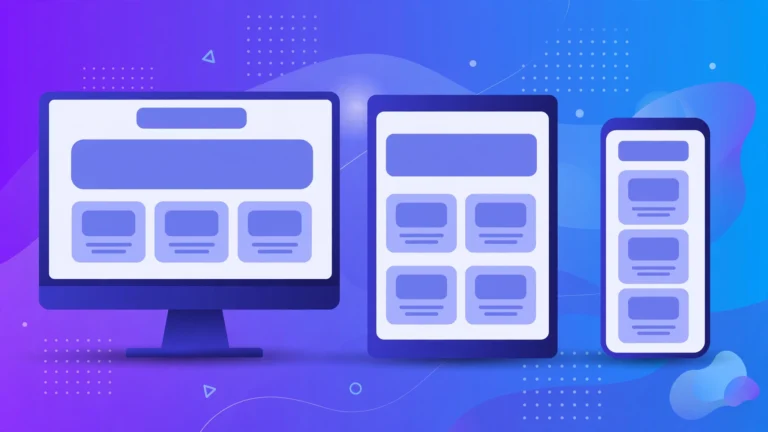
Front end developers build everything that runs in the browser: HTML for structure, CSS for layout and typography, and JavaScript for interaction, from menus to live search and form validation. They also handle responsive behaviour, so a layout adapts from desktop to phone, and performance, so images and scripts do not make a page feel heavy. Frameworks such as React, Angular, and Vue help with complex interfaces, but semantic HTML, maintainable CSS, and resilient JavaScript remain the core skills.
Back end developers build the parts visitors never see: server code in languages such as PHP, Python, Node.js, Ruby, or Java; databases for articles, products, orders, and accounts; APIs for requesting and saving data; and authentication, security, backups, and payment and email integrations. Developers also use version control, usually Git, to track changes and roll back safely when an update causes a problem.
What Is the Web Design and Development Process?
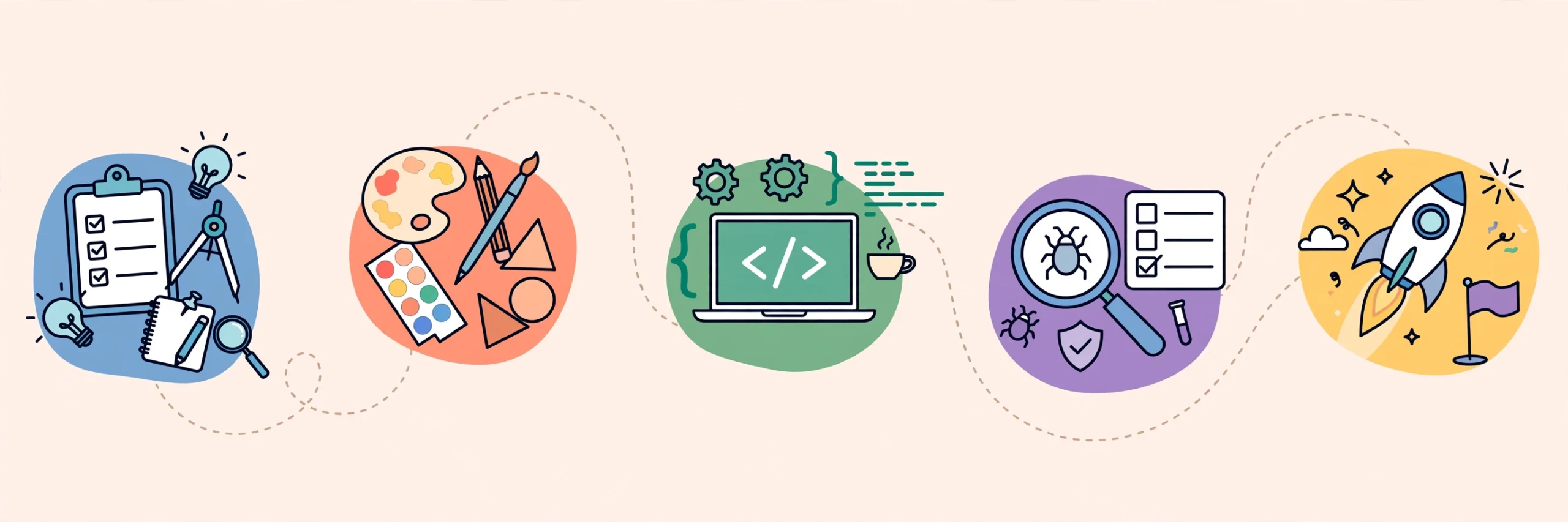
Most successful projects follow the same seven stages, even when the tools differ. Skipping a stage rarely saves time; it usually moves the cost later, when fixes are more expensive.
- Discovery and planning. Define the audience, goal, pages, and one primary action per page, plus budget, timeline, and approvers.
- Structure and wireframes. Map the sitemap, sketch key pages, and agree on navigation first, when fixes are cheapest.
- Visual design. Create mockups or prototypes, test them where possible, and lock a style guide, using real content so layout problems show.
- Development. Build the front end from approved designs, then connect the back end, content system, forms, and integrations, in small testable pieces.
- Content and SEO basics. Add real copy, images with helpful alt text, page titles, meta descriptions, and internal links.
- Testing and quality assurance. Check phones, tablets, and desktops; test forms, search, checkout, and logins; check speed, accessibility, and broken links.
- Launch and maintenance. Move to the live domain and hosting, set up backups and updates, and monitor speed, errors, and security. Launch starts the site’s life.
The handoff deserves special care: final mockups, a prototype, a style guide, assets, content, and notes on animations, forms, and edge cases such as long headlines. Missing items force guesses, and guesses become rework.
Which Tools Do Designers and Developers Use?
Tools change, but categories stay stable, so learn one tool per category well. Designers commonly use Figma for wireframes, mockups, and prototypes, because it supports collaboration with developers. Sketch remains popular on Mac, and Canva suits quick graphics, though not full web design. Photoshop or free alternatives help prepare photos at the right size.
Developers commonly use Visual Studio Code, Git, and browser developer tools for layout, debugging, and responsive testing. WordPress lets teams publish without rebuilding pages, while static hosting suits simple sites. Google PageSpeed Insights flags speed problems, analytics show which pages people use, and accessibility checkers catch contrast issues early. No tool replaces testing with real people on real devices.
How Much Does Web Design and Development Cost?
Cost depends on scope, quality, and who does the work, so ranges are more honest than single prices. A beginner building a simple site with free tools may spend only the cost of a domain, often about 10 to 20 dollars per year, plus hosting. A small business site built by a freelancer commonly costs a few thousand dollars, while a custom agency build with design research, custom features, and integrations can cost far more. Ongoing costs include hosting, domain renewal, maintenance, content updates, and occasional redesigns.
Cost rises with custom design, custom functionality, e-commerce, memberships, bookings, multilingual content, and third party integrations, because each adds testing and maintenance. Revisions after coding has started also add cost, so approving wireframes and mockups first saves money. Time follows the same pattern: a simple site can take a beginner 3 to 4 weeks part time, a medium business site often takes 8 to 12 weeks, and large projects take months.
What Makes a Website Good?
A good website is judged by outcomes, not portfolio looks. Visitors should understand the offer in seconds, find what they need, and complete their task without errors. That needs clear headings, readable type, strong contrast, fast loading, and forms that explain what happens next, plus content written for people and images that support the message.
Performance is part of quality. Large images, too many scripts, and heavy animations hurt mobile visitors most, because they often use slower connections. Compress images, load only what each page needs, and test on a real phone. Trust matters too: clear contact details, honest pricing, a privacy policy, and up to date content signal that a site is maintained. Broken links and placeholder text do the opposite.
What Are Common Mistakes to Avoid?
The most common mistake is starting with visuals before goals: a striking homepage that does not say what the business does or what to do next is decoration, not design. Another is designing only for desktop. Most visitors arrive on phones, so mobile layout, tap targets, and readable type should come first.
Other mistakes are quieter but costly: skipping the handoff checklist, adding features nobody asked for, ignoring accessibility, speed, and SEO until launch week, and launching without backups or a fix plan. A simple guard is this rule: no page moves to the next stage until its goal, content, and approval are clear.
How Do You Start Learning Web Design and Development?
Start with the foundations, in order: HTML for structure, CSS for layout and style, and JavaScript for interaction. Build small projects as you learn: a personal page, a landing page, then a page with a working form and responsive behaviour. Study other sites critically: notice what makes a page easy to scan and where you got lost.
For design, practice wireframing before polishing visuals, then test a redesign on a friend and watch where they hesitate. For development, learn Git early. After the basics, choose a direction: design and user experience, front end, back end, or full stack work. Skills transfer between them.
If you are hiring, start small: ask for past work, a clear scope, a handoff plan, and a maintenance offer. A good partner explains trade offs plainly and warns about costs early. For the coding side, see what is web development. For hosting choices, see what is web hosting. To build first pages yourself, see how to create a website. For mobile friendly layouts, see responsive web design techniques.
Frequently Asked Questions
What is the difference between web design and web development?
Web design decides how a site looks, feels, and guides visitors, including layout, typography, colour, and navigation. Web development builds the working site behind that design, using HTML, CSS, and JavaScript on the front end and server code and databases on the back end. Design plans the experience; development makes it run.
Do I need both a designer and a developer?
For a simple site, one skilled person or a website builder may be enough. For a custom business site, separate design and development skills usually produce a better result, because each craft needs deep practice. A small team or a full stack developer can cover both on modest projects, but check real past work first.
How long does web design and development take?
A simple informational site can take 3 to 4 weeks for a beginner working part time, or a few weeks for a professional team. A medium business site often takes 8 to 12 weeks. Larger e-commerce or web app projects take months, because research, testing, content, and integrations add real work that cannot be skipped safely.
How much should a small business budget for a website?
Budget for the build plus the first year of hosting, domain, maintenance, and content. DIY builds can cost under a few hundred dollars per year in tools and hosting. Freelance builds commonly cost a few thousand dollars, while agency builds cost more for research, custom design, and complex features. Always ask what maintenance is included.
Is web design and development hard to learn?
The basics are approachable: HTML and CSS can be learned through small projects in weeks, and JavaScript follows with practice. The hard part is depth, including accessibility, performance, security, and real user testing. Consistent small projects teach more than long courses without building.
Should I use a website builder or custom development?
Use a website builder when speed, low cost, and simple pages matter most, and you are happy with template limits. Choose custom development when you need unique design, complex features, integrations, or full control over performance and SEO. Many businesses start with a builder and move to custom work as they grow.
What happens after a website launches?
After launch, a site needs updates, backups, security checks, speed monitoring, and fresh content. Teams fix bugs found by real visitors, improve pages that underperform, and update software before it becomes a security risk. A site without maintenance slowly becomes slower, less secure, and less useful.
Conclusion
Web design and development work best as one project with two crafts, not two jobs sharing a deadline. Design makes a site clear and easy to use; development makes it fast and reliable. A clear goal, careful handoff, honest testing, and regular maintenance matter more than any tool or trend.
If you are planning a site, start with one page and one action, sketch it before polishing it, and test it on a phone before calling it done. If you are learning, build small, real projects. If you are hiring, choose a partner who explains process, costs, and maintenance in plain language. For more guides, visit the CPN Tech homepage.