Cloud Backup Services for Business: The 2026 Guide
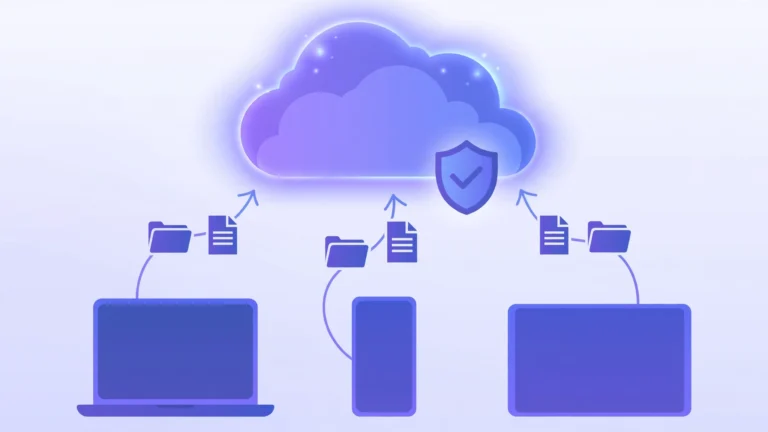
Cloud backup services for business copy company data, from files and databases to whole virtual machines, to secure servers on the internet on an automatic schedule, so the business can recover everything after hardware failure, theft, ransomware, or human error. Unlike a USB drive or a sync folder, a real backup keeps separate versioned copies that survive even when the original machine is destroyed.
Losing business data is one of the few disasters that can genuinely close a small company: research cited by backup vendors finds that a large share of small firms that lose their data close within a year. Cloud backup has become simple, automatic, and affordable. This guide explains what these services are, how they work, what they cost, and how to pick the right one.
Key Takeaways
- Cloud backup services for business store automatic, off-site copies of company data so it survives hardware failure, ransomware, and human error.
- Cloud storage (Google Drive, Dropbox, OneDrive) is not a backup: those tools sync files, so ransomware or deletion can spread to the cloud copies too.
- Enterprise cloud backup adds immutable copies, cross-region redundancy, audit trails, and compliance controls.
- A software license and a per-terabyte service include different things, so compare like with like.
- Follow the 3-2-1-1 rule: three copies, two storage types, one copy off-site, plus one immutable copy.
- The most skipped step is the test restore: a backup you have never restored from is a hope, not a plan.
- What Are Cloud Backup Services for Business?
- How Do Cloud Backup Services Work?
- What Types of Cloud Backup Solutions for Business Exist?
- Why Does Your Business Need Cloud Backup?
- What Is Enterprise Cloud Backup, and When Do You Need It?
- What Are the Challenges and Limitations of Cloud Backup?
- How Much Do Cloud Backup Services for Business Cost?
- How Do You Choose the Right Cloud Backup Service?
- Real-World Examples: Cloud Backup in Action
- Your 30-Day Implementation Checklist
- Frequently Asked Questions
What Are Cloud Backup Services for Business?
Cloud backup services for business are managed services that automatically copy a company’s data to remote data centers and keep it recoverable after a failure, covering workstations, servers, virtual machines, databases, and sometimes SaaS apps like Microsoft 365 or Google Workspace.
The core idea is separation. On-site backups keep copies in the same office, so a fire or theft can destroy the original and the backup together. Cloud backup stores copies far away, so no single local disaster can take everything.
Cloud storage is a different product. Google Drive, Dropbox, and OneDrive synchronize files but mirror changes: ransomware or an accidental deletion syncs to the cloud copy too. A backup keeps independent, versioned copies on a fixed schedule, so you can roll back to last Tuesday’s version. See our guide on cloud storage vs cloud backup.
How Do Cloud Backup Services Work?
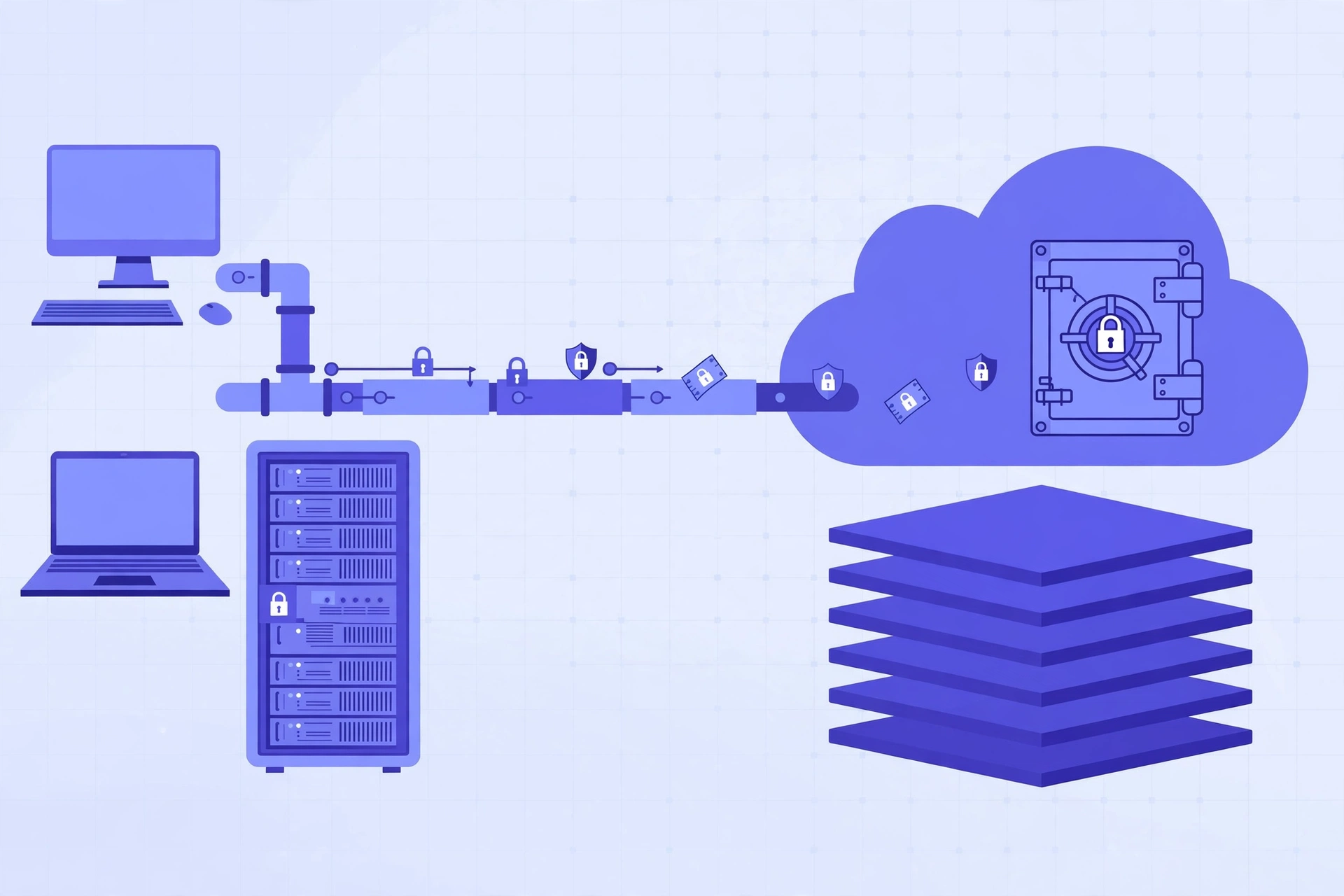
Cloud backup services capture copies of your data on a schedule and send them, encrypted, to remote servers with version history and retention rules you control. The first backup is a full copy; afterward, only changed blocks are sent (incremental backup), keeping daily backups fast and small.
- An agent or connector is installed on each server or workstation, or the service uses agentless snapshots via the cloud platform’s API (Amazon Web Services, Microsoft Azure).
- A policy defines the schedule: what to back up, how often, and how long to keep each copy. The schedule sets your RPO (Recovery Point Objective), the maximum data you could lose.
- Data is encrypted before it leaves, in transit with TLS and at rest with AES-256. The strongest services offer private encryption keys, so the vendor cannot read your data.
- Only changes are transferred. Deduplication shrinks data: ten identical 50 MB presentations are stored once and referenced ten times.
- Copies land in a vault with retention rules, commonly daily versions for a week, weekly for a month, monthly for a year. You restore by picking the point in time you want.
Recovery comes in flavors: file-level recovery pulls back one deleted document, bare-metal recovery restores a whole server onto new hardware, and disaster recovery fails over workloads to standby servers.
What Types of Cloud Backup Solutions for Business Exist?
Cloud backup solutions for business come in three service types and four deployment models.
Backup as a Service (BaaS) is the classic model: the vendor provides software plus storage while you manage policies and restores. IDrive, Carbonite, and CrashPlan follow this pattern, suiting small and mid-size businesses.
Cloud-to-cloud (SaaS) backup protects data already in the cloud: Microsoft 365 mailboxes, Google Workspace drives, Salesforce records. Microsoft and Google do not back up your SaaS data under the shared responsibility model, so deleted mailboxes and ransomware hits are your problem.
Disaster Recovery as a Service (DRaaS) adds failover: if your servers die, the provider spins up replicas in its cloud, with recovery measured in minutes.
The four deployment models: public cloud backup uses shared infrastructure (AWS, Azure, Google Cloud), billed pay-as-you-go, the cheapest start with no hardware; private cloud backup runs on dedicated infrastructure for one organization, chosen by finance, healthcare, and government for strict data governance at a higher cost; hybrid cloud backup mixes the two, while a fast local copy plus a cloud copy satisfies the 3-2-1 rule with good economics; multi-cloud backup spreads copies across two or more public clouds to avoid vendor lock-in and survive a provider outage, adding complexity for organizations with real IT capacity.
Why Does Your Business Need Cloud Backup?
Data loss is common, expensive, and increasingly caused by criminals, not accidents. Ransomware groups deliberately target backups first: a company with intact copies does not need to pay.
- Ransomware and malware. Phishing emails remain the most common entry point (see our explainer on what phishing is). Immutable backup copies give you clean data to restore from.
- Hardware failure. Drives die, laptops get dropped, servers age out. Cloud backup turns a dead machine into a restore job.
- Human error. Deleted files, overwritten spreadsheets, and broken migrations are more common than disasters. Versioned backups fix these in minutes.
- Natural disasters and theft. Fire, flood, and burglary destroy the office and everything in it. An off-site copy is untouched.
- Compliance pressure. Regulated industries require provable retention, audit trails, and geographically separate copies, which backup services provide.
What Is Enterprise Cloud Backup, and When Do You Need It?
Enterprise cloud backup is cloud backup built for large, complex organizations: thousands of servers, multiple regions, strict regulations, and recovery targets measured in minutes.
- Immutability and ransomware posture. Amazon S3 Object Lock in compliance mode and Azure immutable vaults lock backups so nobody can delete or alter them early.
- Cross-region, cross-account, and cross-cloud copies. Another region protects against a regional outage, another account against a compromised account, and another cloud against the provider itself.
- Centralized policy management. Policies attach to resource tags and apply automatically, so nothing unprotected slips through.
- Audit trails and compliance reporting. Every backup, restore, and access is logged for regulators.
- Orchestrated recovery. The platform rebuilds whole environments, network included, in a defined order, with automated drills that prove recovery works.
You need enterprise cloud backup when you run hundreds of workloads, operate in regulated industries, or when downtime costs real money per hour. If the phrase enterprise backup cloud keeps appearing in vendor quotes, that is the market’s shorthand.
What Are the Challenges and Limitations of Cloud Backup?
Cloud backup has trade-offs the marketing pages skip. Knowing them in advance saves expensive surprises.
Egress and restore costs. Some providers charge you when you pull data back out; others charge a flat per-terabyte rate with no egress fees. Always ask what a full restore costs, not just what storage costs.
Restore speed vs. your recovery target. Downloading terabytes takes time. If the business must be back within an hour (your RTO), a pure cloud restore may be too slow, which is why many businesses keep a local copy for fast restores.
Vendor lock-in. Proprietary backup formats make switching providers painful. Prefer services using open formats or standard object storage (S3-compatible).
Internet dependency. The first full backup of a large estate can take days. Many providers offer seed loading: they ship you a drive and you copy data locally.
How Much Do Cloud Backup Services for Business Cost?
Cloud backup services for business are priced in one of three ways, and the pricing model matters more than the headline number: a software license and a per-terabyte managed service do not describe the same purchase.
Per-device or per-workload licensing. You pay per server or virtual machine, storage billed separately. Enterprise platforms like Veeam and Commvault use consumption-based models where the bill grows with the estate.
Per-terabyte managed service. The vendor holds the data in its cloud and charges per terabyte stored. A 5 TB estate at a widely advertised $7.99 per TB per month rate costs roughly $40 per month plus the backup software.
Metered cloud-native backup. AWS Backup, Azure Backup, and Google Cloud Backup and DR charge per gigabyte-month plus restore and transfer charges. Unit prices look tiny, but the bill is hard to predict because it moves with every workload change and region.
A worked example: a 30-person company with 5 TB might pay $40 to $80 per month for managed per-TB storage, or a few hundred per month for a licensed platform plus cloud storage. Model a two-year total, not the first-year discount.

How Do You Choose the Right Cloud Backup Service?
Choosing a cloud backup service is a requirements exercise, not a features race. Start with what the business needs, then match products to it.
- Define your RPO and RTO, then inventory everything. How much data can you afford to lose, and how fast must you be back? List every server, database, workstation, and SaaS app, since failures usually start with data nobody knew existed.
- Apply the 3-2-1-1 rule. Keep three copies of important data, on two storage types, with one copy off-site, plus one immutable copy enforced with a real lock like S3 Object Lock.
- Check the recovery path. Ask for the documented restore procedure and time for a full server, a single mailbox, and one deleted file.
- Price the full picture. License plus storage plus restore charges plus egress, over two years, and check the exit terms: can you export your data in a usable format?
- Verify security basics. AES-256 at rest, TLS in transit, private encryption key option, multi-factor authentication, and role-based access.
- Demand a trial and test a restore. Back up one real server, then restore one real file and one real machine. Time it.
For more on the storage side that most backup services are built on, see our overview of cloud-based storage solutions.
Real-World Examples: Cloud Backup in Action
The agency hit by ransomware. A 25-person agency runs on Windows laptops and Microsoft 365. An employee opens a phishing attachment and ransomware encrypts the file server overnight. With immutable off-site copies plus a cloud-to-cloud backup of its Microsoft 365 tenant, the IT contractor restores clean copies and the agency loses one working day, not its client files.
The retailer with a flooded server room. A retail chain keeps point-of-sale databases on a headquarters server with nightly copies in the public cloud. A burst pipe floods the server room, but the cloud copies are intact. New hardware arrives in two days and a bare-metal restore brings the databases back.
The healthcare company under audit. A mid-size provider must prove multi-year retention to regulators. Its enterprise backup platform uses cross-region immutable vaults and audit logs, so it exports the immutability reports directly and the audit passes.
Your 30-Day Implementation Checklist
Week 1: Assess. Inventory every device, server, database, and SaaS app, and define RPO and RTO with the business owner. Classify data: mission-critical, nice-to-have, and compliance-regulated.
Week 2: Select and trial. Shortlist two products that fit your RPO, RTO, and budget, and trial them on real data. Score each on restore speed, ease of use, and true cost.
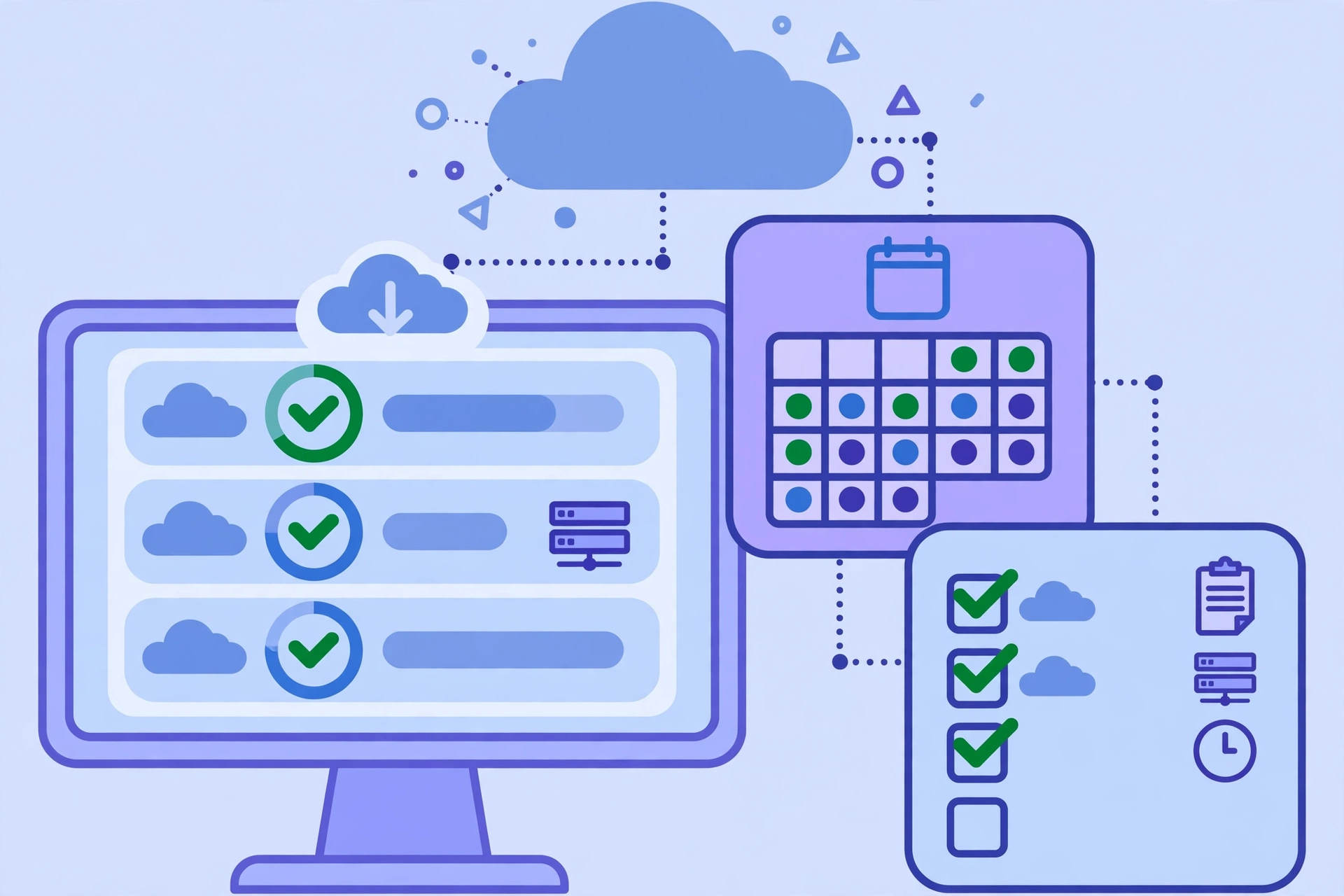
Week 3: Deploy. Roll out agents on the schedule you tested. Set policies: backup frequency, retention (daily for a week, weekly for a month, monthly for a year), immutability locks, and failure alerts.
Week 4: Prove it. Run a full test restore of your most important system and time it against your RTO. Document the steps, train two people on the restore procedure, and schedule quarterly restore tests, because an untested backup is a hope, not a plan.
For more beginner-friendly guides on protecting your business, browse CPN Tech.
Frequently Asked Questions
What is the best cloud backup service for a small business?
For most small businesses, a simple Backup as a Service product is the best fit: automatic, off-site, and affordable for multiple devices on one account. Add a separate cloud-to-cloud backup for Microsoft 365 or Google Workspace, which do not back up your data for you.
Is cloud backup better than local backup?
They solve different problems, so the best answer is to use both. Cloud backup is the off-site copy that survives fire, theft, or ransomware; local backup gives you fast, full restores without a download. Together they satisfy the 3-2-1 backup rule, which is the standard professionals follow.
How much does cloud backup for business cost?
A small business typically pays from tens of dollars per month for per-terabyte managed storage, up to a few hundred per month for licensed platforms plus cloud storage. Enterprise deployments are quoted annually. Always price the two-year total, including restore and egress charges.
Isn’t Microsoft 365 or Google Drive already a backup?
No. Those are storage and sync services: when a file is deleted, corrupted, or encrypted by ransomware, that change syncs everywhere, including the cloud copy. A real backup keeps separate, versioned copies on an independent schedule that you can roll back to.
What is the 3-2-1-1 backup rule?
Keep three copies of your data, on two storage types, with one copy off-site, plus one immutable copy that cannot be deleted or altered. The extra 1 is the industry’s specific defense against ransomware that tries to destroy backups.
How often should a business back up its data?
As often as the business can afford to lose data. Daily backups are the minimum for most companies; hourly or continuous backups suit businesses where a few hours of lost work is expensive. Your RPO, the maximum acceptable data loss, sets the schedule.
Conclusion
Cloud backup services for business turn data loss from an existential threat into a routine restore job. The technology is mature, pricing is reasonable, and deployment takes weeks. The mistakes that hurt companies are all avoidable: confusing sync with backup, skipping the immutable copy, never testing a restore, and comparing license prices against per-terabyte prices as if they were the same thing. Pick your RPO and RTO, inventory your data, trial two products, test the restore, and run the 30-day plan above. Your future self, the one staring at a dead server at 2 a.m., will be grateful you did.