What Is a Phishing Email? 7 Examples Explained
A phishing email is a fake message designed to look like it comes from a company, colleague, or service you trust, with the goal of tricking you into clicking a malicious link, opening a harmful attachment, or handing over sensitive information like passwords or bank details. It works through social engineering: it targets human psychology rather than computer code. Once you learn the red flags, most phishing emails become easy to spot.
Here at CPN Tech, we explain cybersecurity simply. This guide walks through seven realistic, fully annotated phishing email examples and gives you a routine for verifying and reporting anything suspicious. Every example below is fictional and illustrative.
Key Takeaways
- A phishing email impersonates a trusted sender to steal credentials, money, or data via links, attachments, or replies.
- Read the sender address carefully: spoofed domains and look-alike characters are the most common trick.
- Urgency, fear, and greed are the levers attackers pull; pause before acting on any message that rushes you.
- AI-written phishing now has perfect grammar, so typos are no longer a reliable clue.
- Verify through a separate channel and report phishing with your email provider’s report button.
Table of Contents
What Is a Phishing Email?
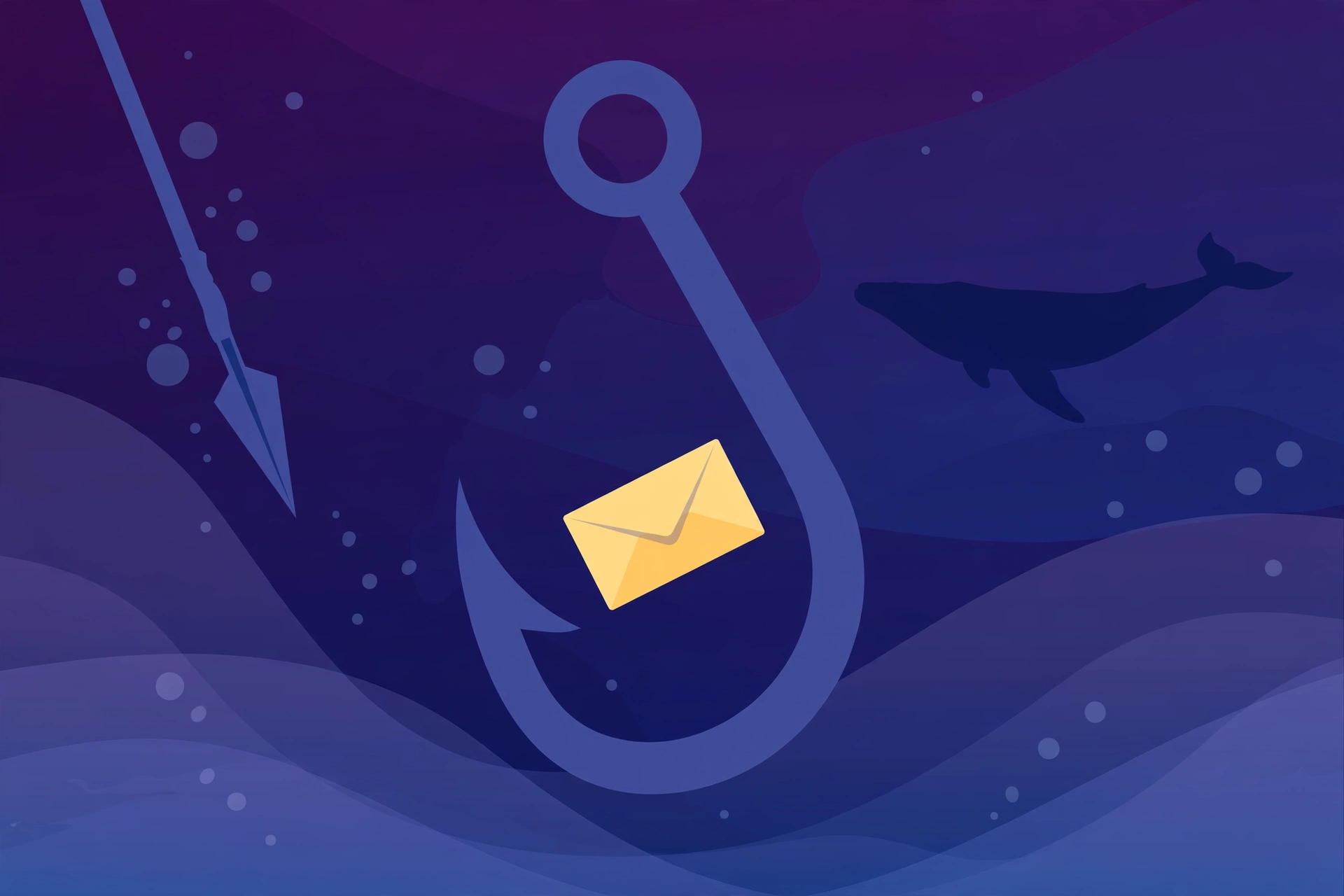
Phishing, a play on “fishing” for victims, is a cyberattack where someone pretends to be a trustworthy contact over email (and sometimes text or phone) to manipulate you into an action that helps them. According to Wikipedia’s overview of phishing, it is a form of social engineering: it exploits human behavior, not technical defenses.
The recipe is simple: a convincing sender name, an attention-grabbing subject, and a body that looks routine. Inside sits the trap: a link to a fake login page, an attachment that installs malware, or a request for sensitive details.
Phishing is not spam. Spam is bulk unsolicited advertising, annoying but usually harmless. Phishing is targeted deception: spam wants you to buy something, while phishing wants your trust just long enough to take something from you.
How a Phishing Email Works
Every phishing email is built from four ingredients: authority, urgency, simplicity, and legitimacy cues.
Authority is the impersonation: a bank, a known service, your CEO. Attackers achieve it through email spoofing, forging the sender’s name and address. Email spoofing works because email was designed without built-in sender verification; newer standards help (see below), but spoofing is still easy.
Urgency is the pressure: “your account will be suspended in 24 hours.” Deadlines short-circuit careful thinking. If a message tightens your stomach, slow down instead of speeding up; that reaction is what the sender wants.
Simplicity is the ask: click this link, open this attachment, reply with your details. One small action is all it takes.
Legitimacy cues are the polish: real logos, familiar layouts, professional formatting. In the AI era these cues can be flawless, so the sender address and link destination are the checks that matter.
7 Phishing Email Examples Explained
The seven scenarios below are completely fictional. The company names, people, and details were invented for this article. They mirror the most common phishing patterns, and each is annotated so you can see the trick and the red flags.
Example 1: The Fake Bank Alert
- From: FirstRiver Bank Security <alerts@firstriver-bank-secure.com>
- Subject: Unusual activity on your account
- Body: Dear Customer, we detected an unusual sign-in from a new device. Your access is temporarily limited. Verify your identity within 24 hours: [Verify My Account]
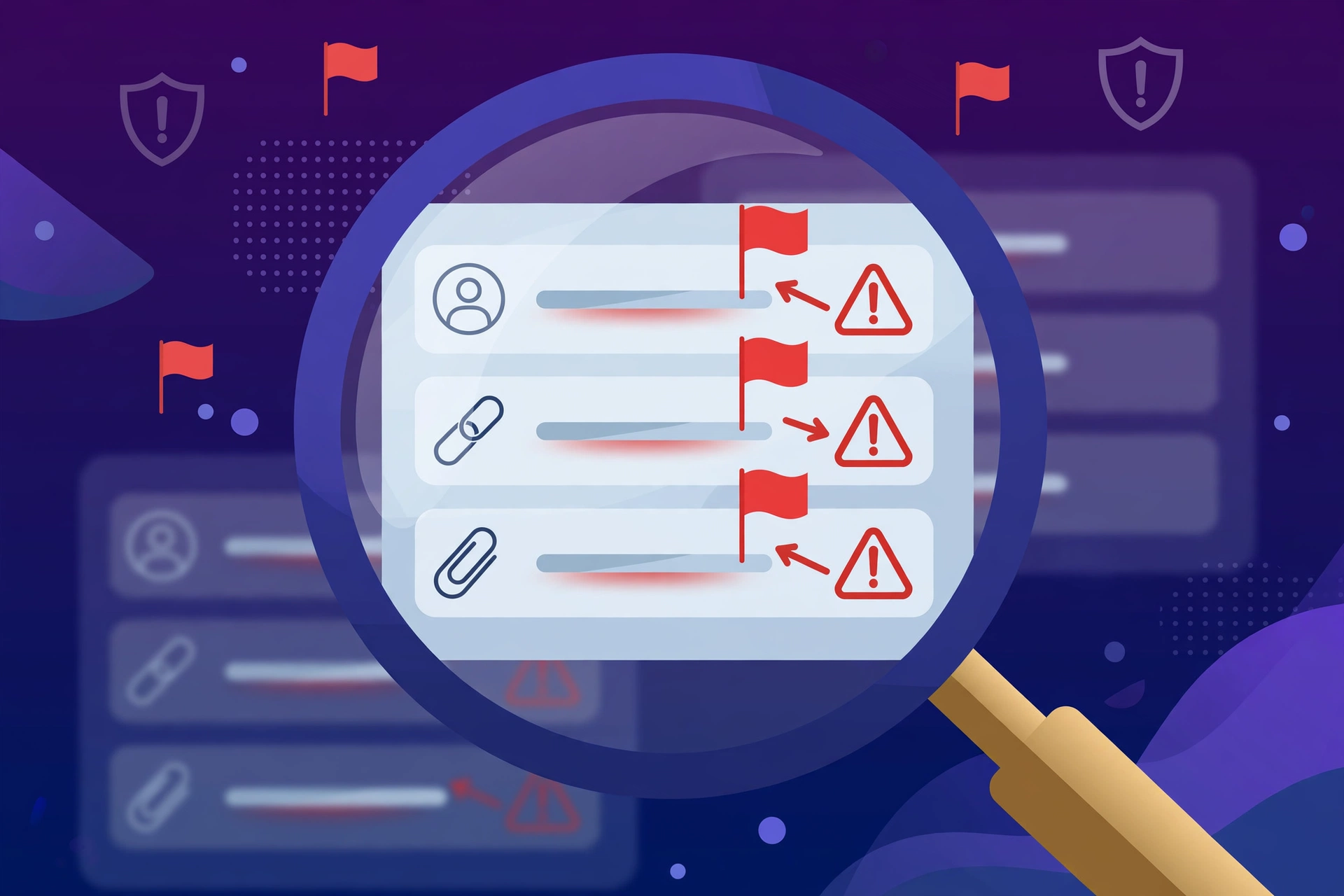
Red flags: fake sender domain; generic “Dear Customer” greeting; a 24-hour deadline plus an access threat; link text hiding an unrelated destination. The trap: a fake login page captures your password and one-time code.
Example 2: The Fake Package Delivery
- From: SwiftParcel Couriers <delivery@swiftparcel-tracking.net>
- Subject: Your package could not be delivered
- Body: Hi, your package arrived at our warehouse but cannot be delivered because of incomplete address information. Confirm your details within 12 hours: [Confirm Address]
Red flags: you expected no package, and a notice for an order you never placed is almost always a lure; a tracking-style domain matching no real courier; a vague 12-hour deadline. The trap: a fake tracking page collects your details, then asks for a small “redelivery fee” to capture your card number.
Example 3: The Fake Boss Email (CEO Fraud)
- From: Daniel Reyes <daniel.reyes@northpeak-suppllies.com>
- Subject: Quick favor
- Body: Hi, are you at your desk? I need something urgent and discreet before my meeting ends. Buy six gift cards ($200 each) and send me the codes by reply. I will reimburse you today.
Red flags: the doubled “l” in the domain, a classic look-alike trick; demands for secrecy and speed; no real executive asks staff to buy gift cards by email. The trap: no link needed. Your reply with the codes is as good as cash. This is whaling: a targeted attack on one person inside an organization.
Example 4: The Fake Password Reset
- From: CloudVault <no-reply@cloudvault-accounts.com>
- Subject: Password reset requested
- Body: We received a request to reset your CloudVault password. If this was you, ignore this email. Otherwise click here to secure your account: [Reset Password]
Red flags: backwards logic (if you did not request a reset, there is nothing to act on); the sender domain tacks “accounts” onto the brand name. The trap: a fake page asks for your current password first. If you reuse it anywhere, those accounts are at risk too.
Example 5: The Fake Invoice
- From: Accounts Payable <billing@northpeak-suppllies.com>
- Subject: Invoice #INV-8841 overdue
- Body: Hello, please find attached the overdue invoice for your recent order. Payment was due last Friday. To avoid a late fee, review the attachment and confirm the updated payment details.
Red flags: the attachment is the weapon; an “overdue” invoice from an unfamiliar sender is hostile; “updated payment details” redirects your payment to the attacker. The trap: the attachment can install malware, or “confirming” the new details sends your company’s money to the criminal.
Example 6: The Fake Social Media Login Alert
- From: BrightWave Security <security@brightwave-alerts.com>
- Subject: New login from an unrecognized device
- Body: Hi Alex, someone just signed in to your BrightWave account from another city. If this was not you, your account may be compromised. Review this now: [Review Activity]
Red flags: it uses your name, but names are easy to get from breaches; fear is the lever; the sender domain appends “-alerts” to the brand. The trap: a cloned login page captures your credentials, then the attacker scams your contacts.
Example 7: The Fake Prize Notification
- From: Prize Center <winner@globalprizedraw-promo.com>
- Subject: You have won $5,000 in our annual draw
- Body: Congratulations! Your email address was randomly selected in our annual prize draw. To claim your $5,000, pay a $25 processing fee within 48 hours: [Claim My Prize]
Red flags: you cannot win a draw you never entered; a “processing fee” for winnings is a contradiction; the sender is a generic promo domain. The trap: the fee captures your card details, and the “claim” form harvests your identity.
Phishing Types: Spear Phishing, Whaling, and More
Phishing is a family of attacks, and the names help you describe what you are seeing.
Spear phishing targets a specific person or company with personalized details. Example 3, the fake boss email, is spear phishing: it names a real person and a plausible situation, making it far more successful than generic bulk phishing.
Whaling is spear phishing aimed at executives and finance officers, usually chasing a large wire transfer.
Smishing is phishing by SMS: same playbook (fake deliveries, bank alerts), but short links are harder to inspect and people trust texts faster.
Vishing is phishing by voice call: the caller poses as your bank’s fraud department and talks you into revealing codes.
Business email compromise (BEC) covers email fraud targeting companies, including the fake invoice in Example 5. These attacks often use no malware at all, just convincing impersonation.
The same red flags apply across every channel: unexpected contact, manufactured urgency, and a request that benefits the sender.
Email Authentication: SPF, DKIM, and DMARC
Email was invented without a built-in way to prove who sent a message. Three standards now fix that, and understanding them in plain English makes you a harder target.
SPF (Sender Policy Framework) lets a domain publish which servers may send mail on its behalf, so your provider can check whether a bank message came from an approved server.
DKIM (DomainKeys Identified Mail) adds a digital signature to outgoing mail, which the receiving server verifies against the sender’s public key, proving the message really came from that domain.
DMARC ties the two together: it tells receiving servers what to do when checks fail (deliver, quarantine, or reject) and sends reports back to the domain owner.
The practical takeaway: these standards make forging a strict-DMARC domain much harder, and major providers check them automatically. But they have limits: many small domains publish no DMARC policy, attackers register look-alike domains that authenticate perfectly, and compromised real accounts send fully authenticated phishing. Treat authentication as a safety net, not a guarantee. Hardening your home network helps too, which is why a Wi-Fi 7 router buying guide is worth a read.
The Red Flag Checklist
Run any suspicious email through this scorecard. Two or more hits means you should verify before doing anything.
| # | Check | What to look for |
|---|---|---|
| 1 | Sender address | Look-alike domain, extra words (secure, accounts, alerts), free email for corporate senders |
| 2 | Greeting | Generic “Dear Customer” where your name should be, or a misspelled name |
| 3 | Urgency | Deadlines in hours, suspension threats, fines, secret requests |
| 4 | Links | Link text that hides the real destination, shortened URLs, HTTP login pages |
| 5 | Attachments | Unexpected invoices or “receipts,” especially with urgent cover stories |
| 6 | Requests | Passwords, card numbers, gift card codes, wire transfers by email |
| 7 | Tone | Awkward phrasing or off-brand formatting (AI lures can still be flawless) |
| 8 | Too good to be true | Prizes, refunds, or deals you never signed up for |
The lures change every year, but these checks barely change at all.
How to Verify and Report a Phishing Email
Step 1: Do not interact. Do not click links, open attachments, reply, or call numbers in the message. Even “unsubscribe” confirms your address is active.
Step 2: Verify through a separate channel. Open the company’s official app, type its web address yourself, or call a number from its real website. If the alert is genuine, it will appear in your account. Scammers build convincing fake sites with real custom web development skills, so never trust a link inside the email itself.
Step 3: Inspect carefully if you must. On desktop, hover over links to preview the real destination. On mobile, long-press a link to preview it without opening.
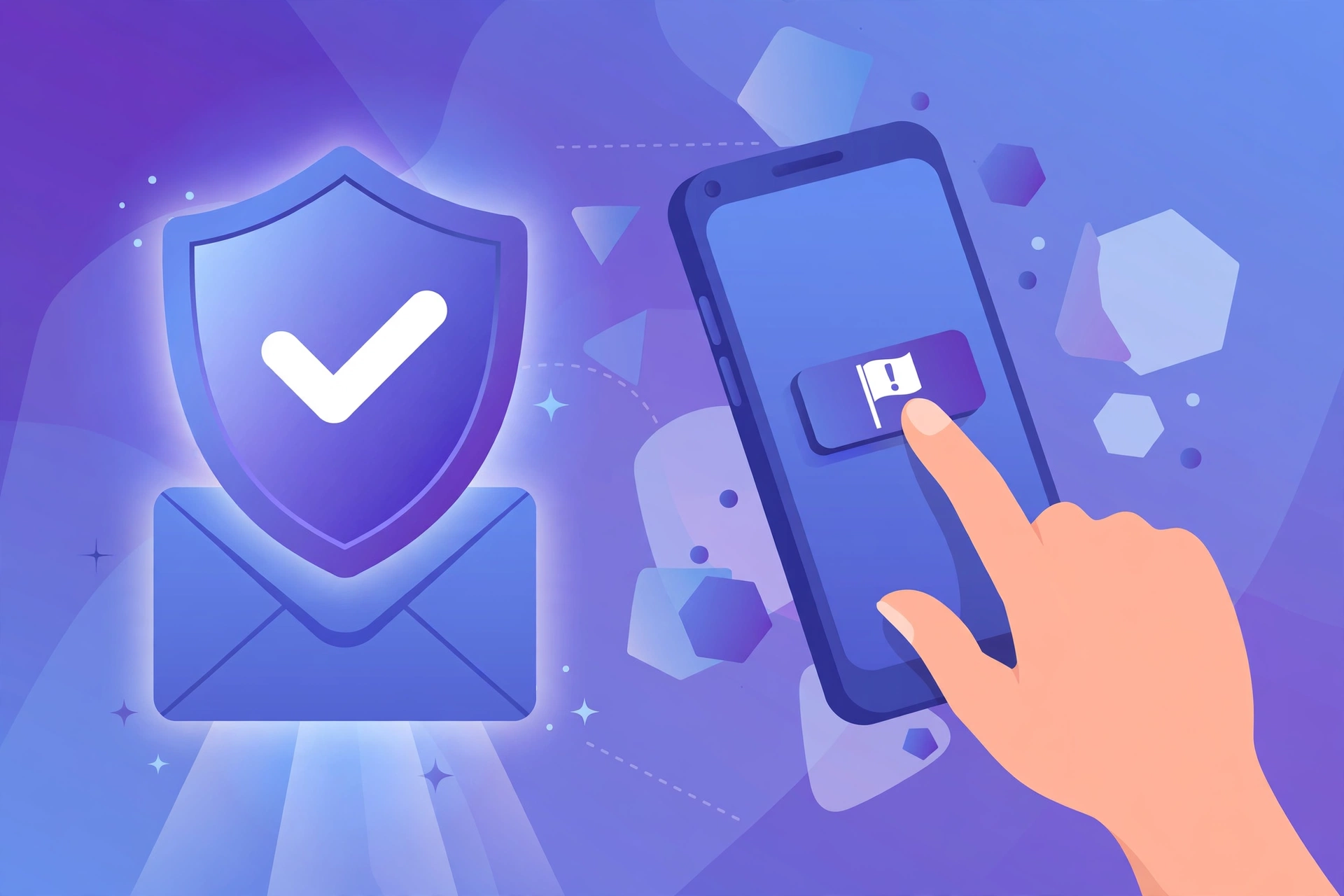
Step 4: Report it. Use the “Report phishing” option in Gmail, Outlook, or Apple Mail. In the US, forward phishing texts to 7726 (SPAM) and report to the FTC at reportfraud.ftc.gov.
Step 5: Delete, and secure your accounts if needed. If you clicked or entered details, change the affected password from the official site, enable two-factor authentication, and review recent activity. On public Wi-Fi, note that a VPN concentrator keeps remote connections encrypted, and consumer VPN apps apply the same principle.
Step 6: Warn the people around you. Phishing spreads through trust networks. Alert your IT team if a scam impersonated your workplace, and share the red flags with family and friends.
FAQ
What is a phishing email in simple terms? A phishing email is a fake message pretending to be from someone you trust that tricks you into clicking a bad link, opening a harmful attachment, or sharing passwords and payment details.
What is the most common phishing email example? The fake account security alert: a message claiming unusual activity or an expiring password, with a link to a fake login page. Fake delivery notices and fake invoices are close behind.
Can a phishing email infect my computer if I do not click anything? Simply receiving one is generally not enough on a modern, updated device. The danger starts when you click links, open attachments, or reply. Keep your software updated.
How can I tell if a sender address is spoofed? Expand the full sender field and read the domain after the @ sign carefully. Look for extra words, misspellings, or look-alike characters, and compare it with the company’s real domain.
What should I do if I already clicked a phishing link? Do not enter any information. Close the page, run a security scan, change the password from the official site, and turn on two-factor authentication.
Does bad grammar still reveal phishing emails? Not reliably. AI writing tools let attackers produce flawless, personalized messages. Grammar checks still help, but the stronger tests are the sender domain, the urgency pressure, and independent verification.
Where do I report phishing emails? Use the built-in “Report phishing” button in Gmail, Outlook, or Apple Mail. In the US you can forward phishing texts to 7726 (SPAM) and file a report with the FTC or your country’s cybercrime unit.
Conclusion
A phishing email is theater: a trusted mask, a ticking clock, a simple request, and a believable stage set. The seven examples in this guide show the most common productions, from fake bank alerts to fake prize draws, and the red flags that unmask each one. The defenses are refreshingly low-tech: read the sender domain carefully, resist urgency, verify through a channel you trust, and report what you find.
Attackers keep improving their scripts, especially with AI doing the writing, but verification fundamentals do not change. Make the checklist a habit and share it. In cybersecurity, an informed reader is the strongest firewall there is.