Social Engineering Attacks: Types, Examples, Prevention
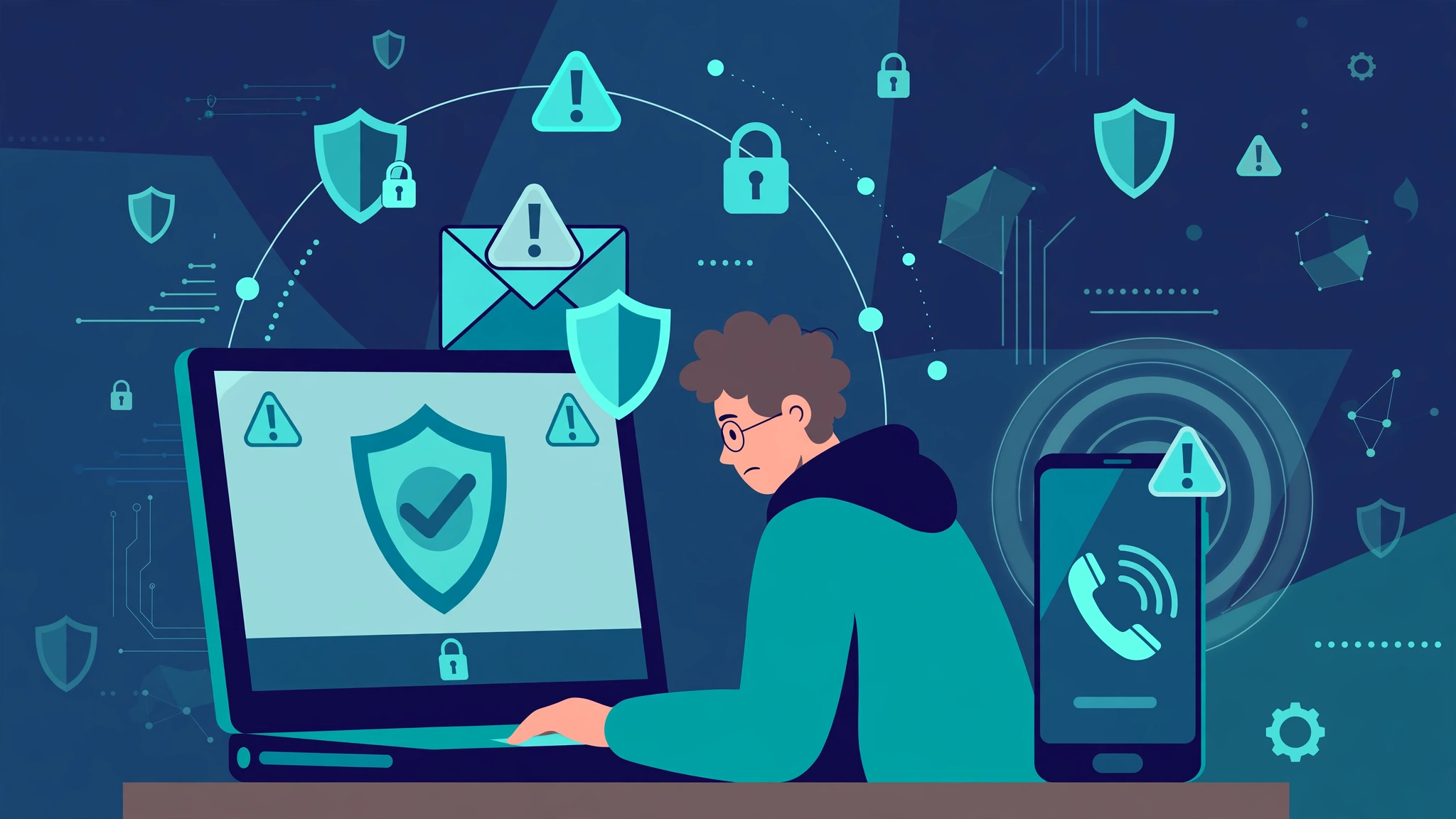
Social engineering attacks do not start by breaking a lock. They start by earning trust. A message that looks like it came from your bank, a caller who sounds like IT support, or a stranger at an office door can all be the first step. The target is not a firewall. The target is a busy, helpful person who makes a quick decision under pressure.
A social engineering attack is a manipulation technique in which an attacker tricks a person into sharing confidential information, granting access, or taking an action that harms security. Social engineering attacks use deception, urgency, authority, and familiarity instead of code exploits, and they can arrive by email, phone, text message, social media, or in person.
At CPN Tech, we explain security in plain language. This guide covers how these attacks work, the main types to recognise, why they succeed, and the habits that stop most of them, plus what to do in the first hour if you have been tricked.
Key Takeaways
- Social engineering manipulates people, not machines, using trust, urgency, authority, and curiosity.
- Phishing, vishing, smishing, pretexting, baiting, and business email compromise are the most common forms.
- AI tools make fake voices and videos more convincing, so verification matters more than ever.
- Pause, verify through a separate channel, and never share passwords or codes after an unsolicited request.
- Multi-factor authentication and unique passwords reduce damage even when an attack succeeds.
Table of Contents
- What is a social engineering attack?
- How does a social engineering attack work?
- What are the main types of social engineering attacks?
- Why do social engineering attacks work?
- What are real examples of social engineering attacks?
- How can you spot a social engineering attack?
- How do you prevent social engineering attacks at home?
- How do you prevent social engineering attacks at work?
- What should you do if you fall for a social engineering attack?
- Social engineering attacks vs technical hacking
- Frequently asked questions
- Conclusion
What is a social engineering attack?
Social engineering is manipulating a person into revealing sensitive information or performing an action that compromises security. It covers tricks from a fake login email to a call from someone pretending to be a colleague. The attacker may want a password, a code, building access, a payment, or a click that installs malware.
The key point is the method. A technical hacker looks for a weakness in software. A social engineer looks for a weakness in a moment: a busy morning, a confusing invoice, or a request that seems to come from a boss. The attacker does not need to defeat encryption if a helpful person hands over the key.
Social engineering is not new, but digital tools have made it faster to scale. One attacker can send thousands of messages in minutes. For background, see the overview of social engineering on Wikipedia: https://en.wikipedia.org/wiki/Social_engineering_(security)
How does a social engineering attack work?
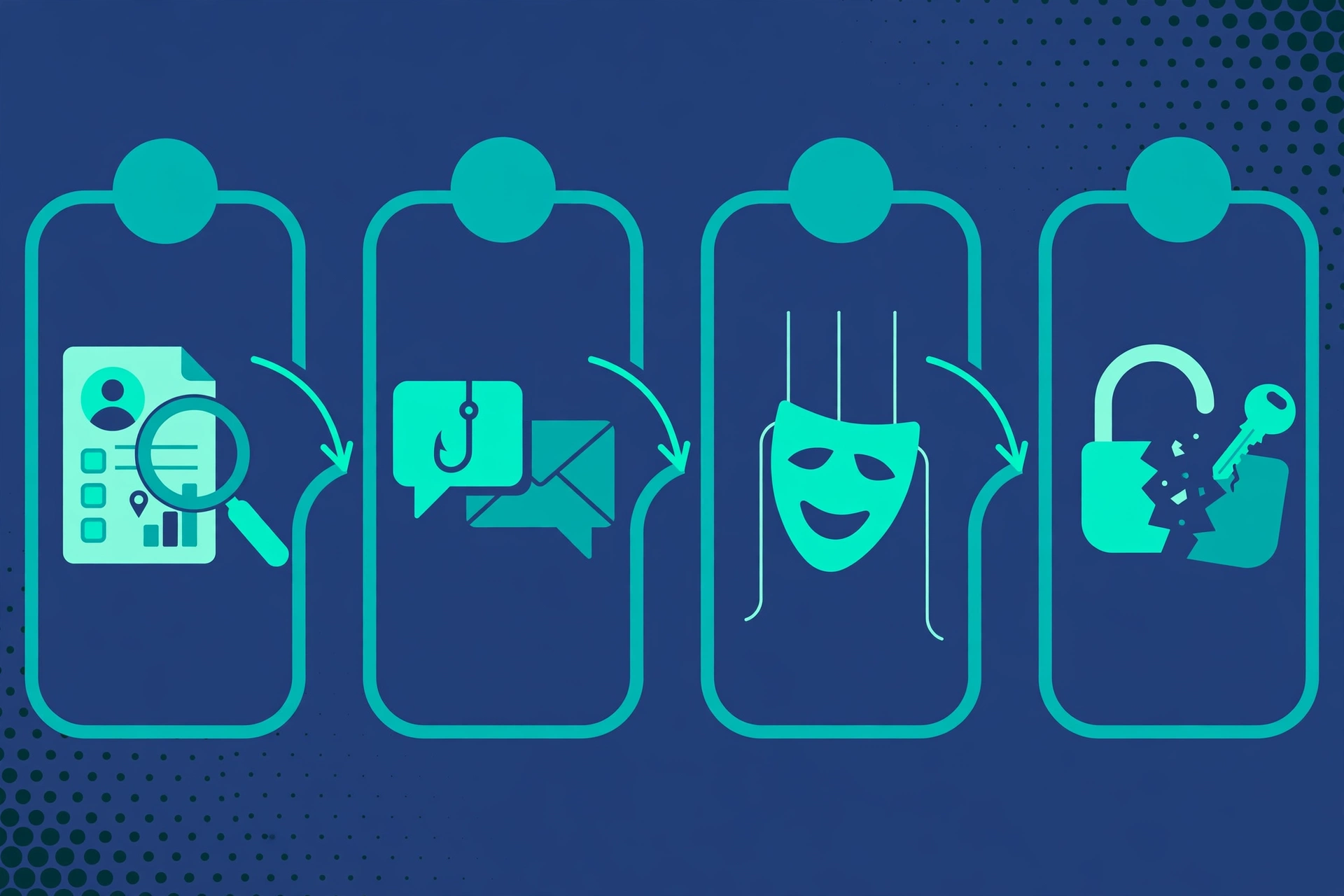
Most attacks follow a similar pattern. Understanding it helps you interrupt it before the final step.
Step 1: Research and target selection
Attackers gather public information first: social media, company websites, and breach data can reveal names, roles, and routines. A message mentioning your manager feels personal because it was built from shared or leaked details. Limiting personal details online reduces attack material.
Step 2: Building trust and creating a story
Next, the attacker creates a pretext, a believable scenario such as an account problem, delivery issue, IT check, or urgent payment. The story feels normal enough not to question, and urgent enough not to slow down. Attackers often impersonate authority figures.
Step 3: Exploitation and further access
Exploitation is the moment you are asked to act: click a link, enter credentials on a fake page, share a code, transfer money, or hold a door open. The request is framed as small, routine, and time sensitive. If you pause and verify, the trick often fails. After success, the attacker may install malware or use the account to attack colleagues, so treat a compromised account as an incident.
What are the main types of social engineering attacks?
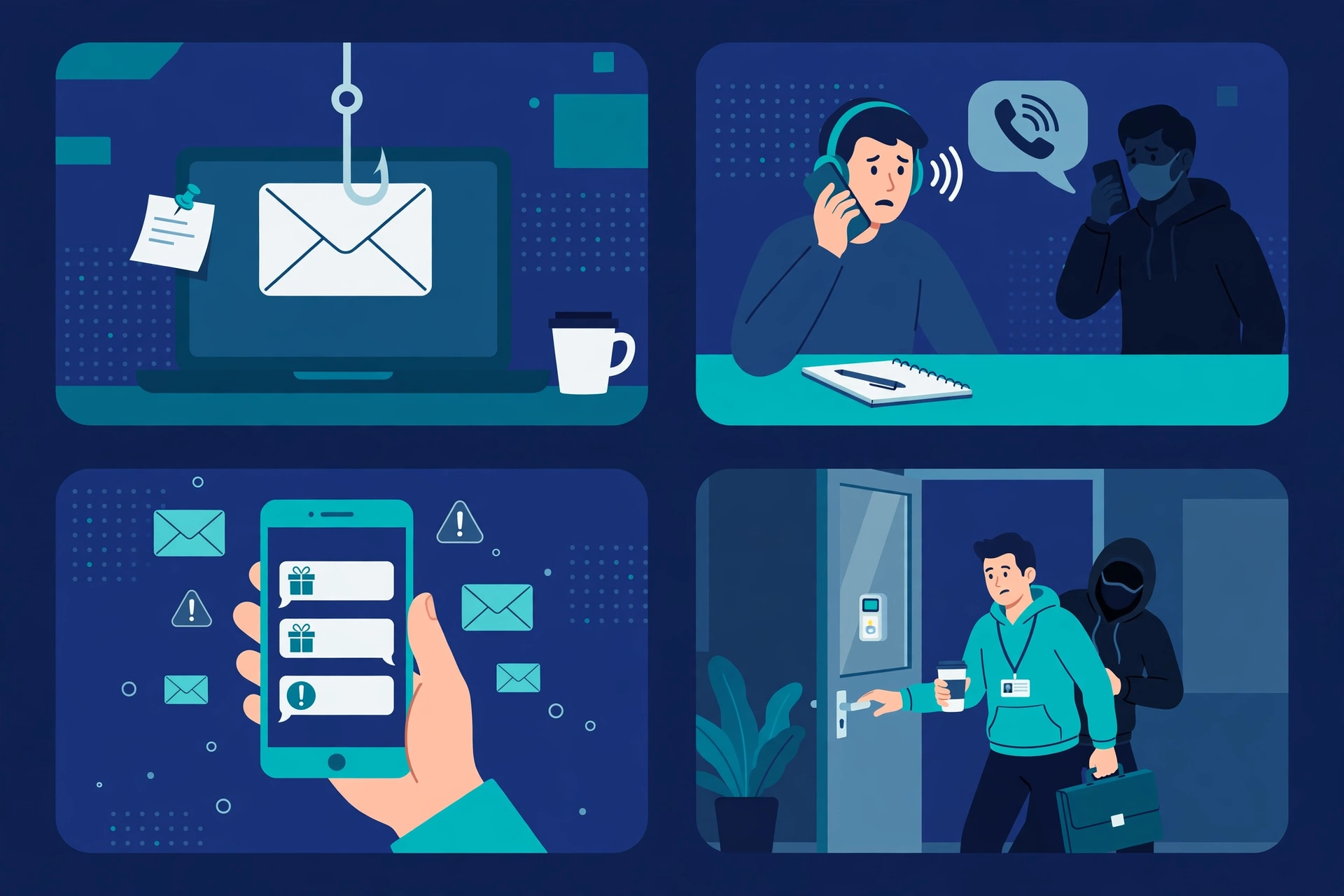
Learn each pattern to recognise new variations.
Phishing, spear phishing, and whaling
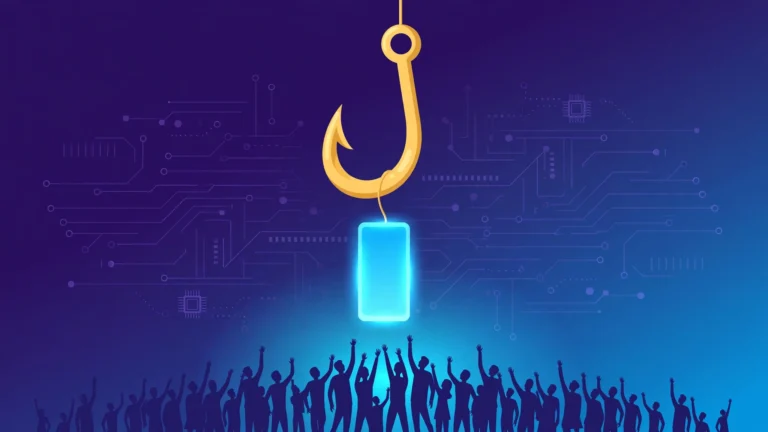
Phishing is the most common type: deceptive emails impersonating a trusted sender, often warning about a locked account or unpaid invoice, to steal credentials or install malware. Our guide to what is phishing explains the basics, and our checklist on how to spot phishing attacks covers warning signs message by message. Spear phishing targets one person or team with researched details. Whaling targets senior executives, where one success can unlock large payments.
Business email compromise
Business email compromise, often shortened to BEC, poses as a chief executive, supplier, or colleague and asks an employee to change bank details or approve a payment. Many BEC attacks contain no malicious link, making them harder for software to catch. Never approve a payment change from a single email alone. Confirm it by phone using a number from your own records.
Vishing and smishing
Vishing is voice phishing: callers impersonate banks, IT support, or agencies, claiming suspicious activity or a parcel fee, to obtain a password, code, or payment. Real banks rarely ask for your full password or code by phone, so hang up and call back on an official number. Smishing is SMS phishing: a text about delivery or prizes includes a link to click. Do not click it. Open the official app or website yourself to check.
Pretexting and quid pro quo
Pretexting invents a scenario to extract information. An attacker may pose as IT support, build rapport, then ask for a password. It often combines channels: an email sets up a call, and a call leads to remote access. Quid pro quo offers free tech support in exchange for login details. Legitimate support teams do not need your password.
Baiting, tailgating, and physical tricks
Baiting lures victims with a free download, prize, or found USB drive. Never plug in unknown USB devices. Tailgating is following an authorised person through a secure door, often while carrying a box. Shoulder surfing is watching someone type a password, and dumpster diving is searching discarded documents. Badge checks, visitor logs, privacy screens, and shredding reduce these risks.
Watering hole attacks, scareware, and AI deepfakes
A watering hole attack compromises a website a specific group visits often, then uses it to deliver malware. Scareware uses fear: a pop-up claims your device is infected and urges you to call a number or install a fix, which is itself a scam. Generative AI has raised the stakes: attackers can clone voices and imitate colleagues on video calls. Verification, not visual inspection, is now the defence.
Why do social engineering attacks work?
Social engineering attacks work because they target normal human behaviour, not broken software. Psychologist Robert Cialdini described persuasion principles attackers exploit: authority (compliance with bosses or experts), urgency (deadlines or threats), fear (avoiding loss), curiosity (prizes or secrets), reciprocity (obligation after a favour), and social proof (others are doing it, so it must be safe).
Attackers often combine triggers: a senior manager, an overdue invoice, and immediate payment in one message is far more persuasive than any single trigger alone. Fatigue strengthens the effect. Good security therefore assumes people will sometimes be tricked, and builds checks that catch the mistake before money or data leaves.
What are real examples of social engineering attacks?
Real cases show how these patterns combine. In one widely reported 2024 incident, a finance employee joined a video call with people who appeared to be senior colleagues, including a chief financial officer, and was persuaded to transfer funds. The participants were deepfakes. Seeing a familiar face is no longer proof of identity.
Business email compromise follows a quieter script: attackers study invoice cycles, then send a payment change request when it looks routine. The loss is often discovered only when the real supplier asks why payment never arrived.
The Verizon 2024 Data Breach Investigations Report, as cited by security writers, found that a large share of breaches involved a non-malicious human element, meaning someone made a mistake or was deceived. Human-focused defences therefore deserve the same investment as technical tools.
How can you spot a social engineering attack?
No single sign proves an attack, but several together should trigger a pause.
- Unsolicited urgency, account closure threats, or penalty warnings.
- Unexpected requests for a password, PIN, one-time code, or card details.
- Sender mismatch: a familiar name but an address or number that does not match your records.
- Channel shift: an email moves you to a messaging app, or a call asks for remote access.
- Pressure to click, download, or scan something to fix an unreported problem.
- Prizes or refunds that require login details or payment first.
- Secrecy: the sender discourages verification.
If two or more signs appear, stop and verify through a channel you choose yourself: type the official website address, open the official app, or call a number from your own records. Do not use links from the suspicious message. If you worry a device is already affected, our guide on how do I know if my phone is hacked covers warning signs and first checks.
How do you prevent social engineering attacks at home?
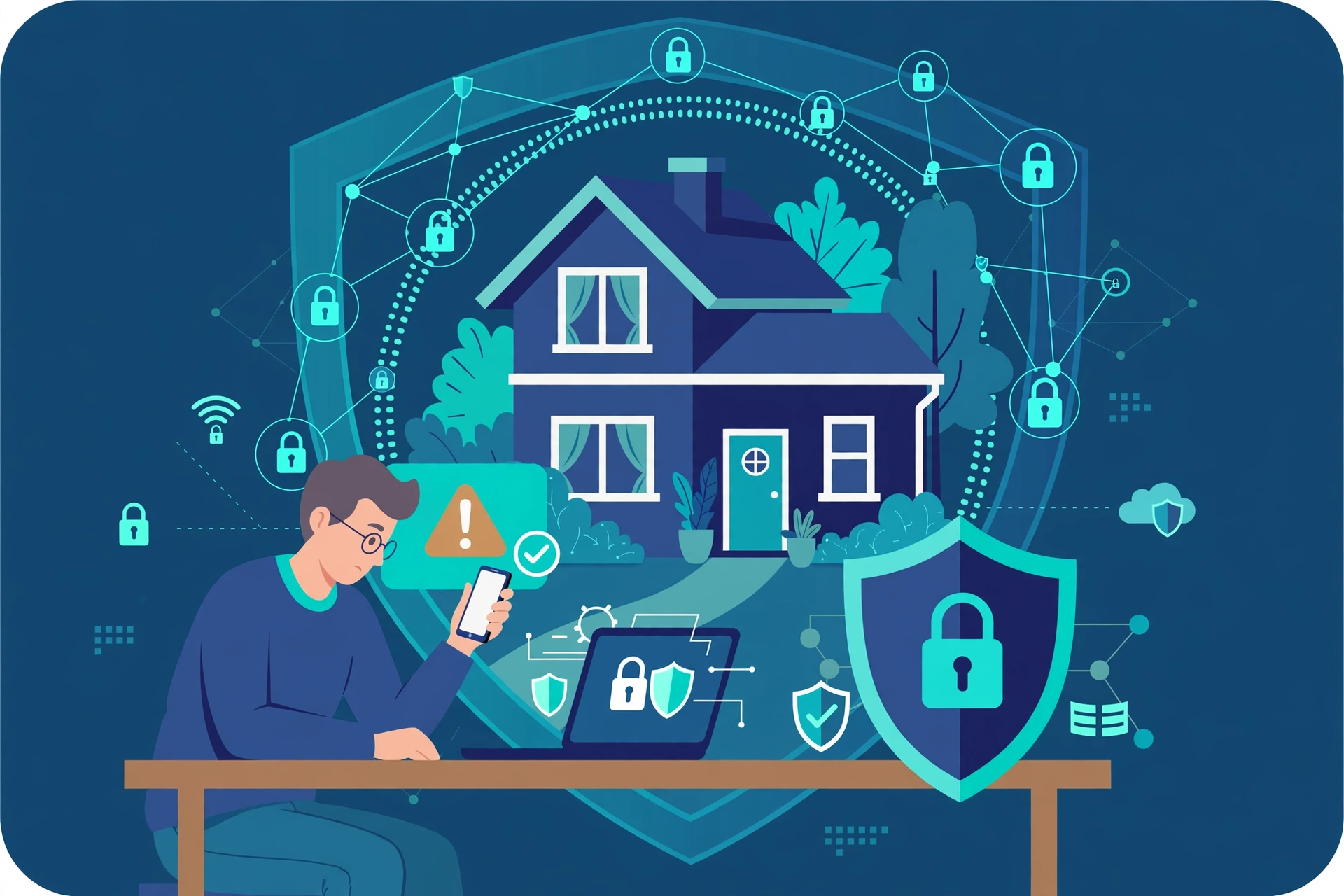
Home protection needs a few consistent habits. Use a unique password for every important account, store passwords in a password manager, and turn on multi-factor authentication for email, banking, and cloud storage. A stolen password alone should never be enough to take over an account.
Set a household rule: no password, code, or payment is ever shared because of an unsolicited message or call. If a request feels urgent, pause, hang up, and verify independently. Keep systems updated, use reputable security software, and be careful with public Wi-Fi. A family code word for money requests can stop impersonation, including voice cloning.
How do you prevent social engineering attacks at work?
Workplace prevention needs people and procedures. Training alone is not enough if a single email can still change bank details. Verification procedures for payment changes, large transfers, password resets, and access grants should require a second check through a trusted channel, and using them should feel normal, not awkward.
Run short awareness training with real examples, and use simulated phishing exercises to teach, not to shame. Report rates matter more than click rates. Use email authentication (SPF, DKIM, DMARC), spam filters, multi-factor authentication, least-privilege access, patched software, visitor badges, and secure paper disposal.
What should you do if you fall for a social engineering attack?
Fast action limits harm.
- Stop the interaction. Hang up, close the fake page, and do not send more money or information.
- Change passwords immediately, starting with email, then banking, then any account sharing the same password, and turn on multi-factor authentication.
- Revoke active sessions, and check for unknown logins, forwarding rules, or changed recovery details.
- Contact your bank if payment details or money were involved, and ask about freezing cards and reversing transfers.
- Run a full security scan, remove unknown apps, and check for remote access software you did not install.
- Report the attack to IT, the impersonated company, and your local cybercrime service, warn people who may be targeted next, and monitor accounts for several weeks.
If the attack involved a work account, tell IT even if you feel unsure. Early reporting often prevents the same attack from reaching the rest of the team.
Social engineering attacks vs technical hacking
| Feature | Social engineering attacks | Technical hacking |
| Main target | People and their trust | Software, networks, and configurations |
| Main tool | Deception, impersonation, urgency | Exploits, malware, misconfigurations |
| Typical entry point | Email, phone, text, social media, in person | Vulnerable software, open ports, weak settings |
| What stops it best | Verification, training, multi-factor authentication | Patching, secure configuration, monitoring |
| After success | Stolen credentials, payments, or access | Stolen data, malware, or system control |
The two approaches often combine: a social message may deliver malware, and malware may steal data for a later attack. A complete defence needs both patched systems and prepared people.
Frequently asked questions
What is the most common social engineering attack?
Phishing is the most common social engineering attack. Attackers send deceptive emails that impersonate trusted brands, banks, or colleagues, and try to steal login credentials or payment details, or trick the reader into installing malware through a link or attachment.
Are social engineering attacks illegal?
Yes, most social engineering attacks are illegal when they involve fraud, impersonation, theft, or unauthorised access for financial gain. Laws and penalties vary by country, but the underlying conduct is treated as cybercrime in most jurisdictions, and victims can report it to police or cybercrime services.
Can antivirus software stop social engineering attacks?
Antivirus software helps by blocking known malicious links, attachments, and malware, but it cannot stop every social engineering attack. Many attacks use no malware at all and rely only on a convincing message, so human verification and multi-factor authentication remain essential defences.
How do I verify a suspicious message without clicking it?
Do not use links, reply addresses, or phone numbers from the message itself, because those may be controlled by the attacker. Instead, type the official website address yourself, open the official app, or call the organisation using a number from your own records, a card, or its verified website.
What is the difference between phishing, vishing, and smishing?
Phishing uses email, vishing uses voice calls, and smishing uses SMS text messages. All three use deception to steal information or money, but the channel changes the warning signs and the safest response. Email allows header checks, calls demand instant decisions, and texts exploit quick reading habits.
Should I report a social engineering attempt even if I did not fall for it?
Yes, report it. Reporting helps security teams block the sender, warn other potential victims, and track campaigns that may return in a new form. At work, use your reporting button or security contact. For personal attacks, report to the impersonated company and your local cybercrime service.
Conclusion
Social engineering attacks succeed because they feel human. A familiar name, a plausible story, and a little urgency can bypass strong technical defences in one click. That is a reason to build one habit: pause and verify before you share, click, pay, or grant access.
Learn the main patterns, protect accounts with unique passwords and multi-factor authentication, and create verification rules for money and access. If an attack succeeds, act fast, change credentials, contact your bank, and report it. That pause is often the difference between a blocked attack and a costly one.