Disadvantages of Cloud Computing Explained Simply
Cloud computing promises flexibility, lower upfront cost, and freedom from server rooms. For many businesses, that promise holds. Yet the disadvantages of cloud computing tend to appear after the move, when switching back is expensive and downtime is already hurting customers. This guide explains each drawback in plain language, with examples a beginner can recognise and steps a small team can actually take. Read on for the full picture.
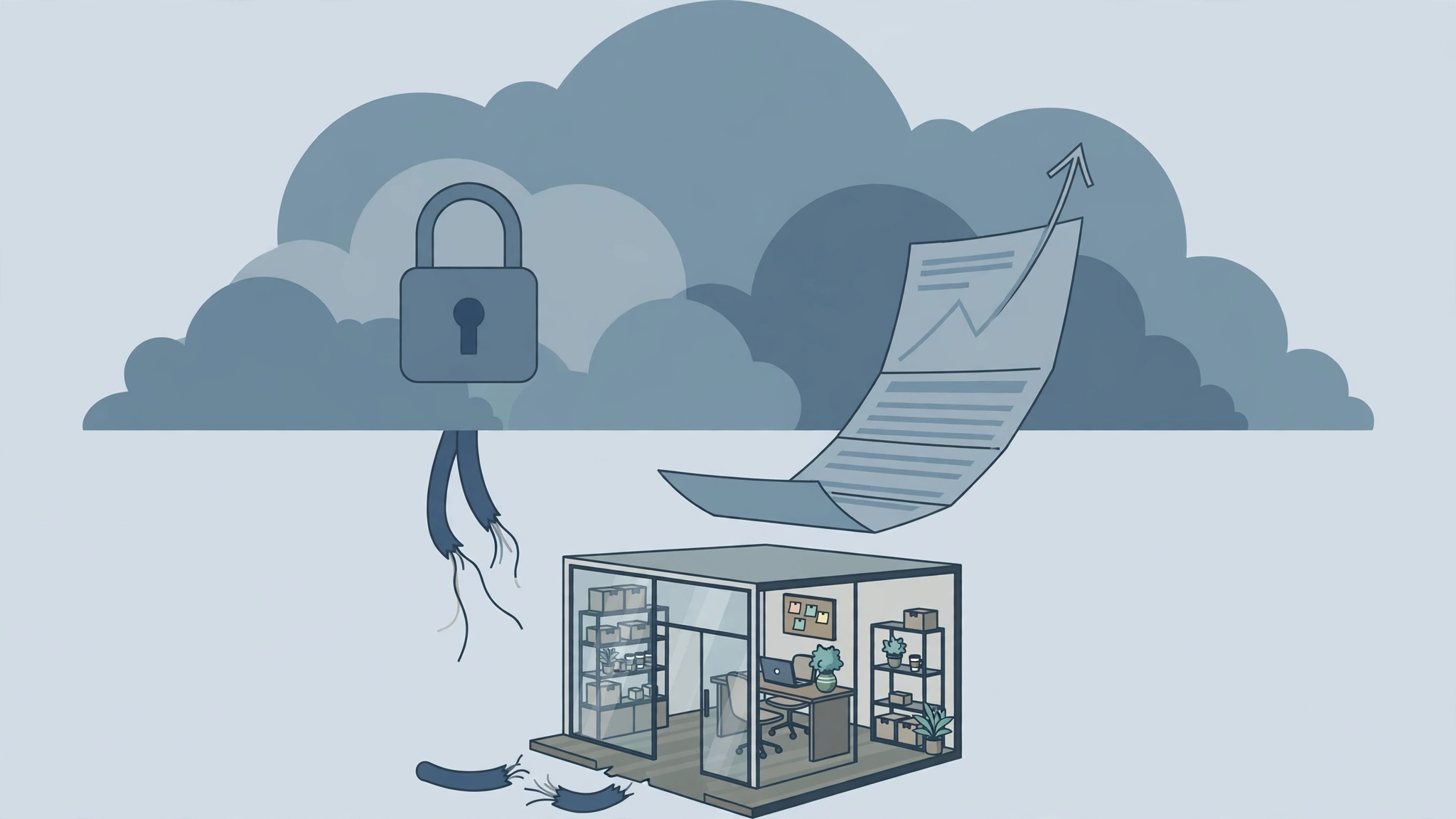
The disadvantages of cloud computing are security and privacy risks under a shared responsibility model, vendor lock-in that makes switching costly, unpredictable bills driven by usage and data transfer fees, downtime and slow performance when internet or provider systems fail, reduced control over infrastructure, and compliance problems when data location and regulations are unclear.
Key Takeaways
- Providers secure the infrastructure, but you still secure your data, accounts, and settings. Most cloud breaches start with a customer mistake.
- Vendor lock-in grows through proprietary services and transfer fees. Plan your exit before you migrate.
- Pay as you go can mean pay more than expected. Idle resources, egress fees, and forgotten test environments inflate bills fast.
- A 99.9 percent uptime promise still allows about 8 hours and 45 minutes of downtime a year.
- No internet means no cloud, so that dependence needs a backup plan.
Table of Contents
- What Are the Disadvantages of Cloud Computing?
- How Does the Shared Responsibility Model Create Security Risks?
- Why Is Vendor Lock-In So Hard to Escape?
- How Do Cloud Costs Become Unpredictable?
- What Happens When the Internet Goes Down or Performance Drops?
- Why Do Businesses Lose Control and Flexibility in the Cloud?
- How Do Compliance and Data Location Rules Complicate Cloud Use?
- When Does Cloud Computing Make Less Sense Than On Premises?
- How Can You Reduce Each Disadvantage Before You Migrate?
- Frequently Asked Questions
- Conclusion
What Are the Disadvantages of Cloud Computing?
Cloud computing means renting servers, storage, databases, and software over the internet instead of owning and running them yourself. Providers such as Amazon Web Services, Microsoft Azure, and Google Cloud run the data centres, while you use their resources on demand. That model removes hardware purchases and maintenance, but it also moves critical parts of your business outside your direct control.
The main disadvantages fall into six groups: security and privacy risk when access is misconfigured, vendor lock-in that ties you to one provider, unpredictable costs from separate usage charges, downtime when internet or provider systems fail, reduced control over updates and hardware, and compliance trouble when data crosses borders. Test each workload: what does it need, what happens if it stops, and what will it cost in year two?
How Does the Shared Responsibility Model Create Security Risks?
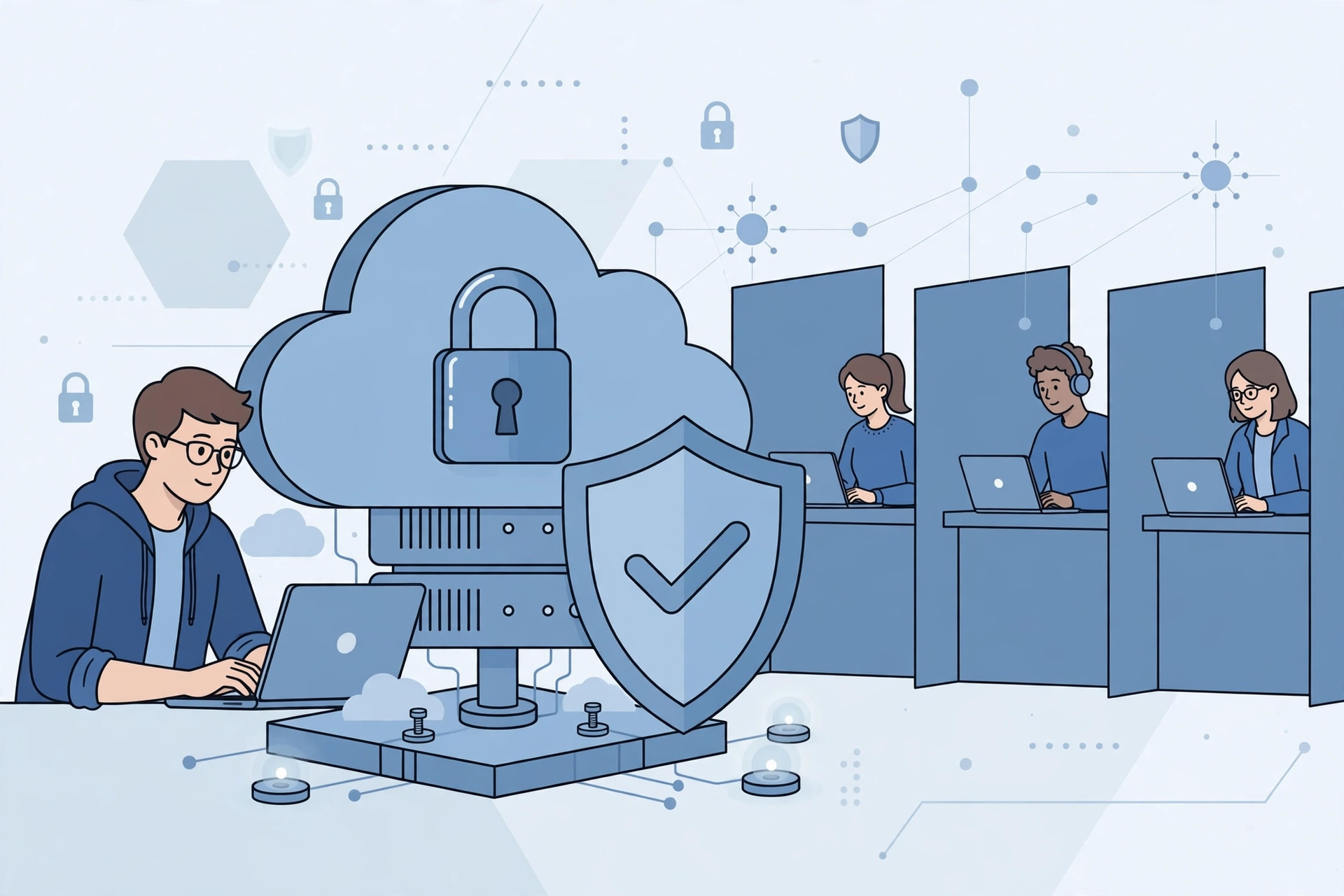
Cloud security follows a shared responsibility model, and misunderstanding that model is the most common security disadvantage of cloud computing. The provider secures the physical data centre, the host hardware, and the core platform. You secure what you put in the cloud: your data, your user accounts, your access rules, your encryption keys, and your application settings. If you leave a storage bucket public or grant broad admin rights, the provider cannot save you from that choice.
Misconfiguration is the leading cause of cloud data exposure. A team copies a demo setup into production and forgets to close public access. Another team gives every developer full access for speed, then never removes access when staff leave. Multi-tenancy adds further risk, because many customers share the same hardware, separated by virtualisation and access controls. The fix is basic and effective: multi-factor authentication for admins, least privilege access, encryption by default, weekly public storage audits, and quarterly access reviews.
Why Is Vendor Lock-In So Hard to Escape?
Vendor lock-in happens when leaving a cloud provider costs so much time, money, and rework that staying feels cheaper, even when prices rise or service worsens. It rarely starts with one big decision. It grows service by service: a managed database here, a proprietary serverless function there, a workflow built on one provider’s identity system and monitoring tools. Each choice saves time today and adds switching cost tomorrow.
Proprietary services are the main mechanism. A serverless function written for one platform does not run unchanged on another. A managed database may use provider specific extensions and backup formats. Data transfer fees, often called egress fees, add a financial wall, because providers charge per gigabyte to move data out, which hurts photo, video, and analytics systems most. Test your exit before migration: can data be exported in an open format, can the application run elsewhere with only configuration changes, and what would a move cost in fees, labour, and downtime? Prefer open standards and portable containers for core workloads. For a deeper look at the building blocks you are choosing between, see CPN Tech’s guide to cloud computing technologies.
How Do Cloud Costs Become Unpredictable?

Cloud pricing looks simple at first: pay only for what you use. In practice, a cloud bill combines compute time, storage volume, storage requests, network transfer, database operations, support tiers, and dozens of managed service charges, each with its own unit and region price. A traffic spike, a badly written query, or a forgotten test server can move the total sharply, and the bill often arrives weeks after the usage that caused it.
Overprovisioning is the most common waste. Teams choose large virtual machines to be safe, then run them at 10 or 20 percent utilisation around the clock, while old backups, logs, and test copies are never deleted. Unmanaged waste often reaches 15 to 25 percent of spend. Egress fees, API charges, premium support, and unused reserved capacity add the same slow creep. Prevent most surprises with a monthly routine: billing alerts at 50, 80, and 100 percent of budget, resource tags by project and owner, quarterly rightsizing, deletion of idle disks and snapshots, and shutdown of non-production systems outside working hours. Compare three year total cost, including staff time and exit fees, with a fixed hosting plan.
What Happens When the Internet Goes Down or Performance Drops?
Cloud computing depends entirely on internet connectivity, and that dependence is a hard disadvantage with no software workaround. When the connection fails, cloud applications, files, and dashboards become unreachable, even if the provider’s data centres are healthy. For a shop till or clinic booking system, an outage stops work outright.
Provider downtime is rarer than local internet failure, but it still happens through hardware faults, software bugs, bad configuration changes, and cyberattacks. Service level agreements usually promise 99.9 percent, 99.99 percent, or 99.999 percent uptime. Those numbers sound near perfect until you convert them: 99.9 percent allows about 8 hours and 45 minutes of downtime a year, or about 43 minutes per month. Many agreements exclude scheduled maintenance, and compensation is usually service credits, not repayment for lost sales. Performance problems are more frequent: latency grows with distance to the data centre, congested networks, and noisy neighbour contention, where another tenant’s heavy workload slows yours. Choose the nearest region, use caching and a content delivery network where they help, keep a local copy of critical data, and test failure during a quiet period so recovery time is known, not guessed.
Why Do Businesses Lose Control and Flexibility in the Cloud?
Control is the trade at the heart of cloud computing. You hand infrastructure decisions to the provider and gain freedom from maintenance. In return, you lose say over hardware choices, update timing, software versions, and many low level settings. For most standard workloads, that trade is worth it. For specialised workloads, it can become a blocker.
Customisation limits show up concretely. You may not get root access to the underlying host, install a specific kernel module, choose an exact hardware generation, or delay a platform update that breaks a legacy integration. A provider can also deprecate an API, change a default, raise a price, or retire a service, and customers must adapt on its schedule. Basic support is often slow, while fast expert support costs extra. Match control needs to service model: infrastructure services where you need operating system control, platform services where development speed matters more, and software services only where the workflow fits without heavy customisation. For workloads needing full control, consider private cloud or hybrid placement. You can explore the storage side of that choice in CPN Tech’s guide to cloud based storage.
How Do Compliance and Data Location Rules Complicate Cloud Use?
Compliance is where cloud disadvantages become legal, not just technical. Regulations such as the General Data Protection Regulation in Europe, the Health Insurance Portability and Accountability Act in the United States, and payment card rules under the Payment Card Industry Data Security Standard, all impose duties on how personal, health, and payment data is stored, processed, and transferred. A provider may hold certifications for its platform, but that does not automatically make your specific setup compliant. You remain responsible for configuration, access control, retention, and breach reporting.
Data location, sometimes called data sovereignty, is the core complication. Providers operate data centres worldwide and may replicate data for redundancy. If data is stored or processed in another country, it may fall under that country’s laws, including government access rules that conflict with your home rules. Contracts should state where primary data and backups live, whether replication crosses borders, and how you can restrict regions. Audit evidence is also harder, because some logs are held by the provider and retention periods differ. Before moving regulated data, list applicable regulations, record responsibility in a shared matrix, and test export and deletion. For backup duties that compliance often requires, see CPN Tech’s guide to cloud backup services for business.
When Does Cloud Computing Make Less Sense Than On Premises?
The table below compares the same workload across three homes, as a starting test, not a final verdict.
| Factor | Public cloud | On premises | Hybrid |
|---|---|---|---|
| Upfront cost | Low, pay as you go | High, hardware purchase | Medium, split investment |
| Monthly cost predictability | Low, usage varies | High, mostly fixed | Medium, cloud part varies |
| Control and customisation | Limited by provider | Full, you own the stack | High for local parts, limited for cloud parts |
| Internet dependence | Total, no connection means no access | Low, local access continues | Partial, local parts keep working |
| Scaling speed | Very fast, minutes | Slow, purchase and install | Fast for cloud parts only |
| Compliance control | Shared, region and contract dependent | Direct, you control location | Strong for local regulated data |
| Best for | Variable traffic, new products, remote teams | Steady workloads, strict control, low latency needs | Regulated data plus elastic public parts |
Cloud computing makes less sense for steady, predictable workloads, because a fixed plan is often cheaper over three years than elastic billing for capacity you always use. It also makes less sense when latency is critical, internet service is unreliable, data must stay in one jurisdiction, or legacy software needs an unsupported environment. Hybrid approaches often balance best: keep sensitive data local, and use the cloud for the website, analytics, backups, or seasonal bursts.
How Can You Reduce Each Disadvantage Before You Migrate?
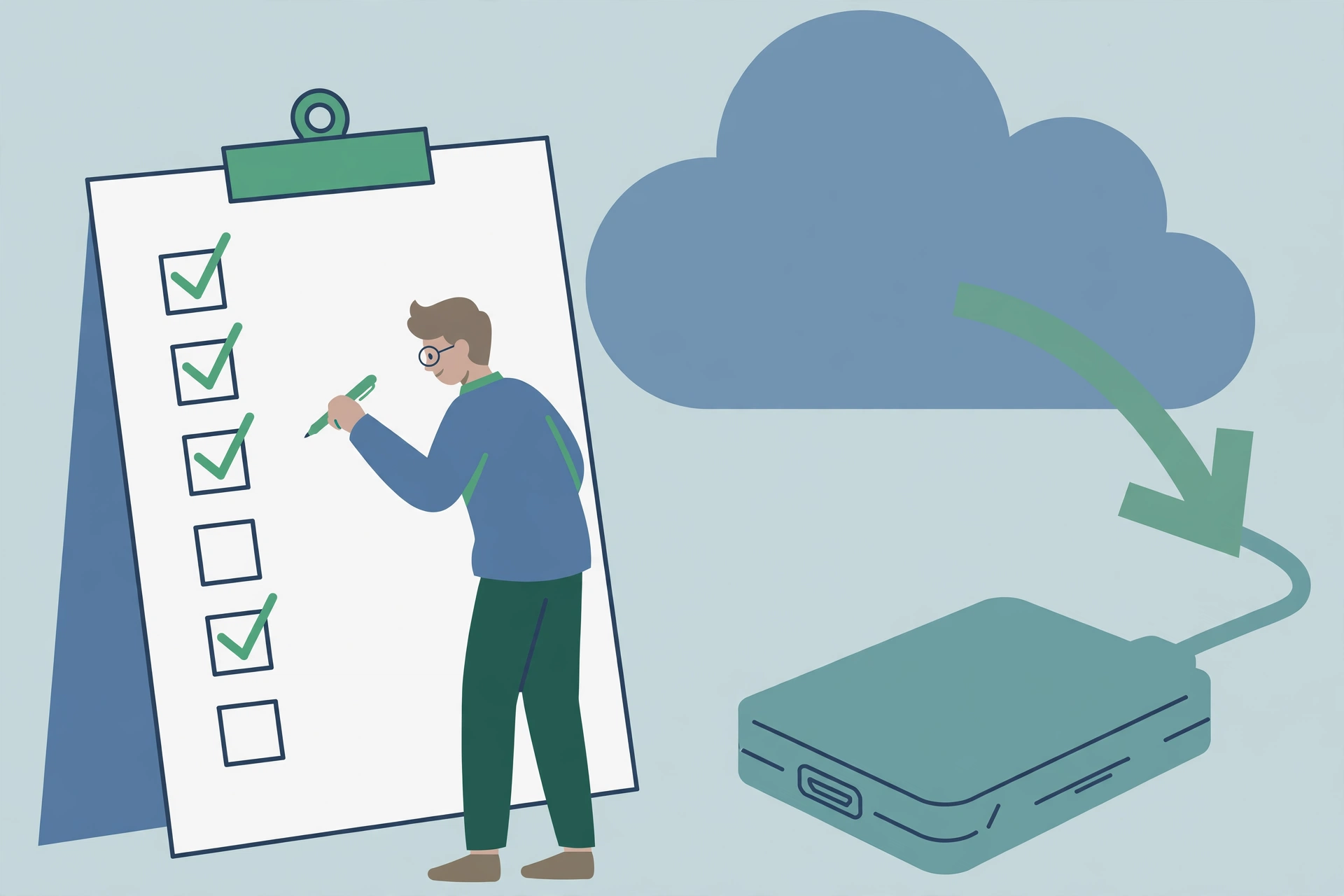
Most cloud disadvantages can be reduced, but only if mitigation is built into the migration plan rather than added after problems appear. Do not migrate a critical workload until every item has an owner and a test.
First, secure the account: multi-factor authentication, least privilege access, encryption by default, quarterly access reviews, and alerts for public storage and unusual downloads. Second, design for exit on day one: export data in open formats, time a full restore elsewhere, avoid proprietary services for core logic, and record every provider dependency. Third, control costs: billing alerts, resource tags, quarterly rightsizing, shutdown of non-production systems outside hours, and a three year total cost comparison. Fourth, plan for downtime: nearest region, caching, a local fallback for critical work, and a careful reading of the service level agreement. Fifth, protect compliance: list regulations, confirm region locking in writing, and test export and deletion. Finally, run a small pilot for a full month before moving the next workload.
Frequently Asked Questions
What is the biggest disadvantage of cloud computing?
There is no single biggest disadvantage for every business, because the top risk depends on the workload. For regulated teams, compliance and data location matter most. For startups, cost and lock-in matter most. For shops and clinics, internet dependence matters most.
Is cloud computing less secure than on premises?
Cloud computing is not automatically less secure, and for many small teams it is more secure than an unpatched local server, because providers patch infrastructure and offer strong encryption. The risk shifts: you lose direct control, and customer misconfiguration becomes the main breach route.
How can a small business avoid vendor lock-in?
A small business can reduce vendor lock-in by using open formats and portable tools for core data and logic, exporting data regularly, and testing a restore on another platform at least once. Avoid building your main product on a single proprietary service unless the exit cost is understood.
Why is my cloud bill higher than expected?
Cloud bills rise most often from idle resources, overprovisioned machines, forgotten test environments, data transfer fees, and storage growth that is never cleaned up. Audit by project tags, set billing alerts, rightsize machines, delete unused snapshots, and shut down non-production systems outside hours.
What happens to my data if a cloud provider has an outage?
During a provider outage, your cloud applications and data may be temporarily unreachable, even though the data itself is usually preserved through replication and backups. Keep an independent backup outside the same provider where the data is critical, and test restores regularly.
Should a beginner choose cloud hosting or traditional hosting?
A beginner with a small website, steady traffic, and a tight budget often does better with traditional or fixed hosting, because cost is predictable and setup is simpler. Cloud hosting suits variable traffic and rapid growth. Start simple, measure real traffic for a few months, and move when growth justifies the extra management.
Conclusion
The disadvantages of cloud computing are manageable, but only when they are faced honestly before migration. Security risk grows from misconfiguration, not just from provider failure. Vendor lock-in grows quietly through proprietary choices and transfer fees. Costs grow through idle resources and unexamined usage. Use the cloud where elasticity, remote access, and fast scaling create real value, and keep steady, sensitive, or latency critical workloads where control and predictability matter more. Pilot one workload, measure real cost and performance, and review the decision yearly. That approach lets a beginner enjoy cloud benefits without learning its disadvantages from an outage or a surprise bill. Start from the CPN Tech homepage and explore the Cloud section from there.