

How to Write a Prompt for AI: A Simple Guide
Learning how to write prompt for AI is one of the fastest ways to get better results from tools such as ChatGPT, Gemini, Claude, and Copilot. A prompt is simply the instruction you type into an AI tool. When that instruction is vague, the answer is vague. When it is clear, specific, and well structured, the answer is usually closer to what you actually wanted.
Here is the direct answer: to write a good prompt for AI, state one clear task, give the background the AI cannot guess, name the role it should take, say exactly what format you want, and set limits on length, tone, and detail. Then read the result, keep what works, and fix only the weakest instruction before you ask again.
Key Takeaways
- How to write prompt for AI comes down to five parts: role, task, context, format, and constraints.
- One clear task beats three tasks packed into one prompt, because the AI can focus its answer.
- Examples, limits, and a defined format remove most guesswork and reduce editing time.
- Prompting is a loop: write, check, fix one thing, and ask again.
- Check AI output before you use it, and never paste sensitive data into a public AI chat.
Table of Contents
- What is a prompt for AI?
- How does AI turn a prompt into an answer?
- What is the 5 part prompt formula?
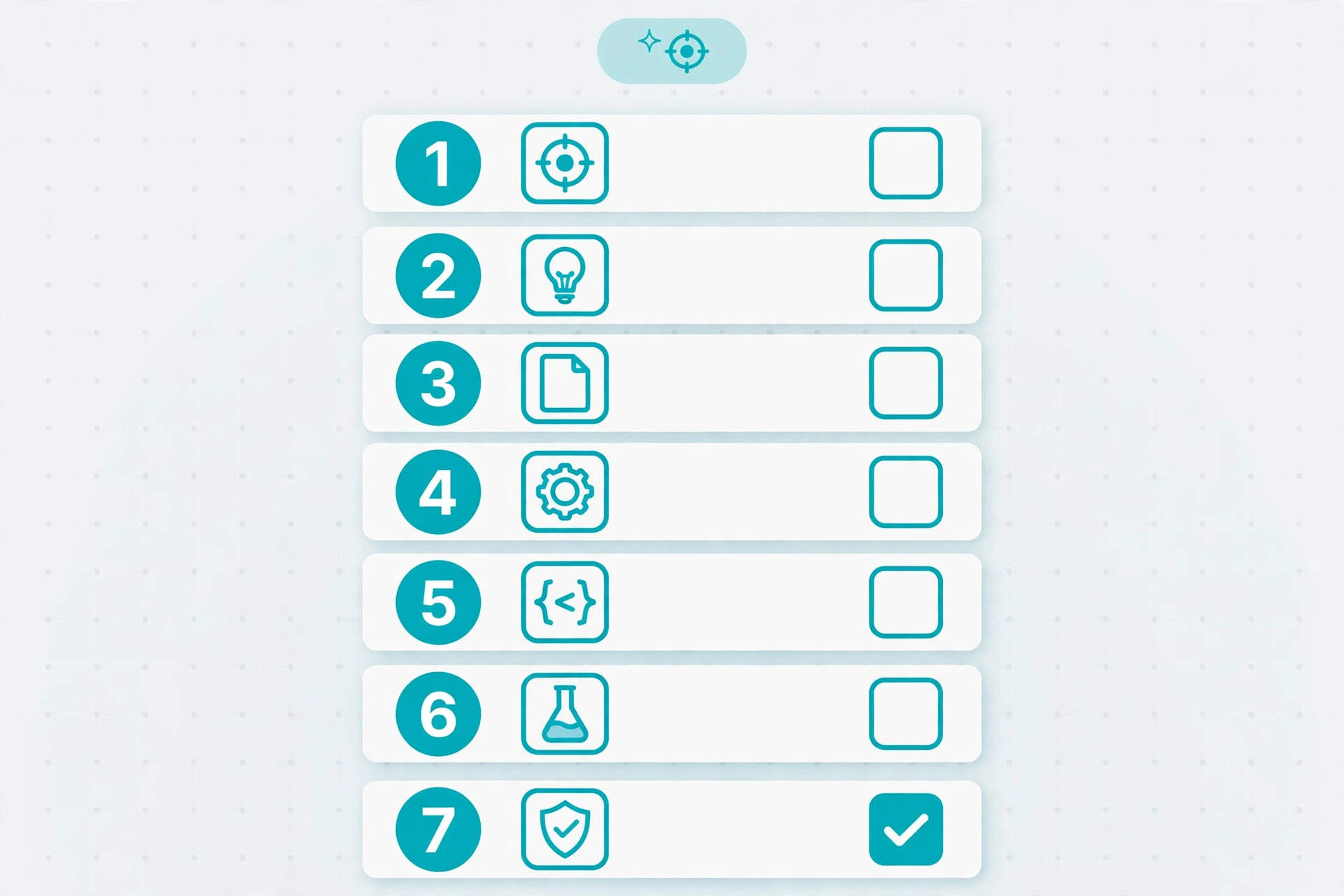
- How to Write Prompt for AI in 7 Steps
- Weak Prompts Versus Strong Prompts: Before and After Examples
- What are the main types of AI prompts?
- Common Prompt Mistakes and How to Fix Them
- How to Test, Fix, and Improve a Prompt
- What Should You Never Put in a Prompt?
- Copy Ready Prompt Templates
- Frequently Asked Questions
- Conclusion
What is a prompt for AI?
A prompt for AI is the text, question, or instruction you give to an AI system so it can produce a response. It can be as short as “Summarize this paragraph” or as long as a full brief with audience, tone, examples, and a word limit. In chat tools, it is your message. In image tools, it describes the picture you want. In coding tools, it describes the feature and the expected behavior.
A prompt is not magic or a secret code. AI models predict the most likely useful continuation of your text, based on patterns learned from large amounts of language data. A prompt that names the audience, purpose, and format gives strong clues about the answer to produce. A prompt that leaves all three out forces the model to guess, and guesses often miss.
Prompt engineering is the wider skill behind this guide. The CPN Tech guide to prompt engineering explains that concept simply, while this article stays focused on writing one good prompt at a time.
How does AI turn a prompt into an answer?
When you submit a prompt, the AI tool first breaks your text into smaller pieces called tokens. A token can be a whole word, part of a word, or a punctuation mark. The model then uses patterns in those tokens, plus the conversation so far, to predict what should come next, one piece at a time.
This explains three facts. First, the model has no access to your goals unless you put them in the prompt, so missing context leads to generic answers. Second, it follows the most likely pattern, not necessarily the most accurate fact, so it can sound confident while being wrong. Third, small wording changes can change the result, which is why testing matters. A follow up such as “Make the second paragraph shorter” narrows the pattern, so good prompting feels like briefing a colleague: clear at the start, then corrected with short feedback.
What is the 5 part prompt formula?
Most strong prompts contain the same five parts, even in one short paragraph. Use this formula as a checklist, and add only the parts that change the answer.
| Part | What it answers | Example |
|---|---|---|
| Role | Who should the AI act as? | You are a friendly tutor for beginners. |
| Task | What exactly should it do? | Explain compound interest in simple words. |
| Context | What background does it need? | The reader is 14 years old and has no maths background. |
| Format | How should the answer look? | Use five bullet points and one everyday example. |
| Constraints | What limits apply? | Keep it under 150 words and avoid jargon. |
Put together, those parts make a prompt such as: “You are a friendly tutor for beginners. Explain compound interest in simple words for a 14 year old. Use five bullet points and one everyday example. Keep it under 150 words and avoid jargon.” That prompt saves time, because the first answer is already close to usable. A role changes tone and depth, but it does not turn the AI into a real expert.
How to Write Prompt for AI in 7 Steps
Follow these steps in order for a new task. After a few tries, they will become a habit.
Step 1: Decide what done looks like
Before you type, finish this sentence: “When I am done, I will have…” A 200 word summary, five subject lines, or a study plan are clear finish lines. “Something about marketing” is not.
Step 2: Pick one task, not three
Start with one action verb: write, summarize, explain, compare, brainstorm, or outline. If your prompt contains “and also” more than once, split it. Ask for the outline first, then ask for each section.
Step 3: Add only the context that changes the answer
Include who will read the result, what it will be used for, and facts the AI cannot guess, such as a deadline. Leave out long backstories.
Step 4: Name the format and the length
Tell the AI the shape of the answer: bullet list, steps, table, email, script, or outline. Add a limit, such as “under 150 words” or “exactly five points.”
Step 5: Give an example when style matters
When tone or structure matters, show one short example and ask the AI to follow it. This works well for product descriptions, social posts, emails, and headlines.
Step 6: Ask for thinking steps on hard tasks
For maths, planning, or coding, ask the AI to work step by step before giving a final answer. That often improves accuracy. Still check the steps, because neat reasoning can still contain a wrong fact.
Step 7: Read, score, and fix one thing
Score the first answer on accuracy, relevance, tone, and format, then fix only the weakest part. “Make it shorter” is vague, while “Cut this to 100 words” is fixable. Repeat twice, and stop when the result is good enough.
Weak Prompts Versus Strong Prompts: Before and After Examples

Each strong version adds a role, a task, an audience, a format, or a limit, but never adds filler. The goal is a prompt with fewer decisions left to guesswork.
| Weak prompt | Strong prompt | Why it works better |
|---|---|---|
| Write about exercise. | Write a 200 word introduction for busy office workers, with three simple ways to add movement to a workday, in a friendly tone. | It names audience, length, ideas, and tone. |
| Write an email to my team. | Write a friendly email to my five person marketing team, saying our meeting moved to Thursday at 10 am, and asking them to confirm. | It gives facts, audience, and action. |
| Give me business ideas. | Give me 10 low cost business ideas for a student with 10 hours a week, in a table with idea, first step, and cost. | It sets quantity, constraints, and format. |
Try the same upgrade on a prompt you used this week: add audience and format, then add one limit. The second answer will usually need far less editing. The CPN Tech collection of ChatGPT prompts shows how short prompts are structured for different tasks.
Prompts for writing, study, work, images, and code
For writing, name the reader and purpose before the topic. For study, ask for questions, not only summaries. For work, include the decision the answer must support. For images, describe subject, setting, style, and lighting, plus what to avoid. For code, describe the input, the expected output, and the limits, because a code prompt without those often solves the wrong problem.
What are the main types of AI prompts?
Plain instructions usually work, and you do not need jargon. Zero shot prompting asks a task with no examples, for simple tasks such as “Summarize this paragraph in two sentences.” Few shot prompting adds examples, which helps when style or format matters. Chain of thought prompting asks the model to reason step by step, which helps with maths and planning. Role prompting assigns a perspective, such as tutor or editor, while structured prompting asks for a fixed output, such as a table. Start with zero shot prompts, add an example when the style is wrong, and add step by step reasoning when a hard task goes wrong.
Common Prompt Mistakes and How to Fix Them
Most weak prompts fail for the same few reasons. Use this table when an answer misses the mark.
| Mistake | What happens | Fix |
|---|---|---|
| Too vague | Generic answer that fits anyone | Add audience, purpose, and one clear task |
| Too many tasks | Shallow coverage of everything | Split the job into stages and ask one at a time |
| No format | Long wall of text | Name the format and length before the task |
| Too much context | Key facts get buried | Keep only facts that change the answer |
| Trusting the first answer | Errors slip into work | Check facts and ask what should be double checked |
Two mistakes deserve extra attention. A loaded question such as “Why is this product the best?” invites agreement, not analysis. Ask instead for strengths, weaknesses, and who the product is not suitable for. Also test any prompt copied from social media on a small, low risk task first, because viral prompts often contain outdated advice or claims about secret tricks.
How to Test, Fix, and Improve a Prompt
Change one thing at a time, so you learn what actually helped. If you change everything at once, you will not know which change fixed the answer.
Run the prompt once, then run a second version with one change, such as a stricter length limit, and compare the answers. Keep the version that scores better on your finish line, and save it with the task name. Over time, that file becomes a personal prompt library.
Use precise follow ups. Instead of “Make it better,” try “Keep the first and third points, rewrite the second point in simpler words, and cut the total to 120 words.” For repeated tasks, build a template with blanks for topic, audience, format, and length. Judge a prompt by the editing time it saves, not by how clever it sounds.
What Should You Never Put in a Prompt?
AI chats are not private notebooks. Do not paste passwords, bank details, passport numbers, private health records, or unpublished business plans into a general AI tool, unless your organisation has approved that tool and its data rules in writing. Assume anything you paste could be stored or reviewed, unless the provider clearly states otherwise for your plan.
Be careful with other people’s data too. Do not paste private messages, student work, or customer details into a public tool without permission, and remove identifying details where possible. Do not ask AI tools to help with harmful or illegal work. For health, legal, or financial decisions, treat AI output as a starting point, and confirm it with a qualified professional. The CPN Tech guide on how to use AI covers more habits for beginners.
Copy Ready Prompt Templates
Fill the square brackets, and adjust only what your task needs.
Template 1: Explain a topic simply
You are a friendly tutor for beginners. Explain [topic] to [audience] in simple words. Use [number] bullet points and one everyday example. Keep it under [number] words and avoid jargon.
Template 2: Draft a work message
You are a professional [role, for example, project manager]. Write a [email, message, or update] to [audience] about [subject]. Include [key facts] and end with [action requested]. Keep the tone [friendly, formal, or direct] and the length under [number] words.
Template 3: Compare options and recommend one
Compare [option A] and [option B] for [audience and purpose]. Use a table with [criteria, for example, price, quality, ease of use, and main drawback]. End with one recommendation and one reason, in under [number] words.

Frequently Asked Questions
How long should a prompt for AI be?
A prompt should be as long as it needs to be, and no longer. Simple tasks need one sentence, while complex tasks may need a short paragraph with role, task, context, format, and limits. If removing a sentence does not change the answer, remove it.
What is the best prompt structure for beginners?
Start with role, task, context, format, and constraints, in that order. For example: “You are a tutor. Explain this topic to a beginner. The reader is a student. Use bullet points. Keep it under 150 words.” That structure works for most everyday tasks.
How do I write a prompt for ChatGPT, Gemini, or Claude?
The same structure works across ChatGPT, Gemini, Claude, and Copilot, because all of them respond to clear tasks, context, and format. Adjust only the details each tool needs, such as file uploads or image settings, and test the prompt once in the tool you will actually use.
Why does AI give a different answer to the same prompt?
AI tools can vary their wording, especially when a creativity or temperature setting allows variation, and small changes in conversation history also change the result. If you need consistency, use the same prompt, the same tool, and a fixed format, and save the version that worked.
Should I use examples in every prompt?
No. Examples help most when style, format, or tone matters, such as headlines, emails, or product descriptions. For simple factual questions, an example adds length without improving the answer, so skip it and focus on a clear task and format.
How can I check whether an AI answer is correct?
Check names, dates, numbers, quotes, and advice against an official source or a trusted publication, and ask the AI what parts should be double checked. For important work, confirm the key claims in a second source before you publish, send, or act on them.
Conclusion
Learning how to write prompt for AI is less about secret phrases and more about briefing clearly. State one task, give the context that changes the answer, name a role when tone matters, define the format and length, and set limits that keep the result usable. Then test the result, fix one weak instruction, and save the version that works.
Start today with one prompt you already use. Add an audience, a format, and a length limit, and compare the answers. For more explainers, visit the CPN Tech homepage.