What Is the Antivirus? A Simple Beginner Guide
Antivirus software sounds like a product from an older era of computing, yet it still sits at the centre of everyday device security. Threats have changed, names have changed, and the software now does far more than scan for viruses, but the core job has stayed the same: stop harmful software before it steals, damages, or locks up your data.
Direct answer: Antivirus software is security software that finds, blocks, and removes malicious software, known as malware, from a computer, phone, or tablet. Antivirus software scans files, downloads, email attachments, and apps, watches programs for suspicious behaviour, and quarantines anything dangerous so it cannot run. Antivirus software works best when it stays updated, runs real-time protection, and is paired with software updates and careful download habits.
Key Takeaways
- Antivirus software detects, blocks, and removes malware, including viruses, worms, trojans, spyware, and ransomware.
- Signature detection catches known threats, while heuristic and behaviour monitoring catch new or disguised threats.
- Windows and Mac computers already include built-in protection, but a paid suite can add useful extras for some households.
- A VPN, a firewall, and a password manager are not substitutes for antivirus software, even in the same bundle.
- When antivirus software flags a threat, quarantine first, check what was flagged, and rescan before restoring anything.
- No antivirus product blocks every threat, so safe downloads, updates, and strong passwords still matter.
Table of Contents
- What Is the Antivirus?
- What Is an Antivirus Software?
- How Does Antivirus Software Detect Threats?
- What Types of Malware Does Antivirus Software Catch?
- What Are the Main Types of Antivirus Software?
- Is Built-In Protection Enough, or Do You Need a Paid Suite?
- How Do You Choose the Right Antivirus Software?
- How Do You Install and Set Up Antivirus Software Safely?
- What Should You Do When Antivirus Software Finds a Threat?
- What Antivirus Software Cannot Protect You From
- Common Mistakes That Weaken Antivirus Protection
- Frequently Asked Questions
- Conclusion
What Is the Antivirus?
The word antivirus began as shorthand for software that fought computer viruses, the self-replicating programs that attached themselves to files and spread from one machine to another. In the 1980s and 1990s, that narrow meaning was enough, because viruses were the dominant threat and most infections arrived on shared files or disks. Today the word covers much more, and vendors often use the broader term anti-malware software for the same job. The older name stuck because people still search for it, still ask for it by name, and still recognise it on a product box or an app store listing.
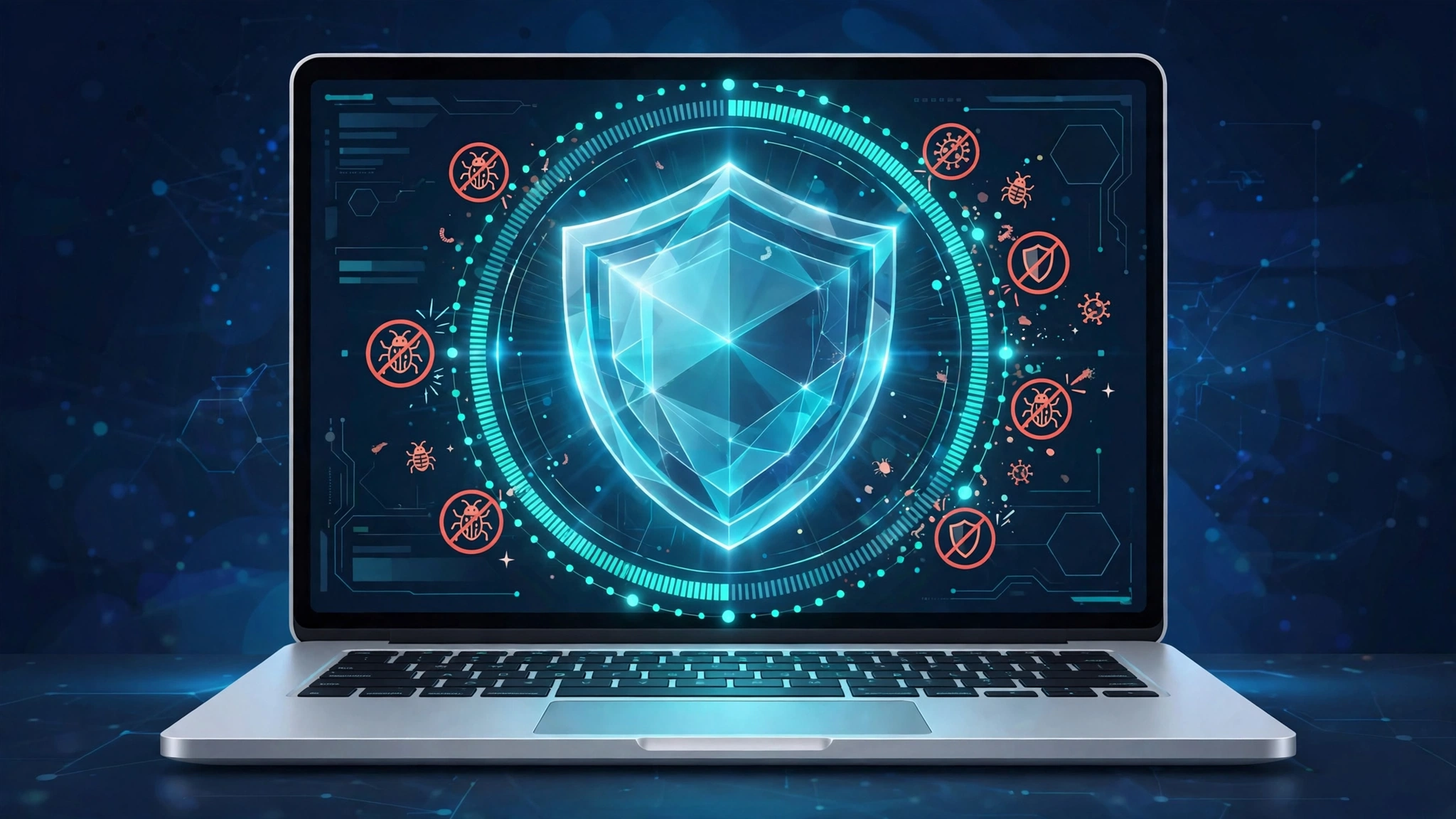
That history explains why antivirus guides can feel confusing. A modern antivirus product is really a security layer, not a single scanner. Antivirus software checks files as they arrive, watches running programs, inspects web downloads, and in many suites also screens email attachments and web links. The goal is the same in every case: keep harmful code from executing on your device, and if harmful code does slip through, limit the damage and help you remove it. For a beginner, the simplest model is a security guard at the door of a building. Antivirus software checks everyone who enters, compares faces against a list of known troublemakers, watches for suspicious behaviour inside, and escorts a troublemaker out before harm is done.
What Is an Antivirus Software?
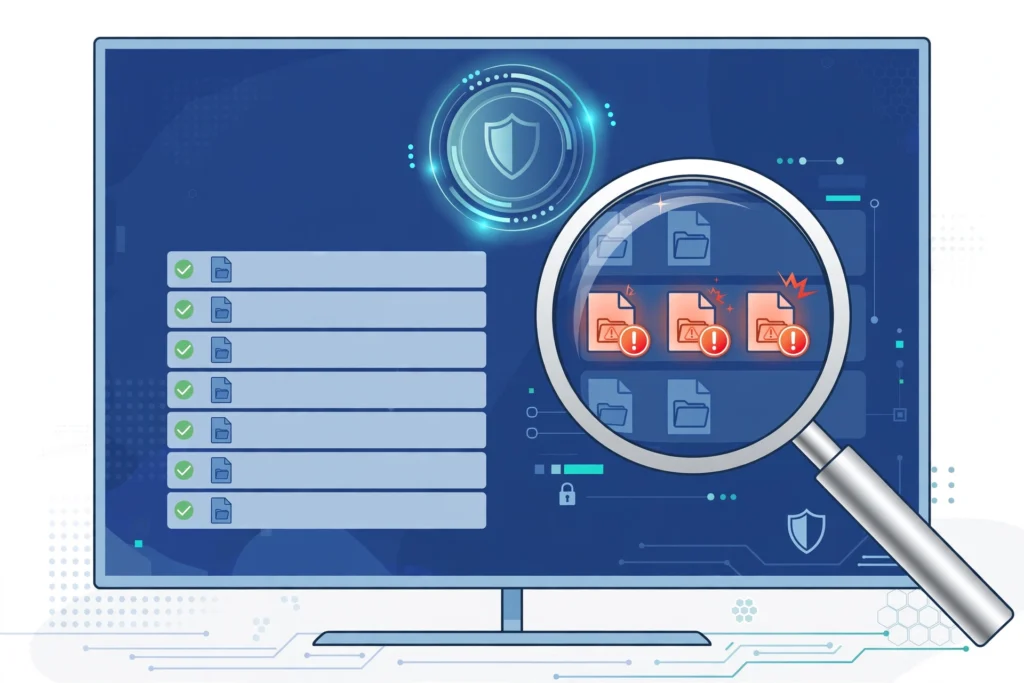
What is an antivirus software, in practical terms? Antivirus software is a program you install on a computer, phone, or tablet that continuously protects that device from malicious software. Antivirus software runs in the background, scans files when they are created, downloaded, opened, or changed, and blocks known threats before they can install themselves. When antivirus software finds something suspicious, it usually moves the file to quarantine, a sealed area where the file cannot run, so you can review it, delete it, or restore it if the detection was a mistake.
Antivirus software differs from a one-time cleanup tool in one important way: protection is continuous. A cleanup tool scans only when you ask it to, which means a threat can sit on a device for days between scans. Antivirus software with real-time protection checks files the moment they arrive, which matters because many infections happen in seconds, during a download, an attachment open, or a web page visit. Real-time protection is the feature that turns antivirus software from a repair tool into a prevention tool, and it is the first setting to check when you install any product.
How Does Antivirus Software Detect Threats?
Antivirus software uses several detection methods together, because no single method catches every threat. The oldest method is signature detection. A signature is a unique pattern, like a fingerprint, taken from a known piece of malware. Vendors collect millions of signatures in a database, and your antivirus software compares files against that database during a scan. Signature detection is fast and accurate for known threats, but it has a clear limit: a brand-new threat has no signature yet, so signature detection alone cannot catch it on day one.
Heuristic detection fills part of that gap by examining the structure and likely behaviour of a file, rather than waiting for an exact signature match. If a program tries to copy itself, hide from the operating system, or modify system files without a clear reason, heuristic detection flags it as suspicious. Behaviour monitoring goes further by watching what a program actually does while it runs. If a word processor suddenly tries to encrypt hundreds of files, behaviour monitoring can stop it even if its signature is unknown. Cloud-assisted detection adds another layer: when a file is unknown, the product can check a vendor cloud database for the latest verdict within seconds, instead of waiting for the next scheduled update.
Updates tie all of these methods together. Threat definitions, detection models, and program fixes arrive constantly, sometimes several times a day. An antivirus product with outdated definitions is like a guard with an old wanted list: it still watches the door, but it misses the newest troublemakers. Automatic updates should stay switched on, and a full scan after a long offline period is a sensible catch-up step. CISA, the United States cybersecurity agency, stresses this point in its own antivirus guidance, advising users to keep definitions current and to scan a computer fully after installing a package.
What Types of Malware Does Antivirus Software Catch?
A virus attaches itself to a legitimate file or program and spreads when that file is shared or opened. A worm spreads on its own across networks and devices, without needing a host file, which makes worms fast-moving and hard to contain once they start. A trojan disguises itself as a useful program, a game, a document, or a software update, and relies on the user to install it willingly. Once installed, a trojan can open a backdoor, steal data, or download further malware.
Spyware quietly records activity, such as keystrokes, browsing, or login details, and sends that information to an attacker. Adware floods a device with unwanted advertising, and in aggressive forms it can also track browsing and slow a machine. Ransomware encrypts files and demands payment for the decryption key, and paying does not guarantee recovery. Rootkits hide deep in a system so malware can run undetected, while fileless malware lives in memory and abuses legitimate system tools. Antivirus software aims to catch all of these categories, but success varies: signature and heuristic detection handle most common viruses, worms, and trojans well, while behaviour monitoring is especially important for ransomware and fileless attacks. Independent labs such as AV-TEST and AV-Comparatives publish protection and false positive results, and consistent scores over several months matter more than a single perfect month.
What Are the Main Types of Antivirus Software?
Standalone antivirus products focus on the core job: scanning, real-time protection, and removal. They are usually lighter on system resources and cheaper than full suites, which makes them a good fit for a single device or a user who already has separate tools for other jobs. Internet security suites build on standalone antivirus software by adding a firewall, phishing protection, parental controls, and sometimes a password manager or a VPN. The appeal is convenience: one subscription, one dashboard, and one renewal date. The risk is overlap and bloat, since a suite can duplicate a firewall already built into an operating system or a VPN a user already pays for separately.
Cloud-based antivirus products shift much of the heavy analysis to vendor servers. The local program stays small, scans quickly, and checks unknown files against a cloud database in near real time, which suits older computers and low-powered laptops. The trade-off is dependence on an internet connection for the fastest verdicts, although most cloud products still keep a local definition set for offline scanning. Mobile antivirus products work differently again. On Android, antivirus apps can scan installed apps and files and add web and phishing protection. On iPhone, the closed app system limits what a third-party app can scan, so iPhone security apps focus more on web protection, phishing warnings, Wi-Fi checks, and password or identity features.
Is Built-In Protection Enough, or Do You Need a Paid Suite?
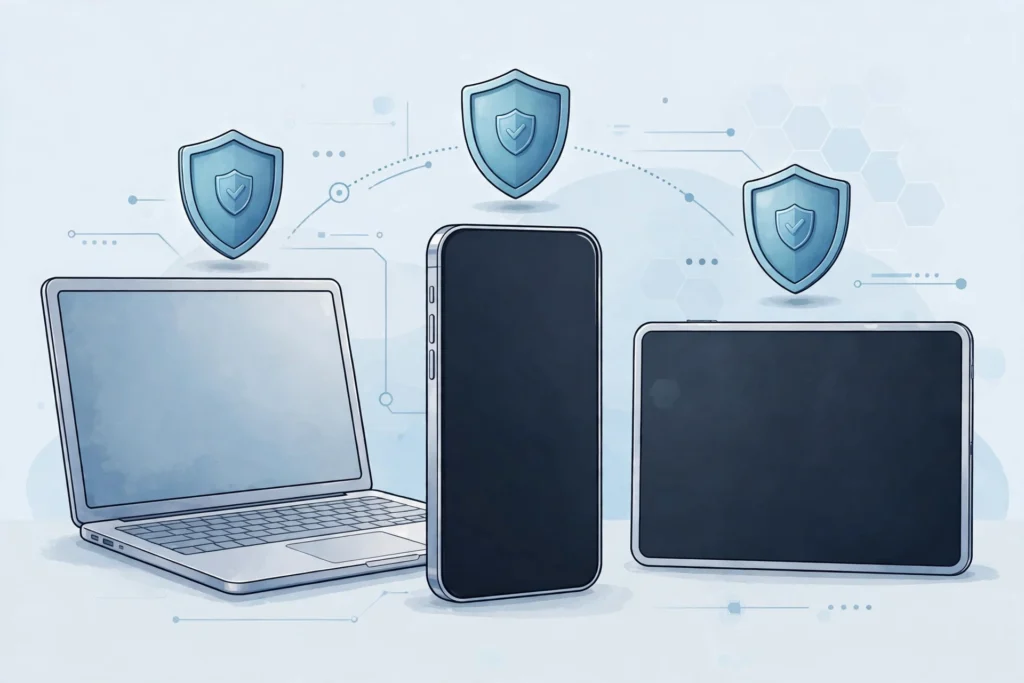
Windows computers include Microsoft Defender, which provides real-time protection, firewall controls, ransomware protection for important folders, and regular definition updates through Windows Update. For many everyday users, Microsoft Defender plus an updated operating system, an updated browser, and careful download habits provide solid baseline protection. Independent labs consistently rate Microsoft Defender as competent, not perfect, and its main advantage is that it is already there, already configured, and adds no new subscription to manage.
Mac computers include Gatekeeper, XProtect, and Malware Removal Tool, which check downloaded apps, block known malware, and remove recognised threats. Mac malware exists and has grown with Mac market share, but volume remains lower than Windows malware, and many Mac infections come from tricking the user into installing a fake program rather than from a silent attack. Android phones benefit from Google Play Protect, which scans apps from the Play Store and can scan sideloaded apps as well. iPhones rely on App Store review, sandboxing, and system updates, and Apple does not allow a traditional scanner to inspect other apps. Chromebooks use verified boot and containerised apps, so a traditional antivirus install is usually unnecessary there. A paid suite makes sense for a household with several devices, children who need parental controls, or users who want identity monitoring and support in one place. A paid suite makes less sense when it duplicates built-in tools or slows an older machine. The deciding question is always the same: which specific risk does the paid feature reduce for you? Readers can explore more plain-language device guides on the homepage of CPN Tech.
How Do You Choose the Right Antivirus Software?
Start with your devices and your risk profile, not with a top-ten list. Count the devices you need to protect, note their operating systems, and note who uses them. A single Windows laptop used for email and browsing has different needs from a family setup with two laptops, three phones, a tablet, and a child who downloads games freely. A user who banks online, stores client files, or works from public Wi-Fi has more to lose from an infection than a user with a single device and no sensitive data stored locally.
Next, check independent test results for protection, performance, and false positives. Protection scores show how many real threats a product blocked in lab tests. Performance scores show how much the product slowed common tasks, such as downloading files or launching apps. False positive scores show how often the product flagged safe software by mistake. A product with excellent protection but heavy performance impact may frustrate a user on an older laptop, while a light product with frequent false positives may train a user to ignore warnings. Finally, compare features that matter for your profile, and check the renewal price, not just the first-year price. Many subscriptions rise sharply after the introductory year, and a product you cancel over a surprise renewal is worse than a slightly pricier product you keep updated.
How Do You Install and Set Up Antivirus Software Safely?
Install antivirus software only from the vendor official website or an official app store, never from a pop-up, an email link, or a search ad that claims your device is already infected. Fake antivirus pop-ups are a classic scareware trick: a web page flashes a warning, counts fake threats, and offers a download that is itself malware. A real antivirus warning appears inside the installed product or the operating system, not as a flashing browser banner. If a web page tells you to download security software urgently, close the tab and check your browser for unwanted extensions instead of following the page instructions.
Before installing a new product, remove any old antivirus product fully, using the vendor removal tool if one is provided. Running two real-time antivirus products at once can cause conflicts, slowdowns, and missed detections. After installation, run a full scan, not just a quick scan, so the product can establish a clean baseline. Turn on automatic updates and automatic scans, set a weekly full scan for a time when the device is on but not in heavy use, and set up ransomware protection for your Documents, Pictures, and Desktop folders if the product offers it. Create a recovery plan before you need it: note where your backups live, confirm backups are not always connected to the same device, and store important passwords in a password manager.
What Should You Do When Antivirus Software Finds a Threat?
Stay calm and let the product finish its job first. In most cases, antivirus software automatically quarantines a threat, which means the file is moved to a sealed area and cannot run. Do not restore a quarantined file just because you recognise its name: malware often borrows the names of legitimate programs. Open the quarantine list, read the threat name and file path, and note whether the file came from a download, an email attachment, or a removable drive. That source tells you where to look next and helps you avoid repeating the same download.
Next, run a full scan, not just the quick scan that found the threat, because a full scan can reveal a second infection a quick scan missed. After the scan is clean, change passwords for any accounts used on the device while it may have been infected, starting with email, banking, and social media, and turn on two-factor authentication where available. This step matters because spyware and credential stealers can copy passwords before antivirus software catches them. If symptoms continue, such as browser redirects or programs launching on their own, try a second-opinion scanner from a different vendor. If the device still behaves strangely, or ransomware encrypted your files, stop using it for sensitive work, disconnect it from shared folders, and consider a clean operating system reinstall with files restored from a backup made before the infection.
What Antivirus Software Cannot Protect You From
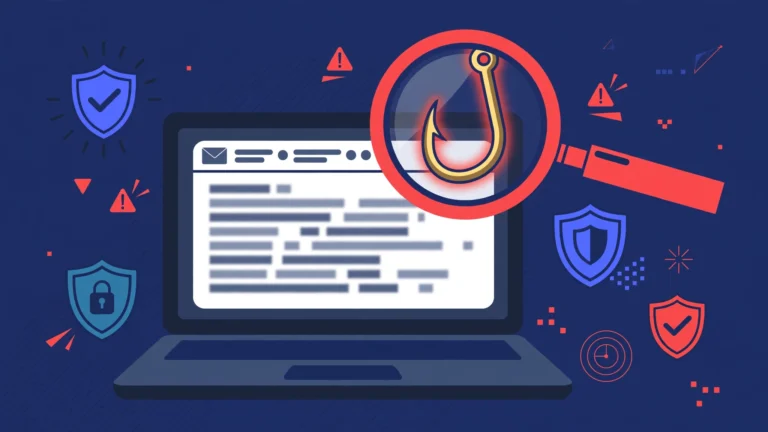
Antivirus software cannot protect you from a phishing email that tricks you into handing over your password voluntarily. The software can warn about a known phishing website, and many suites do, but a convincing message that leads you to type credentials into a fake login page bypasses file scanning entirely. That is why phishing awareness matters as much as antivirus software, and why readers who want the full picture can read the guide on what is phishing. Similarly, antivirus software cannot stop a scam call, a fake support agent, or a social engineering message that persuades you to install remote access software yourself.
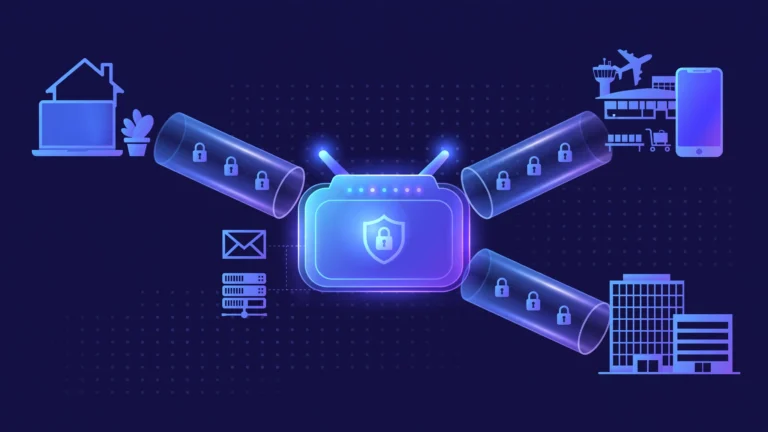
Antivirus software also cannot fix weak passwords, unpatched software, or a backup that was never made. A password manager and two-factor authentication protect accounts even when a device is compromised. Software updates close the vulnerabilities malware exploits to enter a system. Backups protect irreplaceable files even when ransomware succeeds. Think of antivirus software as one layer in a stack, alongside updates, a password manager, two-factor authentication, backups, and careful download habits. Privacy is another limit: antivirus software needs broad file access to do its job, so read the vendor privacy policy for data collection and retention. A VPN in a security suite encrypts traffic but does not scan files, and a password manager stores credentials but does not block malware.
Common Mistakes That Weaken Antivirus Protection
The most common mistake is disabling real-time protection to speed up a game or a large download and forgetting to turn it back on. A temporary exclusion for a trusted program is safer than switching off protection entirely, and any exclusion should be reviewed and removed when it is no longer needed. Another common mistake is ignoring update prompts for weeks: outdated definitions miss new threats, and outdated program versions miss security fixes for the antivirus product itself.
Installing antivirus software from an unofficial source is a serious mistake, because fake security software is one of the oldest malware delivery tricks. Running two real-time antivirus products together is a quieter mistake, but it still causes slowdowns and conflicts, so use one real-time product and other scanners only as on-demand second opinions. Finally, many users treat a single clean scan as proof a device is safe forever. A clean scan means no known threat was found at that moment, not that the device can never be infected. Readers who want to understand the malware side in more depth can start with the guide on what are trojans, which explains how disguised programs trick users into installing them.
Frequently Asked Questions
Do I need antivirus software if I only use my phone for social media?
Yes, in most cases, because social media links, messaging attachments, and app downloads can carry malware or phishing pages. Android users benefit from an antivirus app with web and phishing protection, while iPhone users benefit more from a security app focused on web protection, phishing warnings, and account checks.
Is free antivirus software good enough?
Free antivirus software can be good enough for a careful user on a single device, because many free products use the same core detection engine as their paid versions. Free products usually lack a firewall, parental controls, identity monitoring, and priority support, and they may show upgrade prompts. A free product kept updated beats a paid product that is expired or switched off.
Does antivirus software slow down my computer?
Modern antivirus software has a small effect on most current computers, but impact varies by product and device age. Full scans use more resources than quick scans, and older machines feel the difference more. Scheduling full scans for idle times and avoiding two real-time products at once keeps the impact low.
Can antivirus software remove ransomware after files are encrypted?
Antivirus software can remove the ransomware program itself, but it cannot reliably decrypt files that are already encrypted. Some ransomware families have free decryptors from security researchers, but many do not, and paying the ransom does not guarantee recovery. Prevention and backups matter far more than removal after encryption.
Why did my antivirus software flag a safe program?
False positives happen when a safe program shares patterns or behaviour with malware, such as modifying system files or using code packing to reduce size. Check the flagged file path and publisher, search the threat name on the vendor site, and submit the file for review if you believe the detection is wrong. Do not restore a flagged file blindly.
How often should I run a full antivirus scan?
A weekly full scan suits most home users, with quick scans running automatically in the background every day. Run an extra full scan after a suspicious download, an unexpected attachment, a visit to a suspicious site, or a period offline. A full scan after installing a new product also establishes a clean baseline.
Conclusion
What is the antivirus, in the end? Antivirus software is a practical, everyday layer of protection that finds, blocks, and removes malicious software before it can steal data, damage files, or take over a device. Antivirus software works through signature detection, heuristic analysis, behaviour monitoring, and cloud-assisted checks, and it works best when definitions stay current and real-time protection stays on. Built-in protection covers many users well, while a paid suite adds value for households that need several devices, parental controls, or identity features in one place.
No antivirus product replaces safe habits, updates, strong passwords, two-factor authentication, and backups, and no product catches every threat. The strongest setup is a layered one: one trusted antivirus product, kept updated, plus careful downloads, regular backups, and scepticism toward urgent pop-ups and unexpected attachments. Start by checking whether real-time protection is on right now, run a full scan this week, and set up backups for the files you cannot afford to lose. Those three steps take less than an hour, and they turn antivirus software from a background icon into a working part of your security routine.