

PC Antivirus Software Explained Simply
PC antivirus software is security software that protects a Windows computer from viruses, ransomware, spyware, phishing links, and other harmful programs. In simple terms, PC antivirus software scans files, downloads, and running programs, blocks known threats, and warns you before a dangerous file can damage your computer or steal your data.
Many PC owners ask whether they still need PC antivirus software when Windows already includes built-in protection. The answer depends on how you use your computer. If you browse trusted sites, keep Windows updated, and avoid risky downloads, the built-in protection may be enough.
Key Takeaways
- PC antivirus software scans files and programs for known and suspicious malware, then blocks, quarantines, or removes threats.
- Microsoft Defender, built into Windows Security, is a strong free baseline for many careful Windows users.
- The best free PC antivirus options offer core real-time protection, while paid suites add a VPN, password manager, parental controls, and identity monitoring.
- Never run two active antivirus programs at the same time, because they can conflict and slow your PC.
- Good habits matter as much as software: keep Windows updated, download only from official sources, and pause before clicking unexpected links.
Table of Contents
- What Is PC Antivirus Software?
- How Does PC Antivirus Software Work?
- Is Windows Security Enough for a PC?
- What Is the Best Free PC Antivirus?
- What Is a Good Antivirus Software for a Laptop?
- What Is a Good Free Virus Protection Option?
- Free vs Paid PC Antivirus Software: Which Should You Choose?
- How to Choose PC Antivirus Software Without Slowing Your PC
- How to Install and Set Up PC Antivirus Software Safely
- Common Mistakes to Avoid With PC Antivirus Software
- Frequently Asked Questions
- Conclusion
What Is PC Antivirus Software?
PC antivirus software is a program installed on a Windows computer to detect, block, and remove malicious software, often called malware. Malware covers viruses, worms, trojans, ransomware, spyware, and adware. Early tools focused mainly on viruses, which attach to other files and spread when those files are opened. Modern PC antivirus software also protects against fake websites, malicious downloads, infected USB drives, and email attachments that trick you into running harmful code. For the basic definition, read our guide to what the antivirus is.
A complete product usually includes more than a scanner. It may include real-time protection, a firewall, web protection that blocks dangerous sites, email protection, ransomware protection for documents and photos, and a quarantine area where suspicious files are held safely. Trojans are a common example of the threats these tools block. No program blocks every new threat, but a well maintained program greatly reduces your risk.
How Does PC Antivirus Software Work?
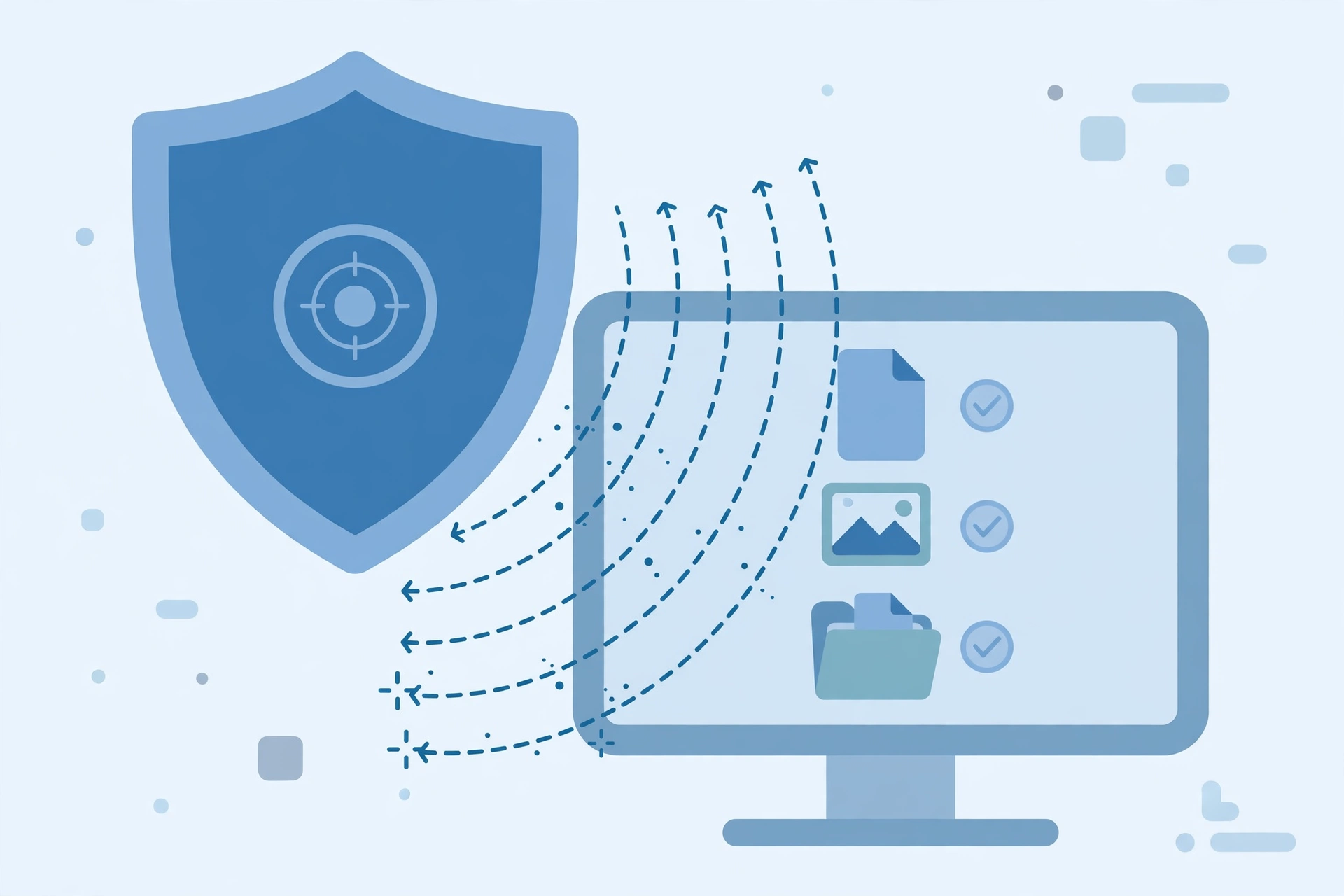
PC antivirus software works through several layers that operate together. The first layer is signature-based detection. Security companies collect samples of known malware and create unique fingerprints, called signatures, for each one. When your antivirus scans a file, it compares the file against a large signature database. If it finds a match, it blocks or quarantines the file. Updates arrive frequently, often several times a day, which is why keeping your antivirus updated is so important.
The second layer is heuristic and behavior-based detection, plus cloud checks. Heuristic detection looks for code patterns that resemble known malware families, even if the exact file is new. Behavior-based detection watches what a program does while it runs, and it can stop a program that suddenly tries to encrypt many files or connect to a suspicious server. Cloud checks compare unfamiliar files against the latest intelligence in real time.
Is Windows Security Enough for a PC?
Windows Security, which includes Microsoft Defender Antivirus, is built into Windows 10 and Windows 11, and it is already turned on for most PCs. Microsoft Defender provides real-time protection, cloud-delivered protection, a firewall, SmartScreen filtering, and ransomware protection for selected folders. Independent labs such as AV-TEST and AV-Comparatives have given Microsoft Defender strong scores in recent tests, including high protection scores and very few false alarms in several 2026 evaluations reported by reviewers.
For many careful users, Windows Security is enough. If you browse trusted sites, use email and office apps, stream, and shop on well known stores, and you keep Windows Update automatic, Defender plus sensible habits gives you solid baseline protection. Its gaps are real, though: phishing protection works best in Microsoft Edge, offline detection can drop without internet, and the built-in version has no VPN, full password manager, or dark web monitoring.
What Is the Best Free PC Antivirus?
The best free PC antivirus is the one that gives you reliable real-time protection, stays light on your system, and does not push you into a paid plan with constant pop-ups. Reviewers in 2026 often name three strong free choices for Windows: Microsoft Defender, Bitdefender Antivirus Free, and Avast Free Antivirus, now part of Avast One Free.
Microsoft Defender is the best free PC antivirus if you want zero setup, zero cost, and zero upsell messages. Bitdefender Antivirus Free is often recommended for a quiet third-party option focused on essentials: real-time malware protection and web protection, without a large bundle of extra tools. Reviewers praise it for low system impact, which suits older PCs. Avast Free Antivirus is often recommended for more free features, including a ransomware shield and web shield, although it shows more upgrade prompts. Always confirm that real-time protection is permanent and free, not a short trial, and look for recent lab results for the exact free edition.
What Is a Good Antivirus Software for a Laptop?
A good antivirus software for laptop owners protects you well without draining the battery, slowing startup, or making the fan spin loudly during everyday work. Laptops face the same threats as desktops, plus public Wi-Fi, travel, shared family use, and limited power on budget models. Good laptop protection therefore balances security, performance, and usability, and good virus protection on a laptop should feel almost invisible.
For a lightweight laptop, especially one with 4 GB or 8 GB of memory, Microsoft Defender is often the best starting point because it is integrated with Windows and stays quiet. Bitdefender Antivirus Free is another strong laptop choice for third-party protection with a small footprint and few interruptions. If you want broader free features, Avast Free Antivirus adds ransomware and web shields that help on public networks, although you should check its impact on your own machine during a trial week.

What Is a Good Free Virus Protection Option?
A good free virus protection option gives you continuous, real-time scanning, clear alerts when a threat is blocked, and regular definition updates, without requiring a credit card or expiring after a trial. Microsoft Defender meets that definition for Windows users, because it is free, permanent, and maintained through Windows Update. Among third-party programs, Bitdefender Antivirus Free and Avast Free Antivirus are the most commonly recommended permanent free options, because they offer real-time protection rather than on-demand scanning only.
Free virus protection is not the same as a free trial of a paid suite. A trial gives you the full paid product for a limited time, then stops protecting you or drops to a reduced feature set. A genuinely free product keeps its core protection running indefinitely, even if a VPN, firewall extras, or identity monitoring stay behind a paywall. If you later add a Mac, a phone, and a family laptop, that is when a paid suite becomes worth comparing.
Free vs Paid PC Antivirus Software: Which Should You Choose?
Free and paid PC antivirus software often share the same core detection engine, but paid suites add convenience, coverage, and extras. Free editions focus on essential malware blocking, while paid editions bundle protection for multiple devices, a VPN, a password manager, parental controls, cloud backup, webcam protection, and identity monitoring with breach alerts. Paid plans for one to five devices commonly cost between about 30 and 100 dollars per year, depending on brand, device count, and introductory offer, so always check the renewal price, not just the first-year price.
Choose free PC antivirus software if you have one Windows PC, you mainly need core malware and web protection, and you manage passwords and backups separately. Choose a paid suite if you need several devices under one subscription, parental controls for children, frequent public Wi-Fi use, or identity monitoring and a VPN in one app. List your gaps first, such as Mac coverage, a VPN, parental controls, or backup, and compare two or three paid suites on device limits and renewal price if several gaps apply.
How to Choose PC Antivirus Software Without Slowing Your PC
Choosing PC antivirus software without slowing your PC starts with matching the product to your hardware and habits. On a modern PC with a solid-state drive and 16 GB of memory, most reputable programs will feel light. On an older laptop with a spinning hard drive or 4 GB of memory, a heavy suite can make startup and browsing feel sluggish. In that case, prefer a lightweight option such as Microsoft Defender or Bitdefender Antivirus Free, and avoid extra cleanup, VPN, and monitoring tools you do not need.
Use independent lab results as a guide, not a guarantee. AV-TEST scores protection, performance, and usability, while AV-Comparatives runs real-world protection tests and measures false alarms. Look for recent results for the exact product you plan to install, and pay attention to performance and false alarm scores as well as protection. Schedule full scans when the PC is idle and plugged in, keep real-time protection on, and if a product consistently slows your work, try a lighter alternative rather than disabling protection.
How to Install and Set Up PC Antivirus Software Safely
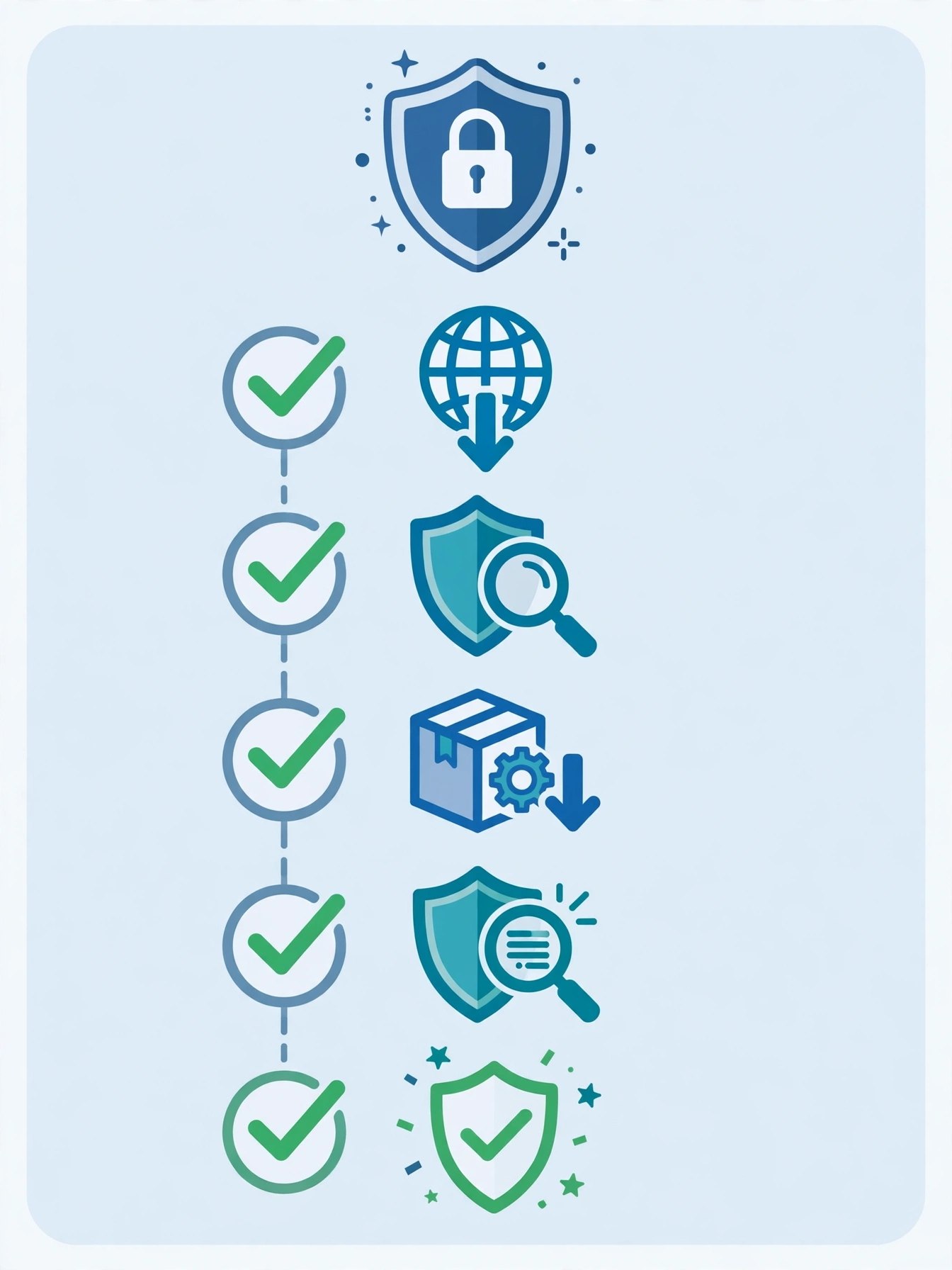
Install PC antivirus software only from the official vendor website or the Microsoft Store, never from a pop-up, a search ad that looks like the vendor, or a download site that bundles extra programs. Fake antivirus sites are a common trick: they show a scary warning, then offer a download that is itself malware. If a website tells you your PC is infected and urges you to download a scanner immediately, close the tab. Open Windows Security first and run a scan from there.
Before installing a third-party antivirus, uninstall any other active antivirus program. Windows will usually turn off Microsoft Defender automatically when a new antivirus takes over, and turn it back on if you later uninstall that product. After installation, confirm real-time protection is on, update definitions, run a first full scan, turn on ransomware folder protection for documents and photos, and set scheduled scans for idle times.
Common Mistakes to Avoid With PC Antivirus Software
The most common mistake is running two antivirus programs at the same time. People install a second program for extra safety, but the two programs can fight over the same files, cause crashes, slow the PC, and even miss threats. Use one real-time antivirus program, and use an on-demand second-opinion scanner only when you suspect an infection. If your phone shows warning signs, read our guide on how to tell if your phone is hacked for the mobile side of the same problem.
Another mistake is ignoring updates and warnings. Antivirus software depends on fresh definitions to catch new threats. If you pause updates, disable real-time protection, or dismiss warnings without reading them, you remove the protection you installed. A third mistake is trusting antivirus software alone. No program can stop you from entering your password on a fake login page or downloading a pirated program that contains malware. Pair antivirus software with strong, unique passwords, two-factor authentication, and a habit of checking sender and website addresses before clicking.
Frequently Asked Questions
Do I need PC antivirus software if I have Windows Security?
For many careful Windows users, Windows Security is enough, because Microsoft Defender provides real-time protection, a firewall, and SmartScreen filtering. You may still benefit from a third-party program if you need stronger web and phishing protection, coverage for Mac and mobile devices, parental controls, or a bundled VPN and identity monitoring.
What is the best free PC antivirus in 2026?
There is no single best free PC antivirus for everyone. Microsoft Defender is best for built-in, quiet protection with no upsells. Bitdefender Antivirus Free is best for a lightweight third-party option focused on core protection. Avast Free Antivirus is best if you want more free features, such as a ransomware shield, and you can accept upgrade prompts.
Is free antivirus software safe to use?
Yes, if you download it from the official vendor and it offers permanent real-time protection. Stick to well known vendors with recent independent lab results, read installation screens to decline bundled extras, and avoid any program that demands payment details for a supposedly free edition or arrives through a scary pop-up warning.
Will PC antivirus software slow down my laptop?
A good PC antivirus program should have only a small effect on a modern laptop, but a heavy suite can slow an older machine. Choose a lightweight option for low-spec laptops, schedule full scans when the laptop is plugged in and idle, and turn off optional features you do not use. If performance drops sharply, try a lighter product rather than disabling protection.
Can I run two antivirus programs for extra protection?
No, you should not run two real-time antivirus programs at once, because they can conflict, slow your PC, and reduce protection. Use one active antivirus program for ongoing protection. If you suspect an infection, run a reputable on-demand scanner as a second opinion, following its instructions for temporary use.
Conclusion
PC antivirus software remains a practical part of PC safety in 2026, even though Windows Security gives every Windows user a strong free baseline. The best choice is not the most expensive suite or the product with the longest feature list. It is the program that fits your PC, covers the risks in your daily use, stays light enough that you leave it turned on, and updates itself without constant interruptions.
Whatever you choose, install it from the official source, keep it updated, run only one real-time antivirus at a time, and back up your important files. Combine good PC antivirus software with updated Windows, careful downloads, and a pause before clicking unexpected links, and you will greatly reduce your risk. For more simple tech guides, visit CPN Tech. Start by checking Windows Security today: if it is on and updated, you already have good protection, and any upgrade should solve a specific gap.