Best AI Tool for Every Task: A Simple Beginner Guide
The best AI tool is not one single app. It is the tool that fits your task, your budget, and your comfort with sharing data, and that answer changes when the task changes. A writing assistant that drafts a clear email may be a poor choice for cited research, and a powerful coding assistant may be overkill for social media captions. This guide gives a simple rule: name the task first, then pick one general assistant and, only if needed, one specialist for the job you do most.
Here is the short answer. For most beginners, the best AI tool is a general assistant such as ChatGPT, Claude, or Gemini for everyday writing and learning, plus Perplexity or NotebookLM when research needs sources, plus a specialist such as Cursor or GitHub Copilot for coding and Jasper or Copy.ai for marketing copy at scale. Start free, test one tool for seven days on real work, and pay only when a limit actually blocks you.
Key Takeaways
- There is no single best AI tool for every task: the best pick changes with writing, research, coding, images, video, or marketing.
- Start with one general assistant, then add one specialist only for the job you do most often.
- Free plans are useful for writing, learning, and light research, but they cap advanced features and usage.
- Check privacy settings before pasting business, client, or personal data into any AI tool.
- Test a tool for seven days on real tasks before paying, and track the total monthly cost of your whole stack.
Table of Contents
- What Does Best AI Tool Actually Mean?
- What Is the Best AI for Each Task?
- Which AI Is the Best for Research?
- What Are the Best Free AI Tools for Marketing?
- How Do You Choose the Best AI Tool in 7 Days?
- Free vs Paid: When Is Paying Worth It?
- What About Privacy and Your Data?
- Frequently Asked Questions
- Conclusion
What Does Best AI Tool Actually Mean?
An AI tool is software that uses artificial intelligence to help with a task such as writing text, creating images, producing video, analysing information, writing code, automating work, or answering questions. The phrase best AI tool sounds like a single winner, but it is really a shortcut for a longer question: best for whom, for which task, and at what cost?
A student, a freelancer, a marketer, and a developer do not need the same tool. Even inside one job, the best choice shifts. Brainstorming needs speed. Editing needs precision and tone control. Research needs sources you can check. Coding needs a tool inside your editor. Marketing needs brand voice and workflow features that a general chatbot does not provide.
That is why ranked lists alone can mislead. A tool can rank first overall and still be wrong for you, because the ranking may reward features you will never use, or ignore a limit that matters to you, such as a free plan cap or a privacy policy you cannot accept. Judge a tool against your own work: does it save time, and can you trust its output after light checking?
Artificial intelligence, as described on Wikipedia, covers systems that perform tasks that normally need human intelligence, such as understanding language. For a beginner, the distinction is simple: a general assistant handles many tasks well, while a specialist handles one task very well.
What Is the Best AI for Each Task?
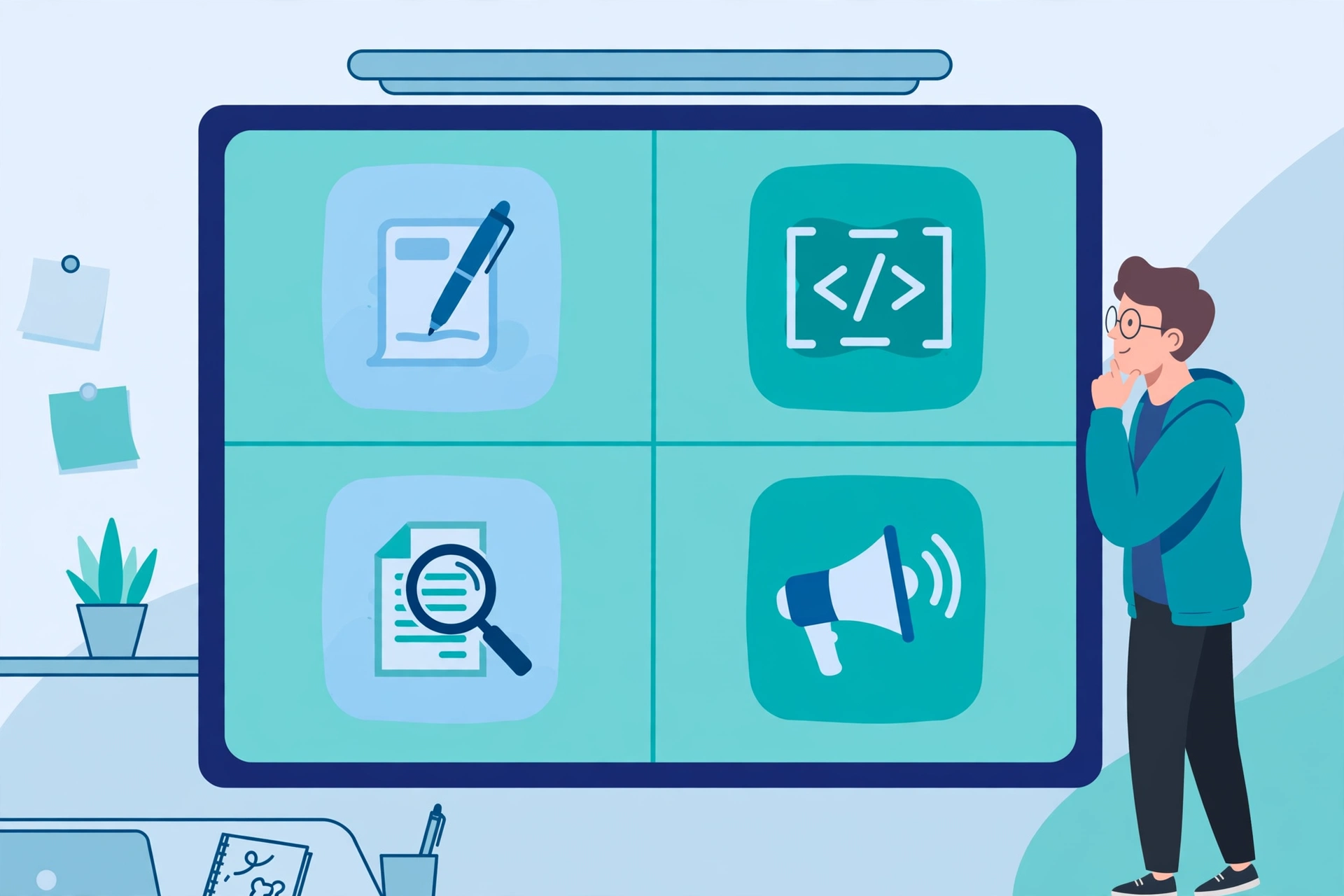
The best AI for each task depends on what good output looks like for that task. For writing, good means clear text in your voice. For research, good means accurate answers with sources you can open. For coding, good means working code that fits your project. For images, good means the right style and detail. For marketing, good means copy that matches your brand and moves a reader to act.
| Task | Start with this | Add this specialist if you do the task often |
|---|---|---|
| Everyday writing and learning | ChatGPT, Claude, or Gemini | Claude for long documents and careful reasoning |
| Research with sources | Perplexity | NotebookLM for research from your own documents |
| Coding | ChatGPT or Claude for explanations | Cursor or GitHub Copilot inside your editor |
| Images and design | Gemini or ChatGPT image features | Midjourney for creative images, Canva AI for social designs |
| Video | ChatGPT or Gemini for scripts | Runway or Synthesia for generated video |
| Marketing copy | ChatGPT or Claude for drafts | Jasper or Copy.ai for brand voice and campaign workflows |
| Meetings and notes | A general assistant for summaries | Notion AI for notes |
| Automation | A general assistant for planning | Zapier to connect AI output to your apps |
Judge each tool by three tests: does it understand your brief without many corrections, can you check its output quickly, and does it save more time than fixing mistakes costs?
List your three most frequent tasks, pick a general assistant that handles all three, and trial one specialist for the task that eats most of your week. If it does not save an hour a week, cancel it.
Which AI Is the Best for Research?
For research, the best AI tool is the one that shows its sources and lets you verify them. That is the main difference between a general chatbot and a research tool. A general chatbot can explain a topic well, but it may state facts confidently without showing where they came from. A research tool such as Perplexity searches the web and links to sources, so you can open the original page and check the claim before you use it.
Perplexity is a strong first pick because it is built around cited answers. Ask a question, then follow the citations to the source pages. Never copy a number, date, or quote from an AI answer without opening at least one source, because that one check protects you from the most common AI error, a confident but incorrect detail.
NotebookLM, from Google, suits learning from your own documents. You upload PDFs or notes, then ask questions about those sources only, so answers stay grounded in your files. It is less useful for discovering new sources.
For everyday learning, a general assistant is often enough. Use it to explain a concept, then switch to a cited tool when you need facts you will quote or act on. That two step habit, explain first, verify second, gives speed without giving up accuracy.
What Are the Best Free AI Tools for Marketing?
Marketing is where free AI tools can save real money, because much of the work is drafting, variation, and repurposing rather than one perfect piece of copy. The best free AI tools for marketing are the free tiers of general assistants and design tools, used as a small stack, not a single app that promises to do everything.
Start with a general assistant for drafts. ChatGPT, Claude, and Gemini offer free plans that can draft captions, product descriptions, subject lines, and outlines. For a freelancer posting a few times a week, free is usually enough, because the main limits are usage caps on advanced models. Produce several variations, then edit the best one in your own voice.
For visuals, Canva AI on a free plan covers social posts, graphics, and slides. Pair it with CapCut for short reels, and use Perplexity on a free plan for fact checking, so posts stay current rather than generic.
Paid specialists earn their price only when volume or brand control becomes the bottleneck. Jasper suits teams needing a consistent brand voice, Copy.ai suits high volume short copy, and Surfer SEO suits search optimisation. If you publish once or twice a week, they are usually unnecessary.
How Do You Choose the Best AI Tool in 7 Days?
Choosing well does not need a spreadsheet of fifty tools. It needs one week of real work with one or two candidates. Day 1: write down your three most frequent tasks and one example for each, such as a client email, a summary of a long article, and three social captions. Day 2: run the same three tasks in your first candidate and save the outputs. Day 3: repeat them in a second candidate and compare side by side. Day 4: test the limits that matter to you, such as long documents, file uploads, image generation, or integration with Google Docs, Notion, or your code editor. Day 5: check privacy settings and decide what data you are comfortable pasting. Day 6: use the leading tool for a full day of real work, not test prompts. Day 7: decide by answering three questions: did it save time, did I trust the output after light checking, and would I miss it if it stopped tomorrow? If all three answers are yes, keep it. If not, stay free or try a different specialist.
Keep prompts simple during the test, because a tool needing elaborate prompting will cost time daily. Price should enter last: a free tool wasting an hour a day costs more than a paid tool saving an hour a day. Pay for a blocked limit, not for a feature list.
Free vs Paid: When Is Paying Worth It?
Free plans from ChatGPT, Claude, Gemini, Perplexity, Canva, and ElevenLabs are genuinely useful, and for many beginners they are enough. Free usually means a capable model with usage caps, slower access at busy times, and fewer advanced features such as long context windows, deep research, or high volume image generation. Paid plans, commonly around 20 dollars per month for a general assistant, raise those caps, unlock newer models, and add longer documents, priority access, and more image or video generations.
Pay when you hit a usage cap during real work more than once a week, need long document analysis or high volume output the free plan cannot handle, need a specialist feature that saves measurable time, or need team controls for a business. If none of these is true, staying free is smart.
Watch for stack creep: a 20 dollar assistant, a 49 dollar writing tool, a 10 dollar image tool, and a 29 dollar video tool quickly pass 100 dollars a month. Before adding a tool, ask what it replaces, and prefer monthly billing while deciding. Keep to one paid general assistant at most, plus free specialists, until saved time clearly earns back the cost.
What About Privacy and Your Data?
Privacy is the part most beginners skip. Before you paste client work, business plans, or personal documents into any tool, check three things: whether your inputs are used to train models, whether you can turn that training off, and whether the tool offers a business plan with stronger data controls. General assistants usually offer a setting to stop chats being used for training, but the default varies by provider and plan, so check the settings page rather than assuming. Business plans often promise not to train on your data and add admin controls, which is why they cost more.
Do not paste passwords, bank details, identity documents, or private client data into a free chatbot. Remove identifying details before pasting a document for summarising, and check the data policy of any tool answering from your uploads. Use a general assistant freely for public ideas, and stronger settings or a business plan for sensitive work.

Frequently Asked Questions
What is the best AI tool for beginners?
The best AI tool for beginners is a general assistant such as ChatGPT, Claude, or Gemini, because it handles writing, learning, brainstorming, and everyday questions in one place. Start free, learn on real tasks, and add a specialist only for the job you do most often.
Which AI is the best for research?
Perplexity is a strong first pick for research because it searches the web and cites sources you can open and verify. NotebookLM is better when research comes from your own documents, because it answers from the files you upload rather than from the wider web.
What are the best free AI tools for marketing?
The best free AI tools for marketing are the free tiers of a general assistant for copy, Canva for visuals, and Perplexity for fact checking, used together as a small stack. Paid tools such as Jasper or Copy.ai are worth testing only when volume or brand voice becomes a bottleneck.
Is ChatGPT or Claude better?
ChatGPT is often the better all rounder for everyday tasks, images, and integrations. Claude is often stronger for long form writing, careful reasoning, and long document analysis. Test both free plans on your own tasks, because the best pick depends on your work.
Do I need to pay for an AI tool?
No, not at first. Free plans cover writing, learning, light research, and basic design for most beginners. Pay only when a usage cap, a long document limit, or a specialist feature actually blocks your real work more than once a week.
How many AI tools should I use?
Most beginners do best with one general assistant and, at most, one specialist for their most frequent task. More tools add cost and learning time without adding much output, so remove any tool you have not used in the past 30 days.
Conclusion
The best AI tool is the one that fits your task, not the one with the longest ranking or the largest feature list. Name your three most frequent tasks, start with one general assistant, add a cited research tool when facts matter, and trial one specialist only for the job that eats most of your week. Test free first, pay only when a limit actually blocks you, check privacy settings before pasting sensitive work, and verify key facts before you publish or send them. You will end up with a small, affordable stack that saves real time, instead of a pile of subscriptions you barely use. Start today with one task, one tool, and one seven day test, and let your own work decide what stays.
For more beginner friendly guides, explore the homepage of CPN Tech and related articles such as how to write a prompt for AI, what prompt engineering means, how an AI code generator works, and how a free AI writing generator works.