Is WiFi 7 Worth It? Honest 2026 Upgrade Guide
You have seen the boxes on the store shelf and the ads in your feed: WiFi 7 routers promising 46 Gbps and “the biggest wireless leap in years.” The marketing is loud, and the honest question underneath it is simple: is WiFi 7 worth it for your home, right now?
The direct answer: WiFi 7 is worth it if you are buying a router anyway, have a gigabit or faster internet plan, own WiFi 7 devices, or run a busy household with many connected gadgets. If your WiFi 6 router works fine, your plan is 500 Mbps or slower, and none of your devices support the new standard, waiting costs you almost nothing and saves real money.
This guide explains what WiFi 7 changes, what it costs, who feels the difference, and how to decide for your own home, without the hype.
Key Takeaways
- WiFi 7 (802.11be) adds 320 MHz channels, Multi-Link Operation, and 4K-QAM on top of the 6 GHz band, for lower latency and better performance under load.
- Your internet plan sets your top speed. WiFi 7 cannot make a 500 Mbps plan any faster; it only helps if your router was the bottleneck.
- Budget WiFi 7 routers have dropped into the old budget WiFi 6 price tier, but the cheapest models often skip 6 GHz, 320 MHz channels, or true MLO, so check specs before you buy.
- Buying a WiFi 7 router you need anyway is the clear win. Ripping out a healthy WiFi 6 setup for the badge on the box is the clear loss.
- If your problem is dead zones, buy mesh or better placement, not a faster standard.
Table of Contents
- What Does WiFi 7 Actually Change?
- Will WiFi 7 Make My Internet Faster?
- What Does a WiFi 7 Upgrade Cost in 2026?
- Do Your Devices Even Support WiFi 7?
- Who Should Upgrade to WiFi 7 Right Now?
- Who Should Wait Before Upgrading?
- What Are the Common WiFi 7 Buying Mistakes?
- How Do You Upgrade to WiFi 7 the Right Way?
- Frequently Asked Questions
- Conclusion
What Does WiFi 7 Actually Change?
WiFi 7 is the marketing name for 802.11be, the wireless standard that follows WiFi 6 and WiFi 6E. It is a genuine technical upgrade, not a rebrand, and its three headline features each solve a real problem.
First, channels get wider. WiFi 7 can use channels up to 320 MHz wide on the 6 GHz band, double the 160 MHz maximum of WiFi 6E. Think of a channel like a lane on a highway: a wider lane moves more data at once, and that is where the big speed numbers on the box come from.
Second, Multi-Link Operation (MLO) lets a device connect across the 2.4 GHz, 5 GHz, and 6 GHz bands at the same time instead of picking one and sticking with it. MLO is the feature behind WiFi 7’s lower latency and smoother performance, because the connection can shift traffic between bands without the hiccups older standards suffer.
Third, 4096-QAM packs more data into every signal than the 1024-QAM used by WiFi 6, which raises throughput when the signal is strong and clean. Together these changes push the theoretical ceiling to about 46 Gbps, roughly five times WiFi 6’s 9.6 Gbps. No home reaches those numbers, but the headroom matters when many devices compete at once.
Here is how the last three generations compare:
| Feature | WiFi 6 | WiFi 6E | WiFi 7 |
|---|---|---|---|
| Standard name | 802.11ax | 802.11ax (extended) | 802.11be |
| New band | No | 6 GHz | 6 GHz |
| Max channel width | 160 MHz | 160 MHz | 320 MHz |
| QAM | 1024-QAM | 1024-QAM | 4096-QAM |
| Multi-Link Operation | No | No | Yes |
| Theoretical top speed | 9.6 Gbps | 9.6 Gbps | 46 Gbps |
| Latency character | Good | Good | Near-zero with MLO |
One clarification is worth making early. The 6 GHz band arrived with WiFi 6E, not WiFi 7. That band is wide open compared to the crowded 2.4 GHz and 5 GHz bands, which means fewer dropped packets and more consistent performance in dense apartment buildings. WiFi 7 builds on it rather than inventing it, which is why our earlier look at WiFi 7 vs WiFi 6 spends time separating what each generation actually introduced.
Will WiFi 7 Make My Internet Faster?
Should You Upgrade to Wi-Fi 7? Quiz
Answer 4 quick questions to find out. Everything runs in your browser.
For most readers, this is the only question that matters, and the answer is the one competitors bury: your internet plan sets your top speed, not your router. A WiFi 7 router cannot make a 300 Mbps or 500 Mbps plan any faster. If your current WiFi 6 router already delivers your plan’s full speed to the devices near it, swapping in WiFi 7 changes nothing about the speed tests you run on your phone.
Where WiFi 7 genuinely helps is everywhere the router was the bottleneck. Three situations stand out.
Your local network. File transfers inside the house do not touch your internet plan at all. Copying video files to a NAS, backing up a laptop to a local drive, or streaming uncompressed media from a home server can run dramatically faster on WiFi 7, even on a modest broadband plan. Almost no buying guide mentions this, yet it is the one speed gain that works regardless of your ISP.
Congested homes. MLO and wider channels shine when many devices fight for airtime: a household streaming 4K in two rooms while someone games and thirty smart home gadgets chatter in the background. Reviews of WiFi 7 routers, including testing referenced by Engadget, consistently show stronger performance under load and at range than previous generations, though the exact gains vary between router models.
Multi-gigabit plans. If you pay for 1 Gbps, 2 Gbps, or faster, many older routers cannot even pass that much through their wired ports. A WiFi 7 router with 2.5 Gbps or 10 Gbps Ethernet ports finally lets a multi-gig plan reach your devices. This is the one case where the speed jump is dramatic and immediate, and several of our competitor reviews agree it is WiFi 7’s strongest use case.
So the honest framing is this: WiFi 7 is a latency, capacity, and local-speed upgrade more than an internet-speed upgrade. If your frustration is “my internet feels slow,” check your plan speed first. If your frustration is “everything stutters when the house is busy,” WiFi 7 may be exactly the fix. For the broader background on the standard itself, see our explainer on 802.11be.
What Does a WiFi 7 Upgrade Cost in 2026?
Prices have fallen a long way since the first WiFi 7 routers launched at flagship prices. In 2026 the market has three clear tiers.
Budget (under $100 to $150). Dual-band WiFi 7 routers like the TP-Link Archer BE230 now sit where budget WiFi 6 boxes used to live. These are fine as a straightforward router replacement, but read the spec sheet: many budget models drop the 6 GHz band, 320 MHz channels, or true simultaneous MLO. You get the WiFi 7 badge and modest improvements, not the full standard.
Mid-range ($150 to $300). Tri-band models like the TP-Link Archer BE550 bring the full feature set, 6 GHz included, with 2.5 Gbps Ethernet ports. For most homes this is the sweet spot: real WiFi 7, multi-gig-ready wiring, and prices that keep falling.
Flagship ($400 and up). Routers like the Netgear Nighthawk RS700S or ASUS RT-BE96U add 10 Gbps ports, bigger coverage, and processing headroom for very demanding networks. Buy these only if your plan and your devices can actually use the headroom.
There is also a hidden cost most guides skip: the ISP gateway. If you rent a WiFi 6 gateway from your ISP for $10 to $15 a month, that is $120 to $180 a year, every year. A $150 mid-range WiFi 7 router pays for itself in about a year against rental fees, and you stop paying forever. Before buying anything, check whether your ISP lets you use your own router, and whether returning their box removes the fee. For shoppers working through this exact math, our WiFi 7 router buying guide breaks down what to look for at each price tier.
One more timing note: Black Friday, Prime Day, and back-to-school sales reliably cut 20 to 40 percent off mid-range routers. If you have decided to upgrade, buying on sale is the easiest money you will save in this whole process.
Do Your Devices Even Support WiFi 7?
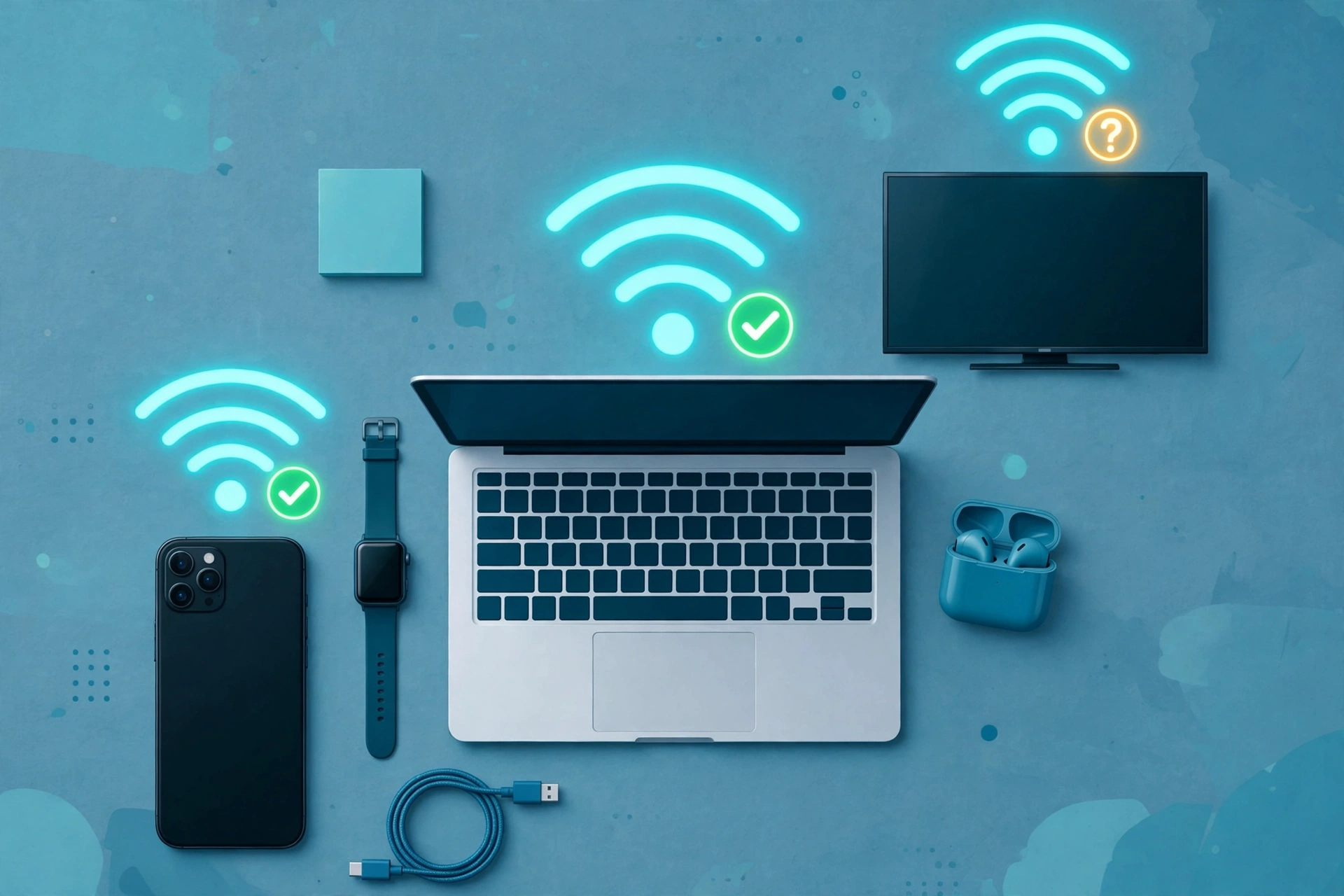
Here is the catch that turns many upgrades into disappointments: a WiFi 7 router only delivers WiFi 7 features to WiFi 7 devices. Your older phone, laptop, and TV connect to the new router just fine, because the standard is fully backward compatible, but they run at their own standard’s speeds and get none of the MLO or 320 MHz benefits. As DataFeature’s FAQ puts it bluntly, without a WiFi 7 device on the other end, a WiFi 7 router delivers roughly WiFi 6E-level performance at a WiFi 7 price.
Device support in 2026 is still limited. Roughly speaking, WiFi 7 appears in flagship phones and a growing set of laptops released from mid-2024 onward, plus dedicated WiFi 7 routers from brands like TP-Link, Netgear, ASUS, and Eero. Most mid-range phones, most TVs, most smart home gadgets, and most ISP-issued gateways do not support it yet.
Before you spend anything, check what you actually own:
- Phones: open Settings, then About phone, and look at the hardware specs for your exact model, or search the manufacturer’s spec page for “Wi-Fi 7” or “802.11be.”
- Laptops and PCs: on Windows, open Device Manager, expand Network adapters, and check your WiFi card’s model number against the manufacturer’s specs. On a Mac, hold Option, click the Apple menu, choose System Information, then Wi-Fi, and read the supported PHY modes.
- Consoles and TVs: check the manufacturer’s spec sheet. As of 2026, most still top out at WiFi 6 or 6E.
- Tablets and smart home gear: assume no WiFi 7 unless the spec sheet explicitly says so.
Count how many WiFi 7 devices you actually have. If the answer is zero and you are not buying new devices soon, the smartest move is usually to wait: prices keep falling while your device collection catches up.
Who Should Upgrade to WiFi 7 Right Now?
Use this profile-by-profile verdict. Find yourself, then act accordingly.
| Reader profile | Verdict | Why |
|---|---|---|
| Buying a router anyway (moving, old one died, dead zones) | Yes, buy WiFi 7 | Prices now match old WiFi 6 tiers, and you future-proof for years |
| Multi-gigabit plan (1 Gbps or faster) | Yes | Older routers bottleneck the plan; WiFi 7 with 2.5G or 10G ports unlocks it |
| Competitive gamer | Yes | Sub-1ms latency and MLO stability are meaningful at high skill levels |
| Content creator moving huge files | Yes | Local transfer speeds and 6 GHz headroom save real time daily |
| Smart home with 30+ devices | Yes | MLO and capacity improvements smooth out congested airtime |
| On WiFi 5 or older | Yes | The generational leap is enormous; skip WiFi 6 entirely |
| Work-from-home with video calls all day | Maybe | Worth it if calls stutter under household load; otherwise wait |
| Casual user, WiFi 6 works fine, plan under 1 Gbps | No | You will not feel the difference; keep your money |
| Renter who cannot change the ISP gateway | No | Check ISP rules first; a new router you cannot install helps nobody |
The pattern is consistent across nearly every 2026 review: WiFi 7 is a genuine, mature standard, and it is worth owning when you have a reason. “Buy it for a reason, not because of a sticker on the box” is how one UK reviewer summarized it, and that line has survived every fact-check in this guide.
Who Should Wait Before Upgrading?
Waiting is not missing out. It is a strategy, and for a large group of readers it is the correct one.
Your WiFi 6 router works fine and your plan is 1 Gbps or slower. You will not see a speed benefit, much of your kit may not support WiFi 7 yet, and the same router will cost less in a year. There is no shame in this position; it is where most households sit.
Your problem is coverage, not speed. This is the most common misdiagnosis in home networking. If some rooms get no signal, a faster standard does not help, because the signal still has to cross the same walls. Fix placement first (central, elevated, away from metal), then consider a mesh system or an access point. A mesh WiFi 6 system often beats a single WiFi 7 router for a large house.
You are waiting on devices. If your next phone or laptop purchase is a year away and will include WiFi 7, buying the router now means paying today’s price for benefits you cannot use yet. Time the router purchase with the device upgrades.
WiFi 8 is on the horizon, but it is not a reason to freeze. The next standard, 802.11bn, is not expected to be finalized until 2028, with Wi-Fi Alliance certification unlikely before late 2027. Its big promise is reliability under congestion rather than raw speed. If you need a router in 2026, buy good WiFi 7 gear now; WiFi 8 is worth tracking, not waiting for.
What Are the Common WiFi 7 Buying Mistakes?
Competitor guides mention these in passing, but they deserve a checklist, because this is where real money gets wasted.
- Buying a WiFi 7 router with no WiFi 7 devices. Without compatible clients, you paid the WiFi 7 price for WiFi 6E-level performance. Count your devices first.
- Assuming the badge means the full standard. Budget dual-band models can legally carry the WiFi 7 name while skipping the 6 GHz band, 320 MHz channels, or simultaneous MLO. Check the spec sheet for all three.
- Hiding the router in a cabinet or a corner. The 6 GHz band has shorter range and struggles with walls. A badly placed flagship performs worse than a well-placed mid-range model.
- Skipping firmware updates. Some routers ship with MLO disabled or half-working; early firmware updates often enable or fix it. Update on day one.
- Expecting WiFi 7 to fix dead zones. Coverage problems need mesh, access points, or better placement, not a newer standard.
- Wasting multi-gig ports. A router with 2.5 Gbps ports plugged into a gigabit switch, or fed by a gigabit plan, bottlenecks everything downstream. Match every link in the chain.
- Paying flagship prices for casual use. If your heaviest task is streaming and video calls, a mid-range tri-band router is already more than enough.
Run through this list before checkout and you will avoid nearly every regret buyers report.
How Do You Upgrade to WiFi 7 the Right Way?
If you have decided the answer is yes, here is the sequence that avoids wasted money and weekend frustration.
Step 1: Speed-test your current setup. Run a wired speed test at the router and a wireless test where you actually use devices. If wireless matches the plan near the router but dies in the bedroom, your problem is coverage, not the standard.
Step 2: Confirm your ISP situation. Check whether you can use your own router and whether returning the ISP gateway removes a monthly fee. Note your plan speed: under 1 Gbps, prioritize tri-band and MLO over headline throughput numbers.
Step 3: Audit your devices. Use the checklist from the device section above. Two or more WiFi 7 devices, or new ones arriving soon, justifies the purchase; zero with none on the horizon argues for waiting.
Step 4: Pick the right tier. Budget dual-band for small homes with modest needs, mid-range tri-band with 2.5 Gbps ports for most households, flagship only for multi-gig plans with WiFi 7 devices throughout. Verify 6 GHz, 320 MHz, and MLO support on the spec sheet regardless of tier.
Step 5: Buy on sale if you can wait a few weeks. Router prices swing hard around sales events. Set a price alert and pounce.
Step 6: Install it properly. Place the router centrally and elevated, update the firmware immediately, enable MLO if it is not on by default, and re-test speeds in your actual usage spots. Keep the old router for a week as a fallback, not in a drawer forever.
For ongoing context on home networking gear and standards, the CPN Tech homepage collects our latest guides across every category we cover.
Frequently Asked Questions
Is WiFi 7 worth it over WiFi 6?
WiFi 7 is worth it if you are buying a router anyway, have a gigabit or faster plan, or own WiFi 7 devices. For a working WiFi 6 setup on a slower plan, the upgrade buys little you can feel, so waiting is the smarter move.
Will a WiFi 7 router make my internet faster?
No, not by itself. Your internet plan sets the maximum speed, and WiFi 7 cannot exceed it. It can improve local network transfers, latency, and performance when many devices are active, which often matters more than raw internet speed.
Is WiFi 7 backwards compatible with older devices?
Yes. A WiFi 7 router connects to WiFi 6, WiFi 5, and older devices without any issue. Those devices simply run at their own standard’s speeds and do not get WiFi 7 features like Multi-Link Operation.
Do I need a faster internet plan to benefit from WiFi 7?
Not necessarily. Local file transfers, NAS backups, and in-home media streaming improve regardless of plan speed. But if your only goal is faster downloads from the internet, upgrading the plan matters more than upgrading the router.
How much does a good WiFi 7 router cost?
Budget dual-band models start under $100, solid mid-range tri-band routers with 2.5 Gbps ports run $150 to $300, and flagships cost $400 and up. For most homes, the mid-range tier is the sweet spot.
Should I wait for WiFi 8 instead?
No. WiFi 8 (802.11bn) is not expected to be finalized until 2028, with certification unlikely before late 2027, and its focus is reliability rather than speed. If you need a router in 2026, buy WiFi 7 now.
Does WiFi 7 fix dead zones in my house?
No. Dead zones are a coverage problem, and a newer standard does not push signal through walls any better. Fix router placement first, then look at mesh systems or access points if rooms still lack signal.
Conclusion
Is WiFi 7 worth it? In 2026, the honest answer fits in one sentence: buy it when you are buying a router anyway or when your plan, devices, and household can use what it offers, and skip it while your WiFi 6 setup still does the job. The standard itself is excellent: mature, reasonably priced, and genuinely better under load. The upgrade only disappoints when it is bought for the badge instead of a reason.
Your next step takes ten minutes: speed-test your current network, count your WiFi 7 devices, and check your ISP’s gateway fee. Those three numbers tell you more than any spec sheet, and they will point you to the right side of the buy-or-wait line with confidence.