
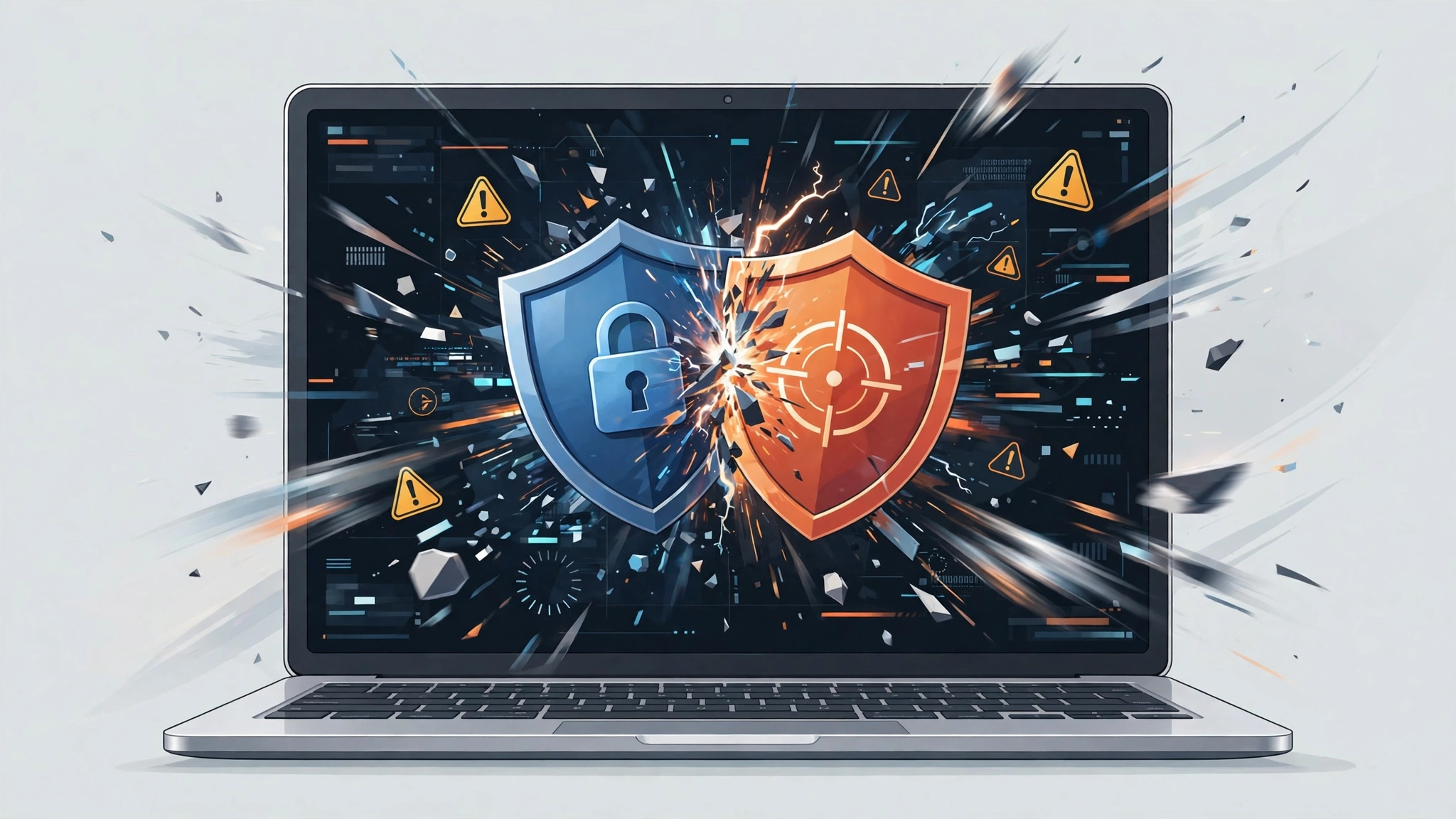
Do Multiple Antivirus Programs Give Extra Protection?
Your computer already has antivirus protection, so adding a second program feels like common sense. Two locks should be stronger than one, and two scanners should catch more threats. With antivirus software, that logic breaks down. Two real time antivirus programs do not add their protection together. In most home setups, they get in each other’s way, slow the computer down, and can even leave threats unhandled.
Does having multiple antivirus programs provide additional protection? No, not when both programs run in real time. Two real time engines inspect the same files, compete for the same system hooks, and can mistake each other for a threat. The result is usually slower performance, conflicting alerts, and weaker protection, not double protection. A single well maintained antivirus program, plus a manual on demand scanner for a second opinion, gives you a safer and calmer setup.
Key Takeaways
- Run exactly one real time antivirus program on a home computer.
- Two real time engines can conflict, cause false positives, and miss threats.
- Microsoft Defender normally steps aside when a compatible third party antivirus takes over on Windows.
- A manual on demand scanner is a safe second opinion, because it only runs when you start it.
- Never remove both programs at once. Keep one active at all times.
- Real extra safety comes from updates, backups, strong passwords, and careful browsing, not from a second engine.
Table of Contents
- Does having multiple antivirus programs provide additional protection?
- How does a real time antivirus program actually work?
- Why do two real time antivirus programs conflict?
- What problems can you expect on a slow or older computer?
- Does Windows Defender turn off when you install another antivirus?
- Are there safe ways to get a second opinion?
- How do you safely remove the extra antivirus program?
- What should you use instead of a second antivirus?
- What about Mac, Android, and business computers?
- Frequently asked questions
Does having multiple antivirus programs provide additional protection?
Does having multiple antivirus programs provide additional protection? The short answer is no, and the reason is timing. Protection does not come from how many programs are installed. It comes from one program that can act quickly and clearly when a threat appears. When two real time programs try to act at the same moment, neither one gets a clean view of the file. Think of two security guards trying to inspect the same bag at the same door. If both grab it at once, the bag gets stuck, the check takes twice as long, and in the confusion one guard may wave it through just to clear the queue.
Detection rates also overlap far more than most people expect. Reputable antivirus products already catch the same common threats: known malware signatures, suspicious behaviour, and malicious downloads.
How does a real time antivirus program actually work?
A real time antivirus program, also called an on access scanner, watches your computer continuously. It does not wait for a scheduled scan. Every time you open a file, download an attachment, plug in a USB drive, or launch a program, the antivirus checks that item before it is allowed to run. If the item looks malicious, the antivirus blocks it or moves it to quarantine.
To do this job, an antivirus program works close to the core of the operating system. It uses drivers and system hooks to intercept file activity, monitor running processes, and inspect network traffic. Modern products combine signature detection, heuristics, behavioural monitoring, and cloud checks. Prevention depends on a single clear decision when a file is opened. When two products both try to make that decision, the result is delay, disagreement, or a missed block.
Why do two real time antivirus programs conflict?
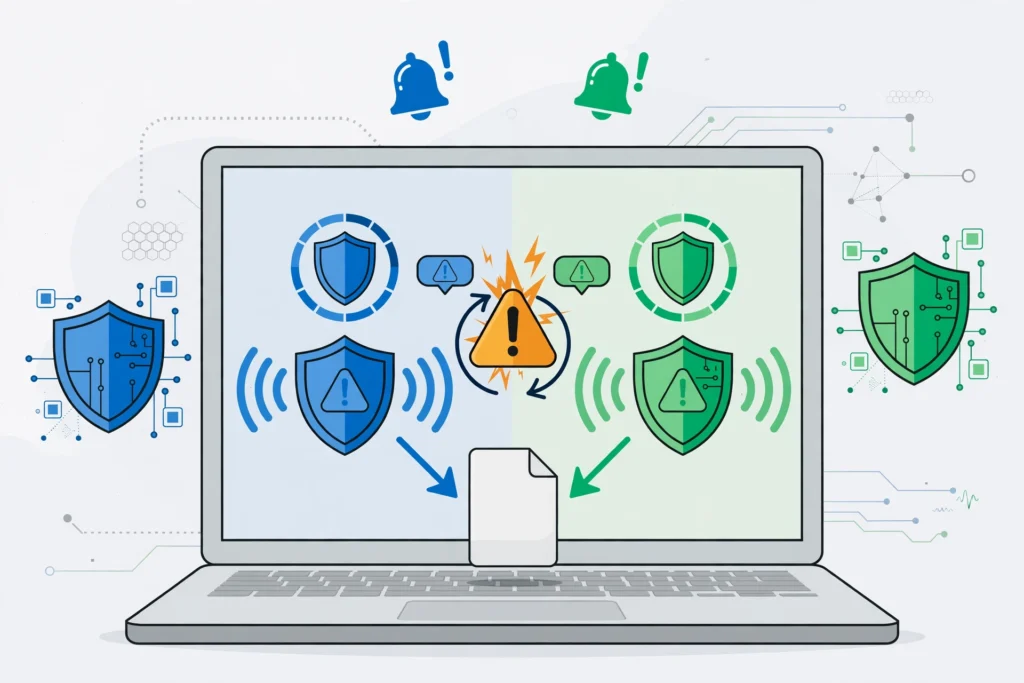
Two real time antivirus programs conflict for technical reasons, not because one product is bad. Both programs want to intercept the same event. When you open a file, each program tries to scan it before it runs, and each scan locks the file briefly. The second program may then try to scan the first program’s temporary copy, and the first may try to scan the second program’s activity. In bad cases this creates a loop, where each program keeps reacting to the other. The computer slows down, and in rare cases it freezes or crashes with a blue screen.
Quarantine fights and false positives make the problem worse. One program may move a suspicious file to quarantine, and the other may then detect the quarantined copy and raise its own alert. If a core file of one antivirus product is quarantined, that product stops working properly, and you may not notice until a real threat arrives. A false positive, where a safe file is flagged as malicious, also becomes more likely with two engines, and the alarms often contradict each other. Users who see conflicting warnings often start ignoring all warnings. Updates can also fail, with errors such as error code 0x80070643 on Windows.
What problems can you expect on a slow or older computer?
On a fast modern computer, two antivirus programs may seem to work for a while, because the computer has enough power to absorb the extra work. On a slow or older computer, the same setup is much more visible. Startup is usually the first victim. Both programs try to load at boot, check startup items, and scan early processes. A computer that took one minute to start may take three minutes, with the disk working hard and the desktop unresponsive. Opening a browser, a document, or a game can also lag, because each file is scanned twice before it opens.
Battery life and work suffer for the same reason. Constant double scanning keeps the processor and disk busy, even when you are only reading a web page. Large files, such as video projects and photo libraries, take longer to copy and open, and cloud sync tools may report file locks.
Does Windows Defender turn off when you install another antivirus?
On Windows 10 and Windows 11, Microsoft Defender Antivirus normally steps aside when you install a compatible third party antivirus program. This is by design. Windows Security remains the status hub, and it shows which provider is protecting the device. Defender’s real time protection is disabled as the primary engine, so you are not actually running two real time engines at once in that normal case.
Problems start when users try to force both products into real time mode, or when a trial antivirus expires, is partly removed, or leaves drivers behind. A partly removed product can still load drivers and try to scan, even though its main window says it is disabled. Windows may then show confusing status messages, or Defender may stay off because Windows still thinks another provider is active.
Are there safe ways to get a second opinion?
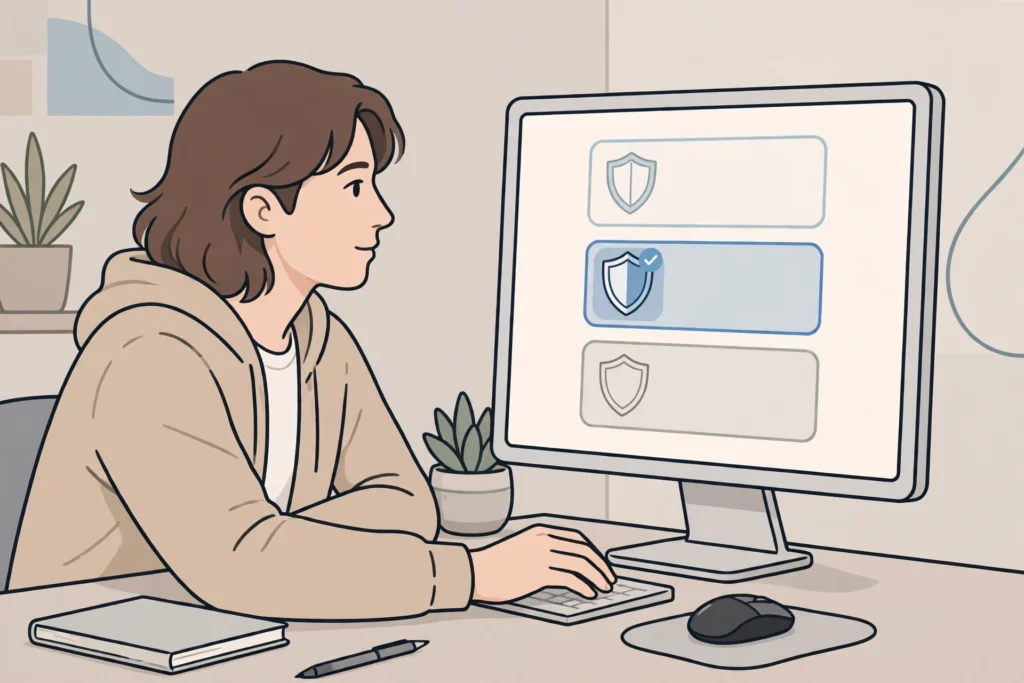
Yes, and this is where the distinction between real time and on demand matters most. A second opinion is safe when the second tool only runs when you start it, and does not install a real time shield, a startup service, or a driver that watches every file. You keep one real time antivirus program active at all times. Once in a while, or when you suspect a problem, you open a second opinion scanner, update it, run a full scan, and then close it. It does not stay resident in memory, and it does not compete with your main antivirus for every file.
Microsoft Safety Scanner and Microsoft Defender Offline are examples of this pattern. Safety Scanner runs only when you start it, and Defender Offline restarts the computer into a clean environment for a scan.
How do you safely remove the extra antivirus program?

Removing an extra antivirus program safely is a short process, but the order matters. The goal is to go from two products to one product without ever leaving a gap with zero protection. First, decide which product to keep. Keep the product you trust most, that is still supported and updated. If you are unsure, Microsoft Defender is a solid free choice on Windows, because it is built in and updated with Windows. Second, uninstall the other product properly through Settings, then Apps, then Installed apps. Do not just delete its folder, and do not just turn off its real time protection, because both leave drivers behind.
Third, use the vendor’s official removal tool. Antivirus programs install deep drivers, and the normal uninstaller sometimes leaves parts behind. Most major vendors publish a free removal tool for exactly this reason. Run it, restart when asked, and do not skip the restart. Fourth, restart and verify. Open Windows Security, then Virus and threat protection, and confirm that exactly one provider shows as active, and that real time protection is on. Confirm the kept product is up to date, and run a quick scan. Check Installed apps again for trial security tools, because many computers ship with a trial antivirus alongside Windows Security.
What should you use instead of a second antivirus?
Real extra safety comes from layers that do different jobs, not from repeating the same job twice. Keep your system and apps updated, because most successful attacks use known holes that updates already fix. Turn on automatic updates for Windows, your browser, and your main apps. Our guide to social engineering attacks explains how phishing tricks work in plain language.
Back up your important files, because backups protect against ransomware, hardware failure, and accidental deletion, which no antivirus program can undo. Use an external drive or a cloud backup, and test that you can restore a file. Protect your accounts with strong, unique passwords and two factor authentication, because many attacks start with a stolen password, not with malware. If you suspect a device may already be compromised, read how to tell if your phone is hacked. For help choosing a single product, see PC antivirus software and what an antivirus does. For more beginner friendly guides, visit the CPN Tech homepage.
What about Mac, Android, and business computers?
The one real time engine rule applies on Mac and Android too, but the details differ. On a Mac, built in protections include Gatekeeper, XProtect, and notarisation checks, and a third party antivirus product should be the only added real time scanner. Running two Mac antivirus products together creates the same double scanning and false positive problems as on Windows, even though Mac malware is less common. On Android, Google Play Protect provides a baseline check, and one reputable mobile security app can add value. Two full mobile security apps with real time scanning and VPN can conflict, drain the battery, and produce duplicate warnings.
Business computers are the main exception, and it is a managed exception, not a home setup to copy. On devices managed with Microsoft Defender for Endpoint, Defender can run in passive mode alongside another antivirus product, under an administrator designed configuration. In passive mode, Defender provides endpoint detection features without acting as the primary real time engine.
Frequently asked questions
Does having multiple antivirus programs provide additional protection on Windows 11?
No. On Windows 11, two real time antivirus programs do not provide additional protection. They inspect the same files, compete for system hooks, and can cause false positives, slowdowns, and missed detections. Microsoft recommends one real time product, with on demand scanners as a safe second opinion.
Can I run Microsoft Defender and another antivirus together?
Not both in real time mode. When you install a compatible third party antivirus, Defender normally stops acting as the primary real time engine, and Windows Security shows the new provider. You can still use Defender Offline or an on demand scanner alongside it, because those tools only run when you start them.
Is it safe to install two antivirus programs if I disable one?
No, disabling one is not safe enough. A disabled antivirus program can still load drivers, update, and interfere with the active product. It can also leave Windows confused about which provider is active. Uninstall the extra product properly, and use its official removal tool if one is available.
What is the difference between a real time antivirus and an on demand scanner?
A real time antivirus watches every file as it is opened and blocks threats immediately. An on demand scanner only checks files when you start a scan, and then closes. That is why one real time product plus an on demand scanner is safe, while two real time products conflict.
Can two antivirus programs cause a blue screen?
Yes, in rare cases. Both products install drivers that hook deep into the operating system. If those drivers conflict during a scan, an update, or a threat detection, Windows can freeze or crash with a blue screen. Removing one product and its leftover drivers usually fixes the problem.
Do I need a second antivirus if I visit risky websites?
No. A second antivirus does not make risky browsing safe. Use one updated antivirus program, keep your browser updated, avoid unofficial downloads, and be careful with links and attachments. Backups and strong account security protect you in ways a second scanner cannot.
Conclusion
Does having multiple antivirus programs provide additional protection? The evidence points the other way. Two real time engines repeat the same checks, fight over the same files, and create new problems: slow performance, conflicting alerts, quarantine fights, failed updates, and in rare cases system crashes. A single antivirus program, kept updated and verified as active, does the core job better, because it can act quickly and clearly.
If you already have two products installed, fix it in order. Keep one, uninstall the other properly, run the vendor removal tool, restart, and confirm in Windows Security that exactly one provider is active. Then add a safe second opinion only when you need it, with a manual on demand scanner that closes when the scan ends. Layer the rest of your protection where it helps most: updates, backups, a firewall, careful browsing, and strong accounts. That setup is simpler, faster, and genuinely safer than two guards fighting over the same door.